
Upload Blurry Image
Upload a blurry, low-resolution, or low-quality photo in JPG, JPEG, PNG, or WEBP format, up to 24MB.
Enhance blurry, low-quality, or dull images with our AI Image Enhancer. Designed for photographers, creators, and everyday users who want clearer photos effortlessly.
Model
Image
0/5
Prompt
Ratio
Resolution
Resolution
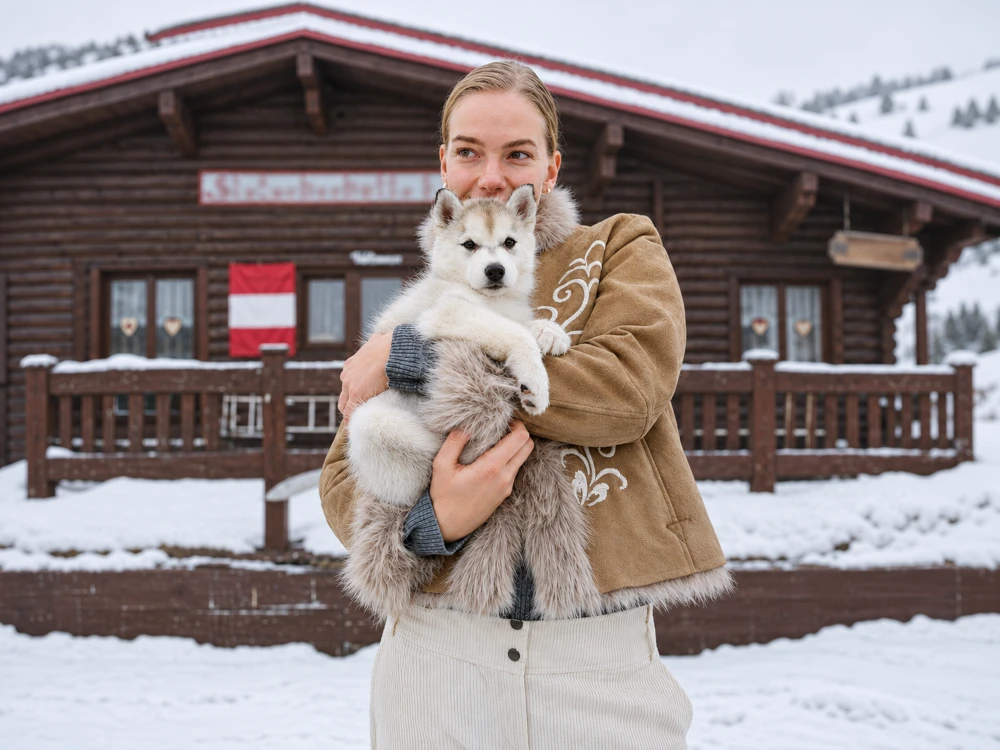
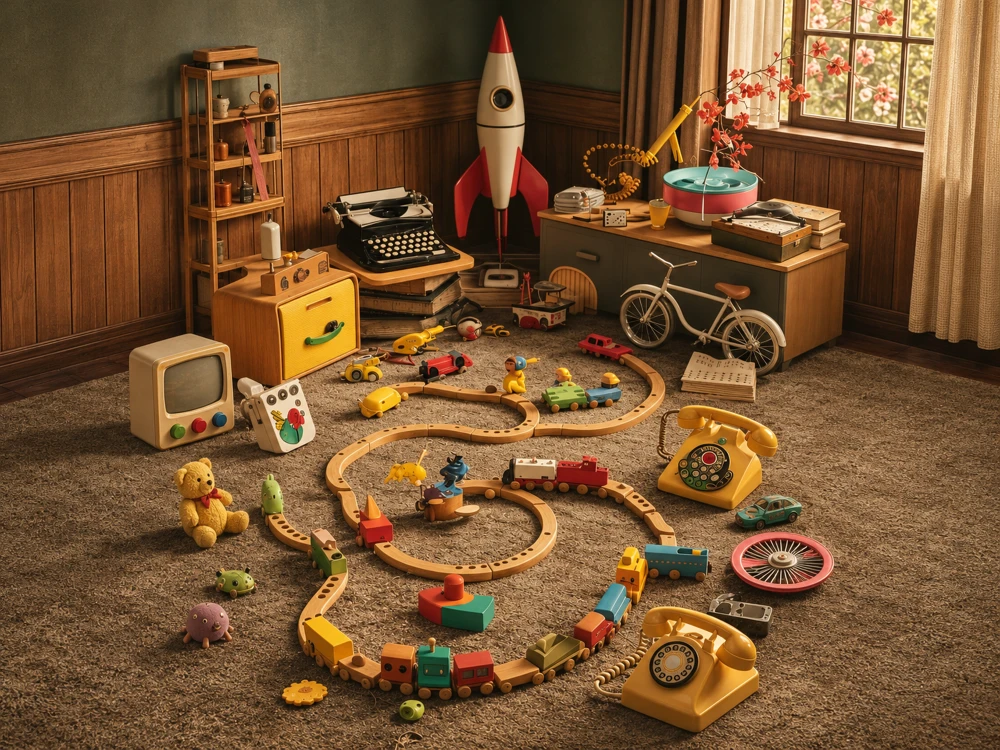
Upload a blurry, low-resolution, or low-quality photo in JPG, JPEG, PNG, or WEBP format, up to 24MB.
Let AI enhance photo by sharpening blurry areas, improving edge definition, and restoring visible details. Make faces, objects, and backgrounds clearer while keeping a natural look.
Preview your enhanced photo and download the clearer, high-quality result. Enjoy sharper details and improved image quality for personal or professional use.
Small faces in group photos, old selfies, or low-resolution portraits often lose definition around the eyes, lips, and hair. Our free AI Image Enhancer helps recover these facial details, making portraits clearer and more recognizable with AI photo enhancement.
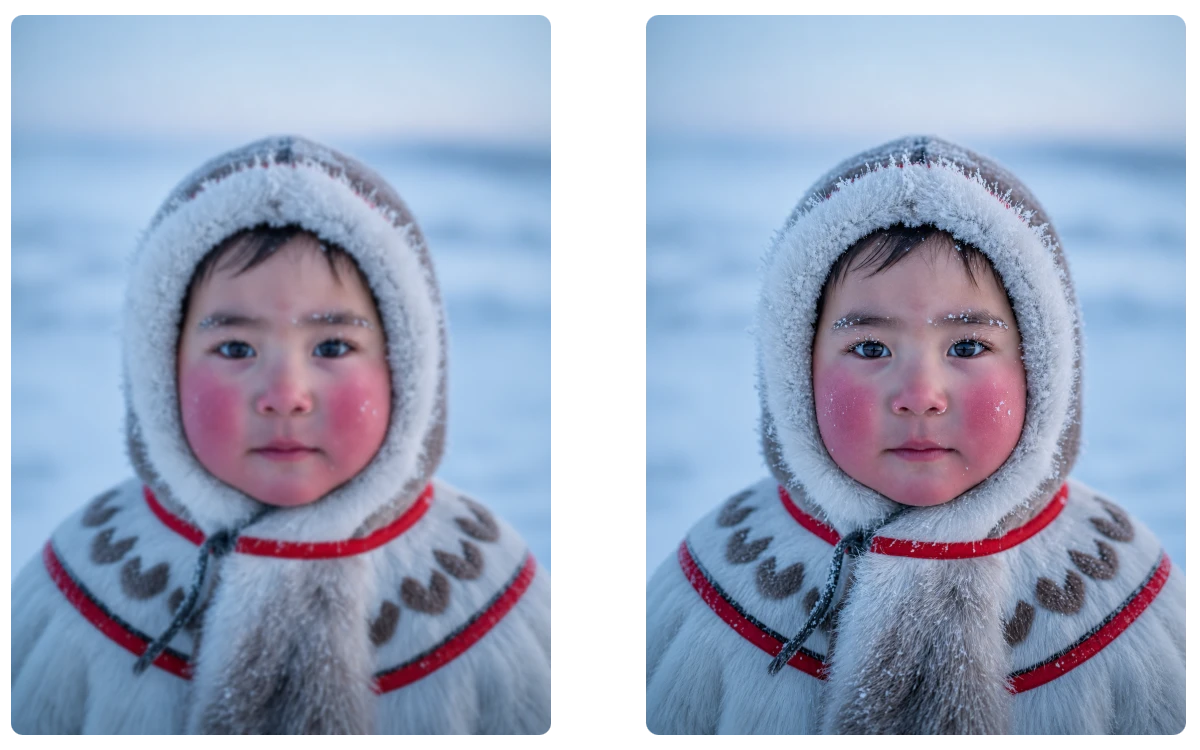
Over-smoothed photos can make skin look artificial and remove the natural texture of hair, fabric, and other surfaces. Our ai enhance image technology helps bring back visible details while maintaining the original appearance, giving portraits and product photos a more natural finish.
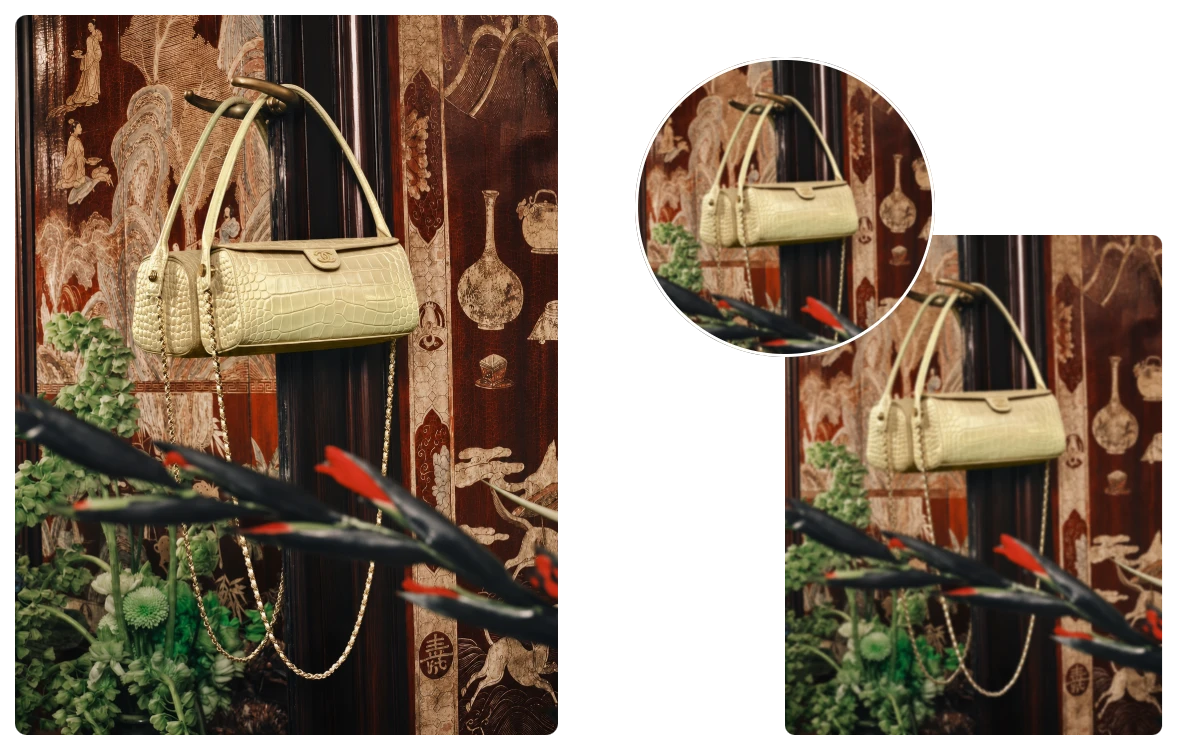
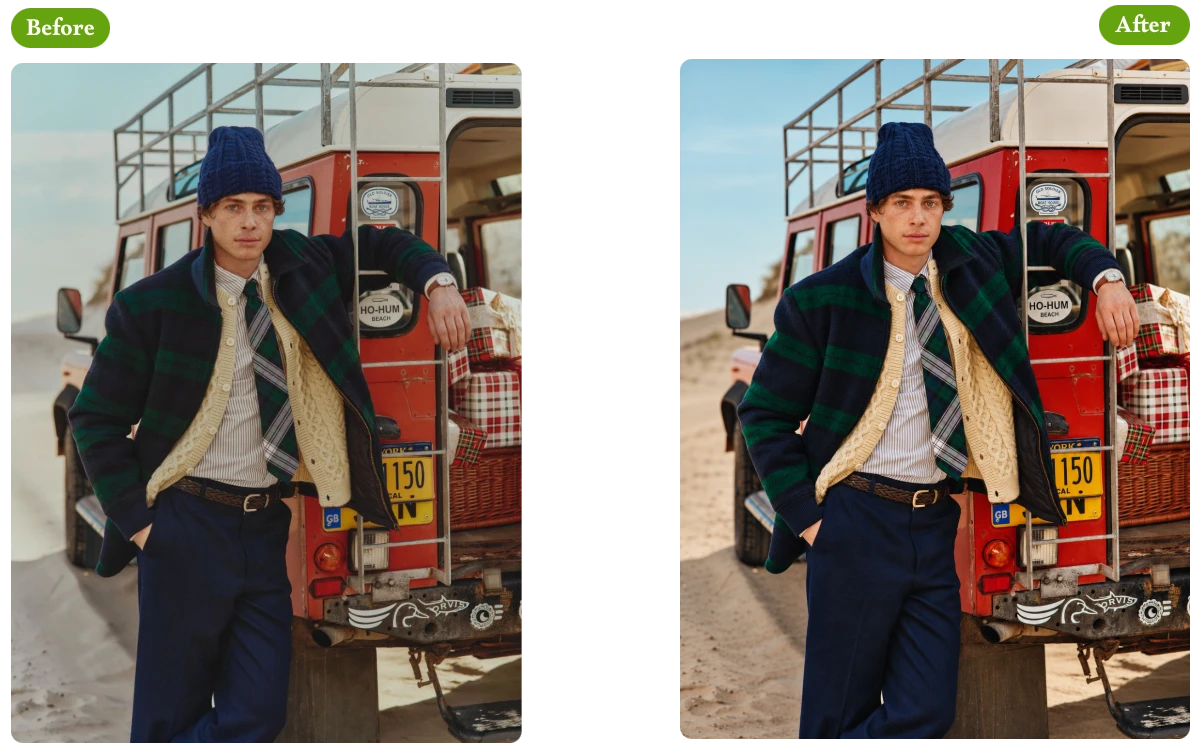
Some photos look dull even when their subjects are in focus, with faded colors, weak contrast, or uneven brightness. Our free AI image enhancer improves overall image quality in one workflow, helping restore visual depth, make colors more vivid, and bring out details.
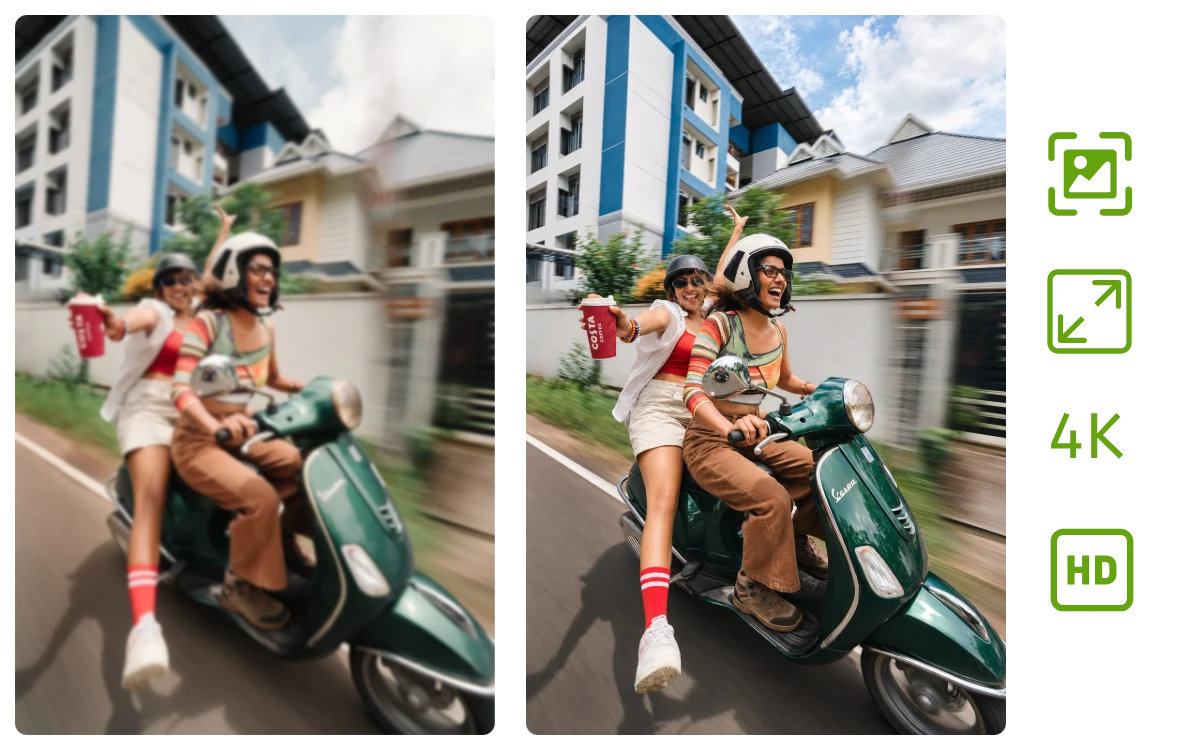
A slightly shaky camera or missed focus can leave important moments looking soft and unclear. Use our ai unblur image capability to improve edge definition, restore visible details, and make everyday snapshots, travel photos, and moving subjects look sharper.
"One wedding ceremony photo was slightly out of focus, and the couple wanted it included in their printed album. Using our AI Image Enhancer, I improved facial clarity and recovered visible details without reshooting or leaving out the special moment."
Wedding Photographer
"A few campaign photos looked soft after being downloaded and resized for different social platforms. Using Enhance photos online with AI, I improved their sharpness and clarity, helping the visuals look cleaner across Instagram posts and promotional materials."
Real Estate Photographer
"Some interior photos from a property shoot had slight focus issues, making furniture and room details difficult to see. I used AI photo enhancement to improve their sharpness before preparing the final property presentation."
Real Estate Photographer
Our AI Image Enhancer works with blurry, pixelated, noisy, faded, and low-resolution photos. You can enhance portraits, landscapes, product photos, screenshots, and old pictures and achieve clearer results.
Upload your blurry photo and let our AI image enhancement improve sharpness, refine edges, and bring out visible textures. It helps make faces, objects, and backgrounds clearer while preserving the original look of your image.
Our AI Image Enhancer is designed to improve clarity while maintaining a natural appearance. It brings out visible details and sharpens blurry areas without unnecessarily changing the original look of your photo, helping your enhanced images look clear and realistic.
Yes. Download your enhanced images in high quality without watermarks. Perfect for clearer product photos, sharper portraits, and polished visuals for presentations or social media.
Your privacy matters. Images uploaded to our free AI Image Enhancer are used only for the requested enhancement process and are not publicly shared. We prioritize protecting your personal photos and maintaining the privacy of your uploaded content.
Improve blurry, low-resolution, or dull photos with EzEditor's AI Image Enhancer. Upload your image and create a clearer version in just a few clicks.