Upload a Portrait and Scene Photo
Upload a clear portrait and the scene or background image where you want to add the person. Supports JPG, JPEG, PNG, and WebP.
Use AI to add someone naturally into your photos. Designed for creators, photographers, and users creating unique visual experiences.
Model
Person Photo
RequiredScene Photo
RequiredPrompt
Ratio
Resolution
Resolution
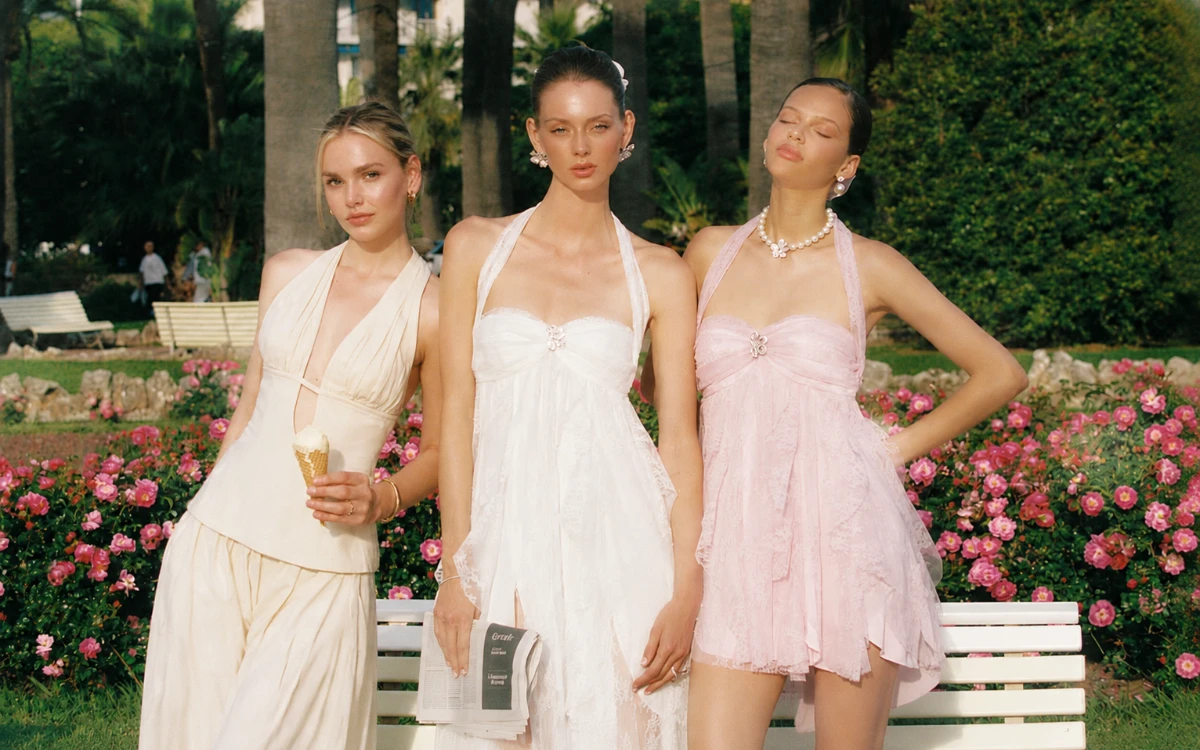
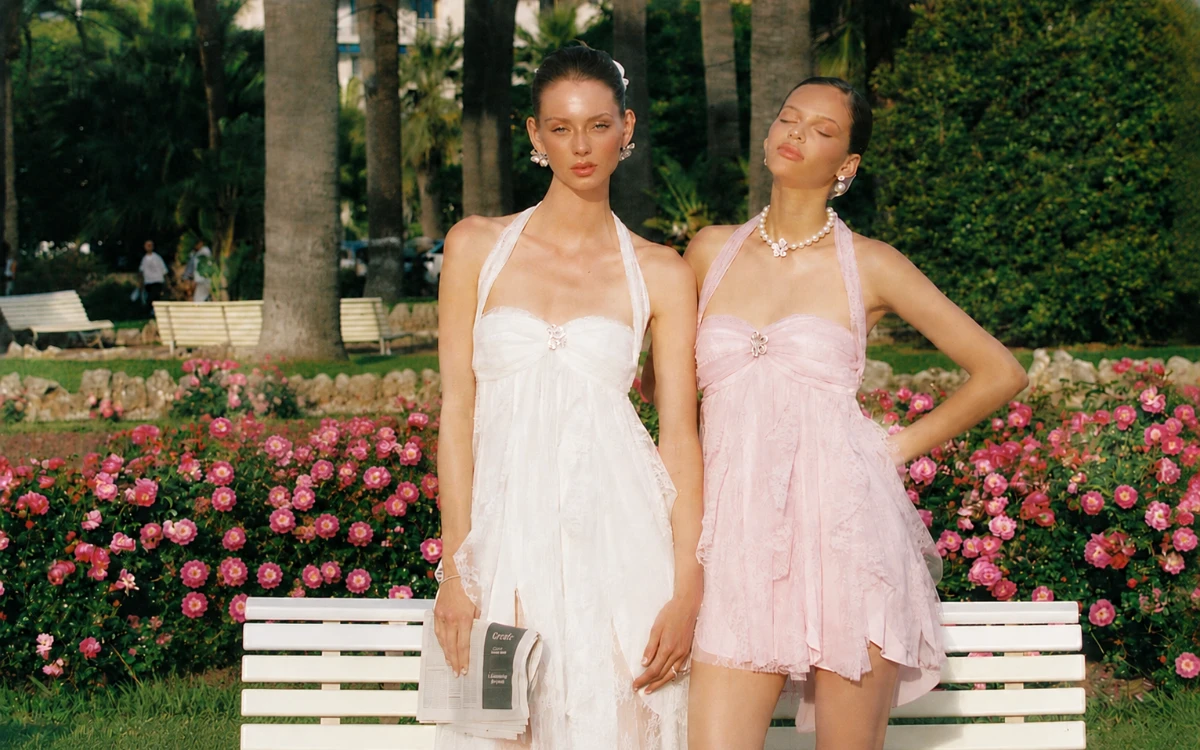
Upload a clear portrait and the scene or background image where you want to add the person. Supports JPG, JPEG, PNG, and WebP.
AI blends the person naturally into the scene. Optionally add a prompt to customize the background, pose, position, or other details.
Preview the AI-generated result and download your finished image in high quality, ready to share, save, or use in creative projects.
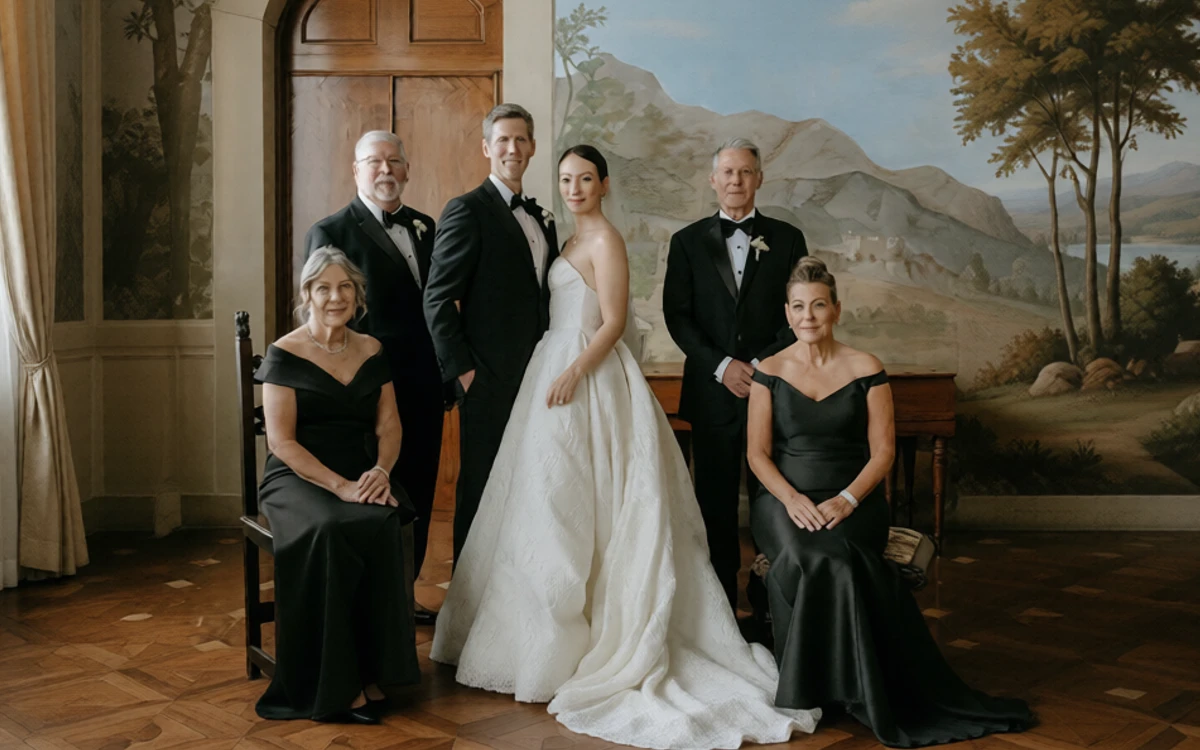
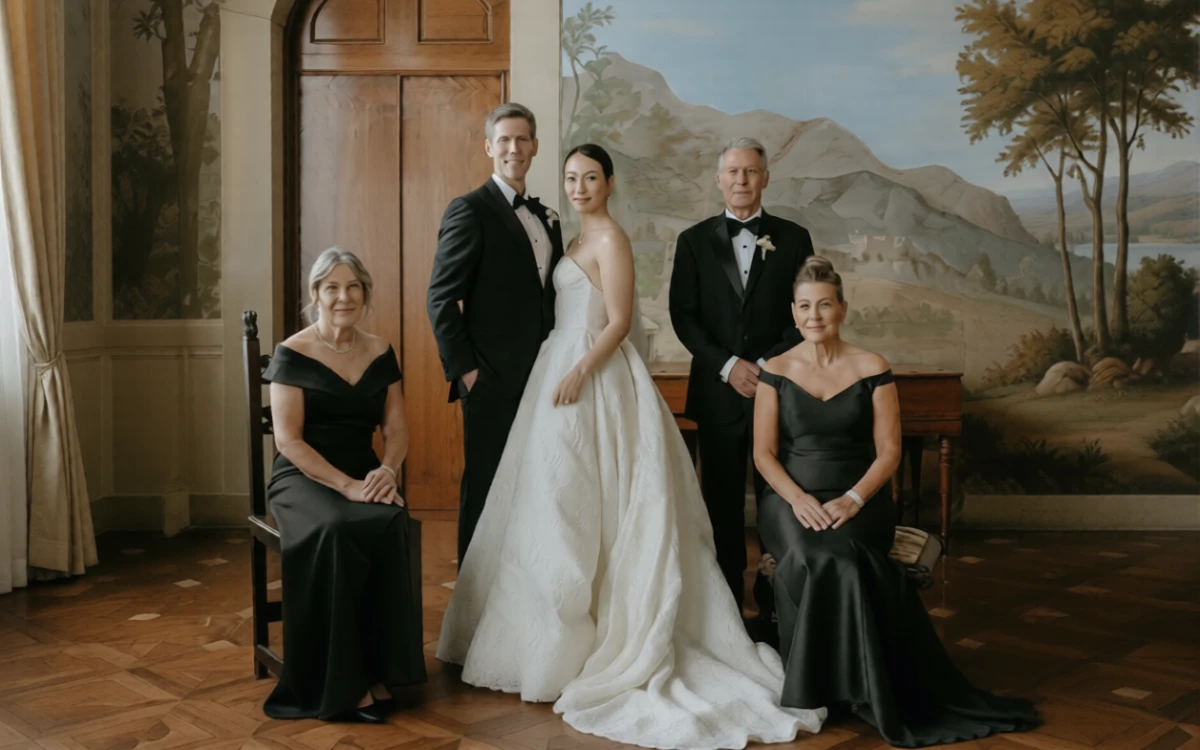
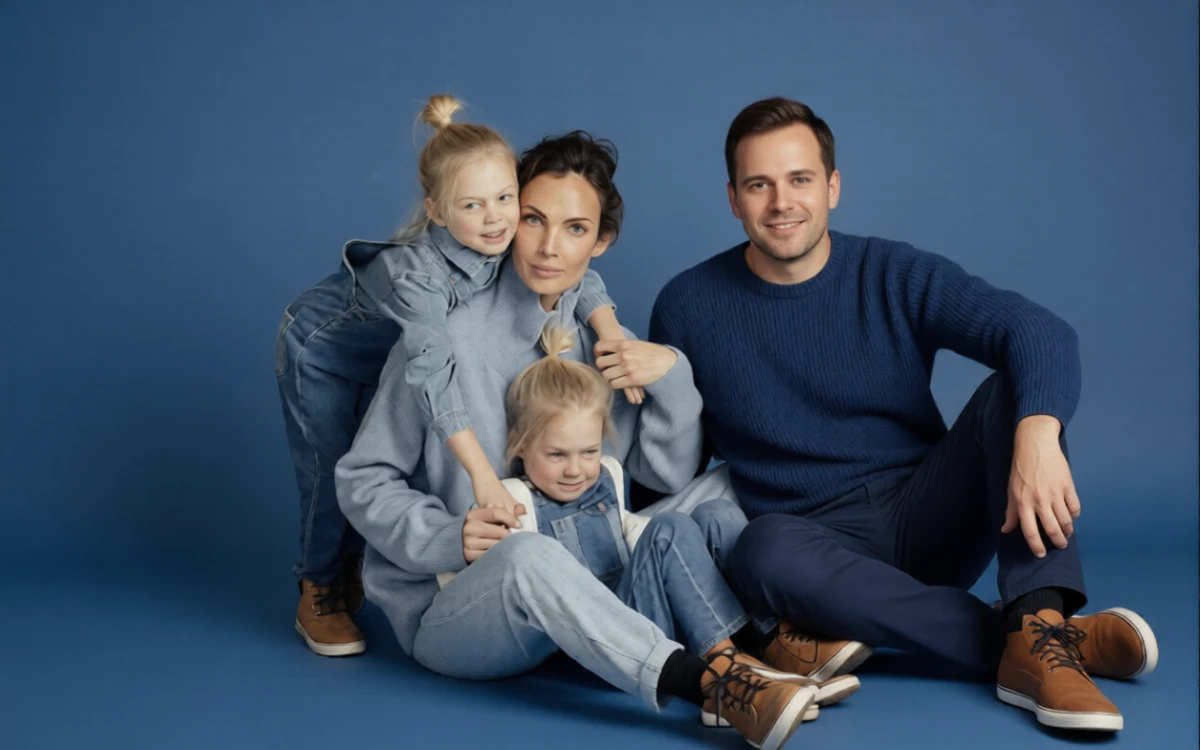
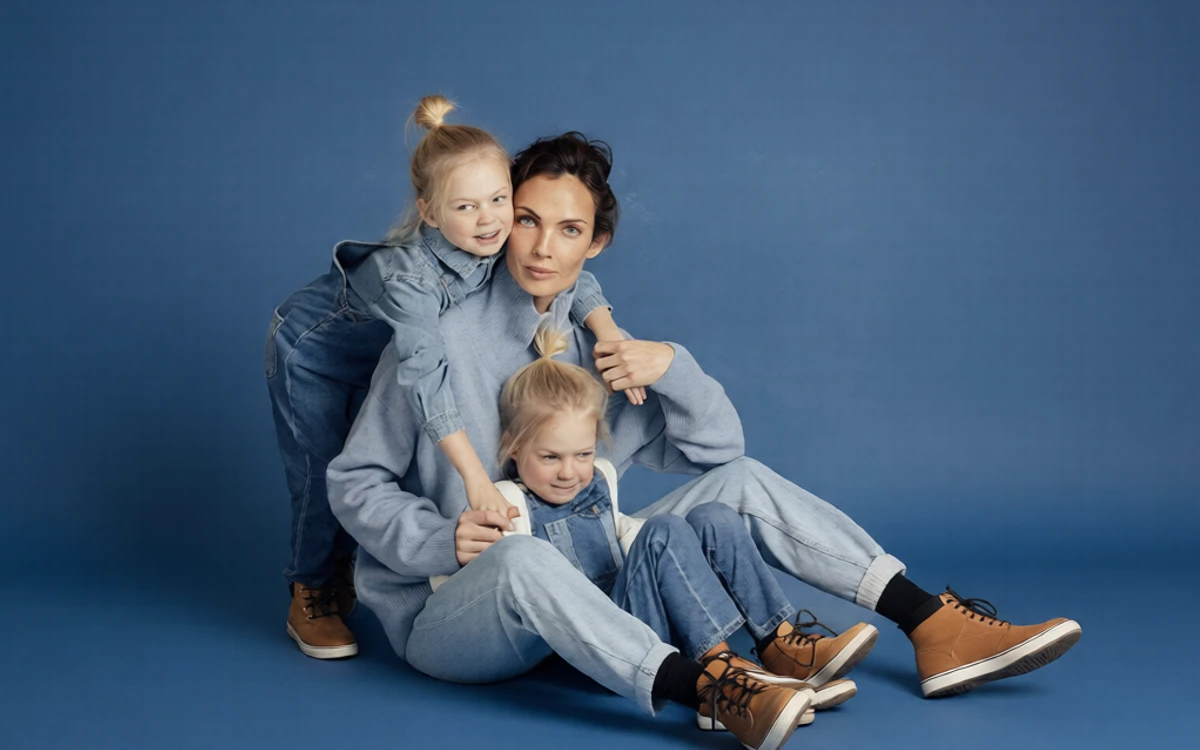
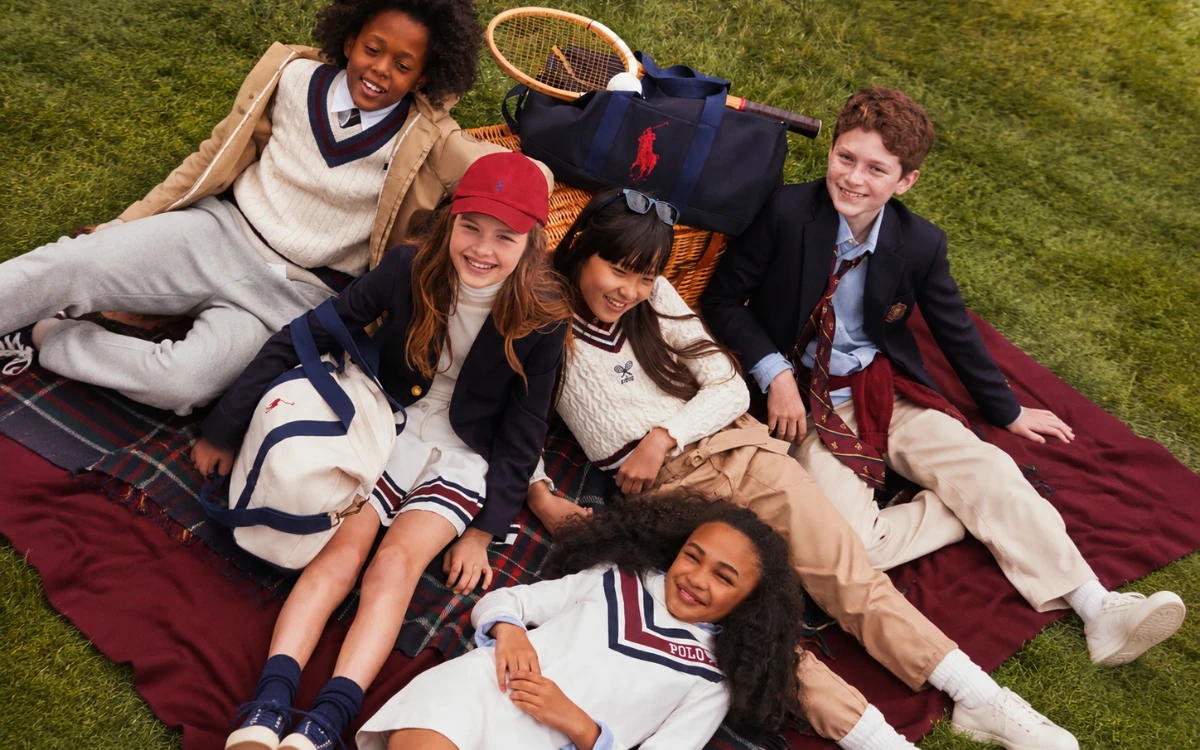
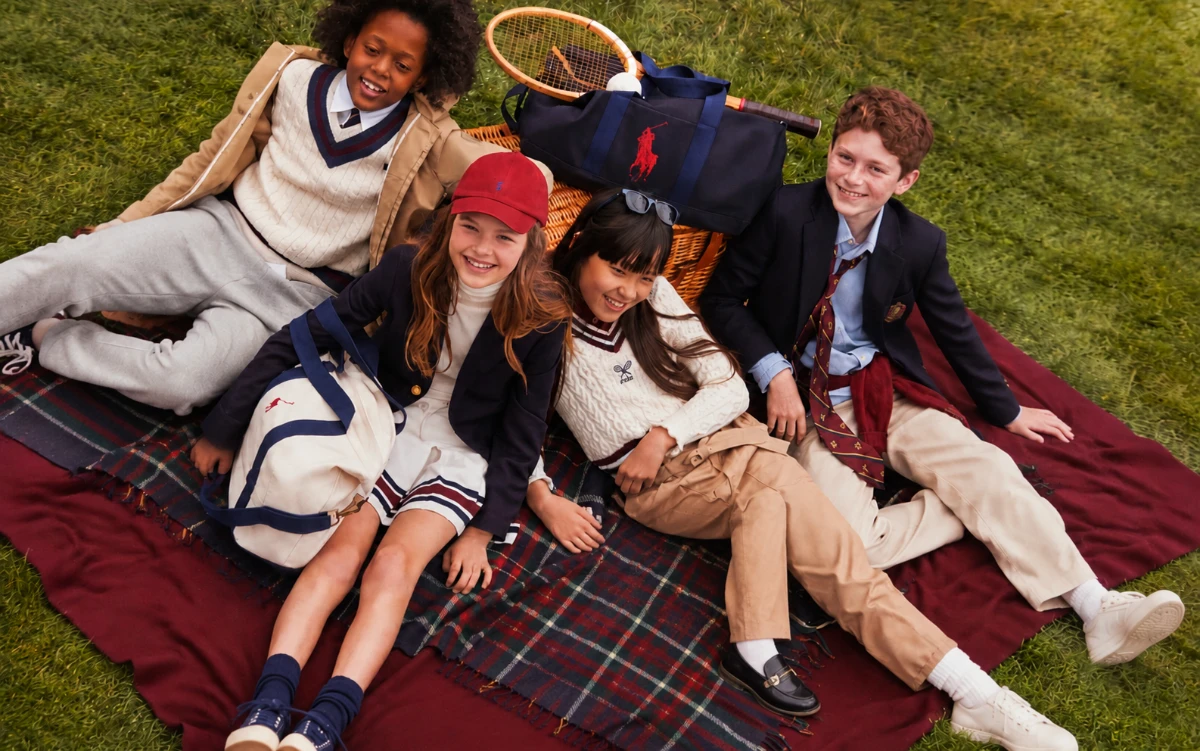
Ready when you are. No account creation or complicated setup is needed before you start. Simply upload a portrait and a scene photo, and add someone to photo in just a few clicks. Whether you are editing a family picture, creating content, or fixing a missed group shot, you can get started right away.
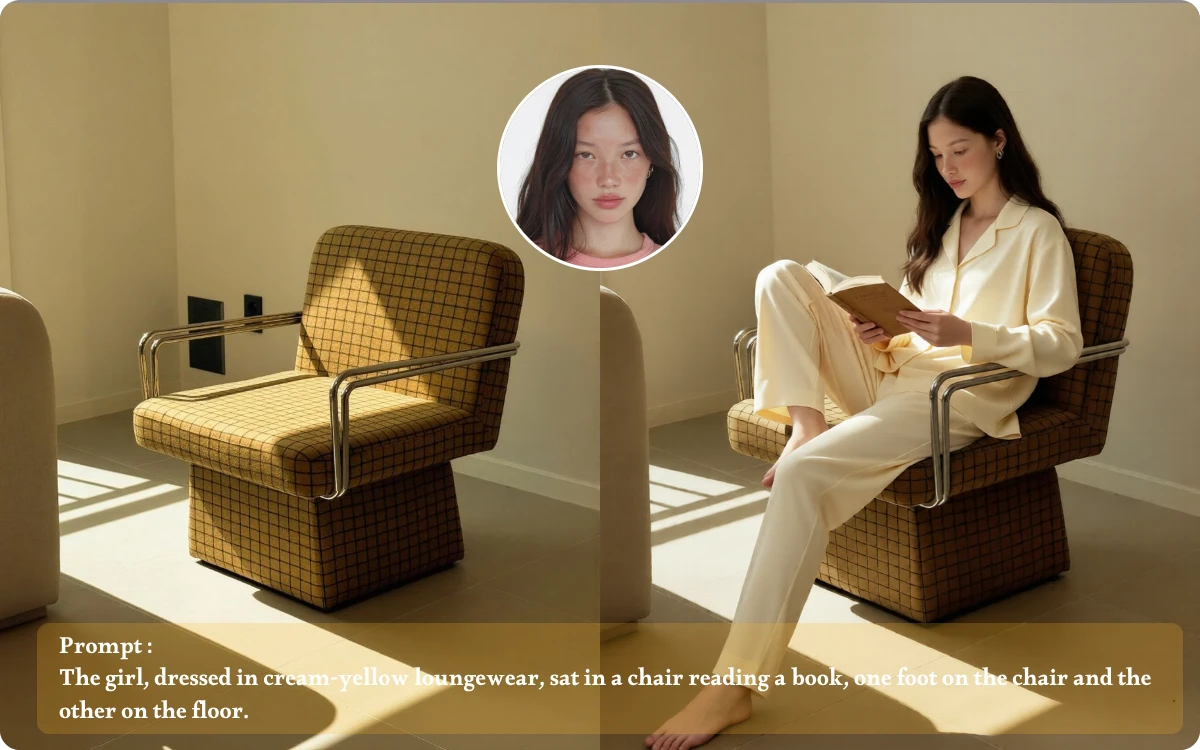
Want more than a simple person swap? Add an optional prompt to tell AI exactly what you have in mind. With ai add person to photo, you can customize the scene, refine the person's pose, adjust their position, or guide the overall result to better match your creative idea.
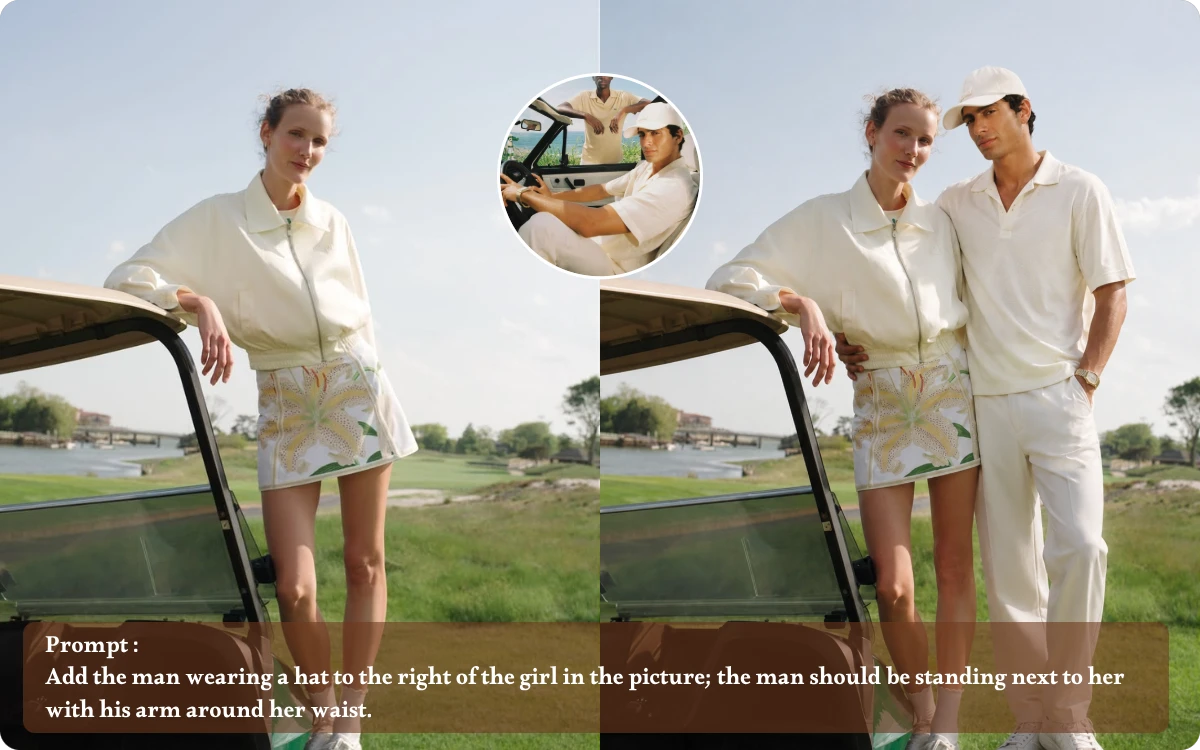
No awkward cut-and-paste effect here. AI automatically blends the added person into the original image, helping match the composition and placement for a more natural result. Whether you want to add person to group photo ai or create a new scene, the final image looks more cohesive and visually believable.
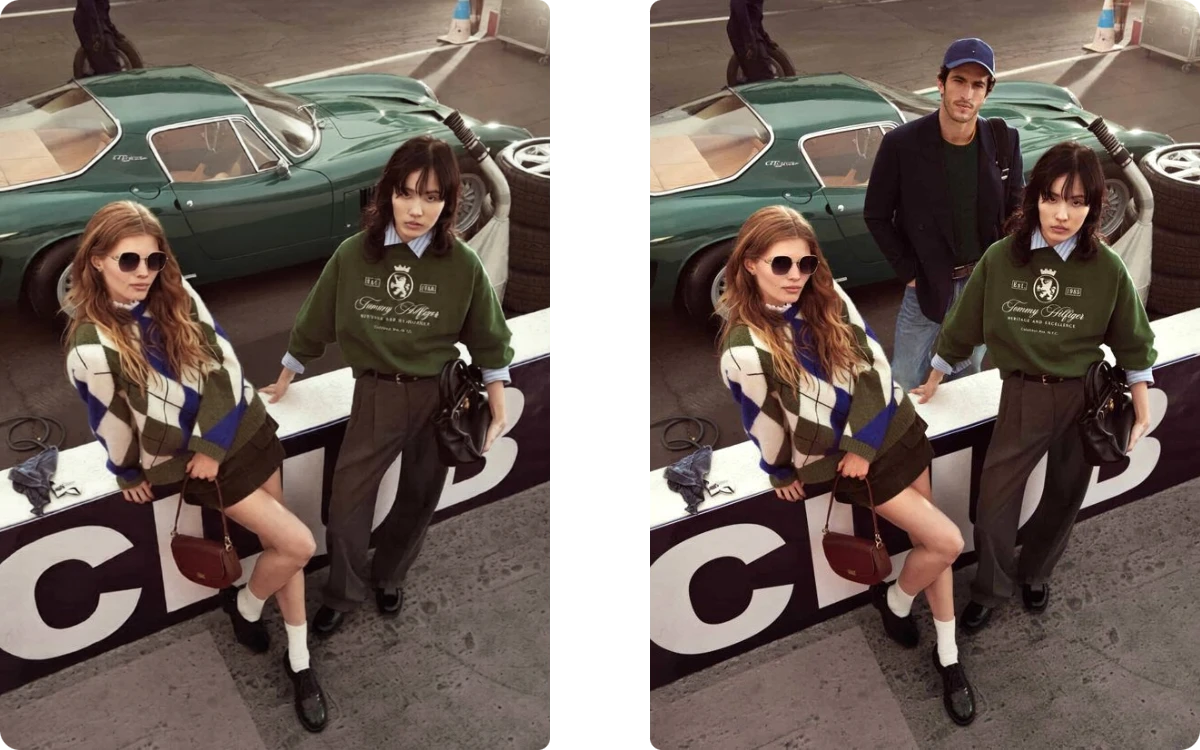
No awkward cut-and-paste effect here. Add Someone to Photo AI automatically blends the added person into the original image, helping match the composition and placement for a more natural result. Whether you want to add person to group photo ai or create a new scene, the final image looks more cohesive and visually believable.
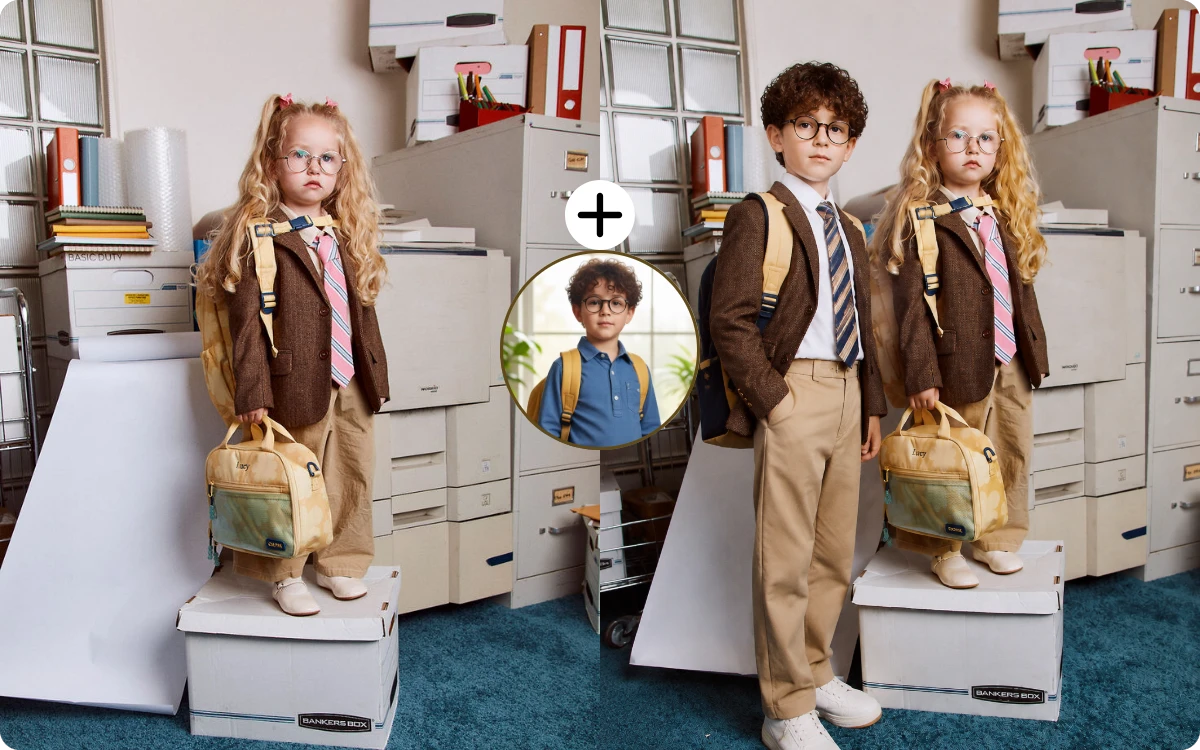
"My brother missed our annual family reunion because of a delayed flight. I uploaded his portrait and our group photo, then adjusted his position with a prompt. The result blended naturally, so I could finally share one complete family photo with everyone."
Family Blogger
"One of my closest friends stepped away just before our graduation photo was taken. I used the add person to photo tool to add him back into the group and adjusted his placement. It saved what would have been our only full class photo together."
University Student
"My client wanted one family photo including her grandfather, who could not attend the wedding. Using an older portrait, I added him into a selected group image. The natural blending made the final photo feel much more meaningful to the family."
Wedding Photographer
Upload a portrait of the person and the scene or group photo you want to edit. AI automatically adds the person to the image, while an optional prompt lets you describe details such as placement, pose, or the surrounding scene.
Yes. You can upload a group photo and a separate portrait of the person you want to include. AI helps blend the new person into the existing group, creating a more natural and cohesive result.
Yes. Adding a prompt is optional, but it gives you more creative control. You can describe where the person should appear, adjust their pose, change the scene, or specify other details to guide the AI-generated result.
The tool supports common image formats, including JPG, JPEG, PNG, and WebP, with uploads up to 24MB. This makes it easy to work with portraits, group photos, travel pictures, and other everyday images.
Yes. You can use EzEditor's AI add person to photo tool directly from your browser on supported devices. Upload your portrait and target image, customize the result if needed, and download the finished photo when it is ready.
No. Your finished image can be downloaded in HD without a distracting watermark, so the result stays clean and ready for social media, personal memories, creative projects, or other uses.
A great moment should not feel incomplete because someone missed the photo. With AI, you can naturally add a person. Start creating your complete photo today.