Upload Two Images
Upload two images you want to combine. Use photos, designs, products, characters, or other visual references to start your AI image combination.
Combine multiple images into one with AI-powered editing, helping creators, designers, and everyday users turn references into new visuals.
Model
Image 1
RequiredImage 2
RequiredPrompt
Ratio
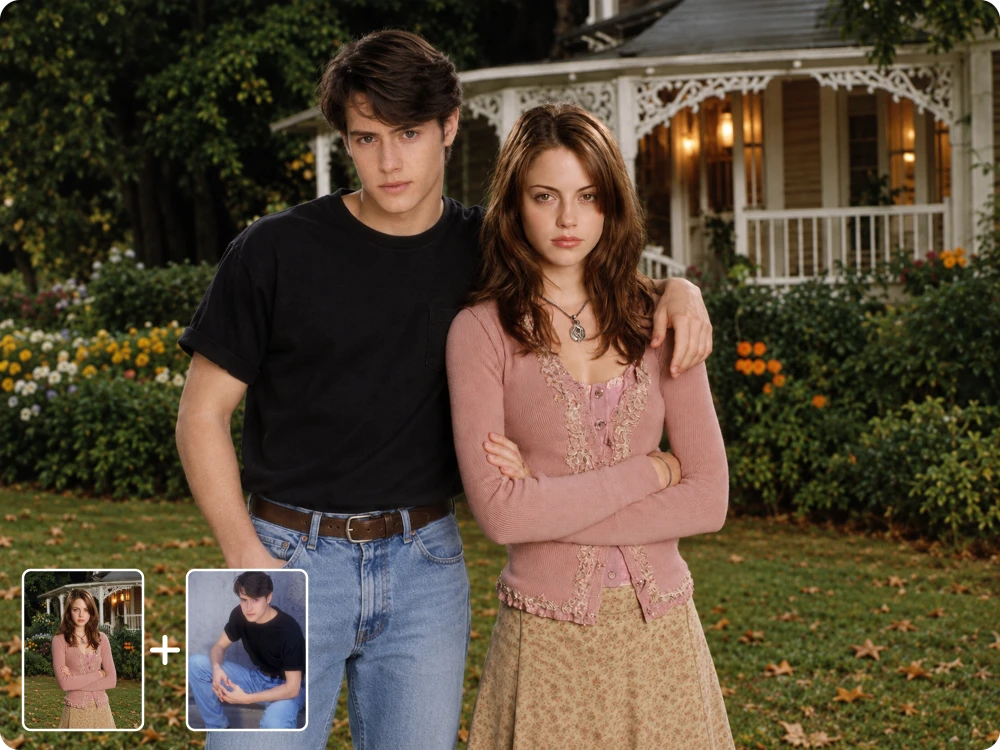
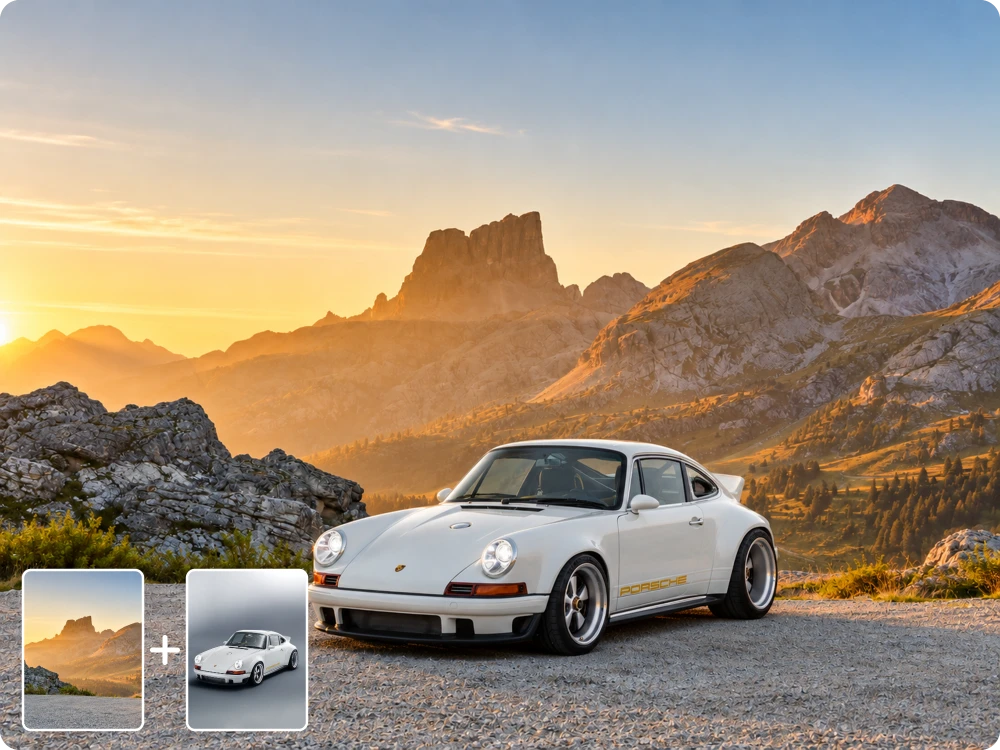
Upload two images you want to combine. Use photos, designs, products, characters, or other visual references to start your AI image combination.
Enter a prompt describing how you want the images combined. AI follows your instructions to blend subjects, styles, backgrounds, and other visual elements.
Review the combined result and continue editing with follow-up prompts, or download the finished image when it matches your vision.
Instead of simply placing two files together, assign a purpose to each reference. Use one image for the main subject and another for the background, outfit, pose, or visual style, helping AI combine images into one coherent composition without losing the elements you want to keep.
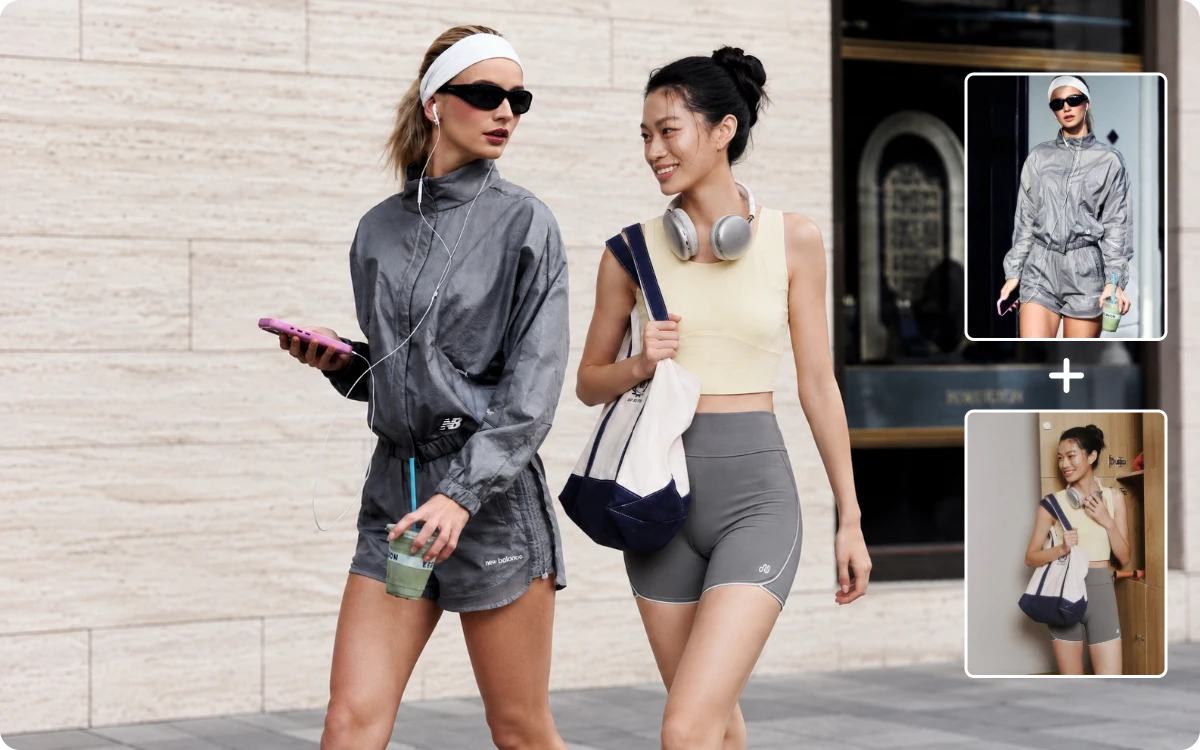
Your idea does not have to fit a fixed template. Describe exactly how you want the images merged, including subject placement, background, style, lighting, or specific details. With custom prompts, this image combiner AI gives you more control over how the final image takes shape.
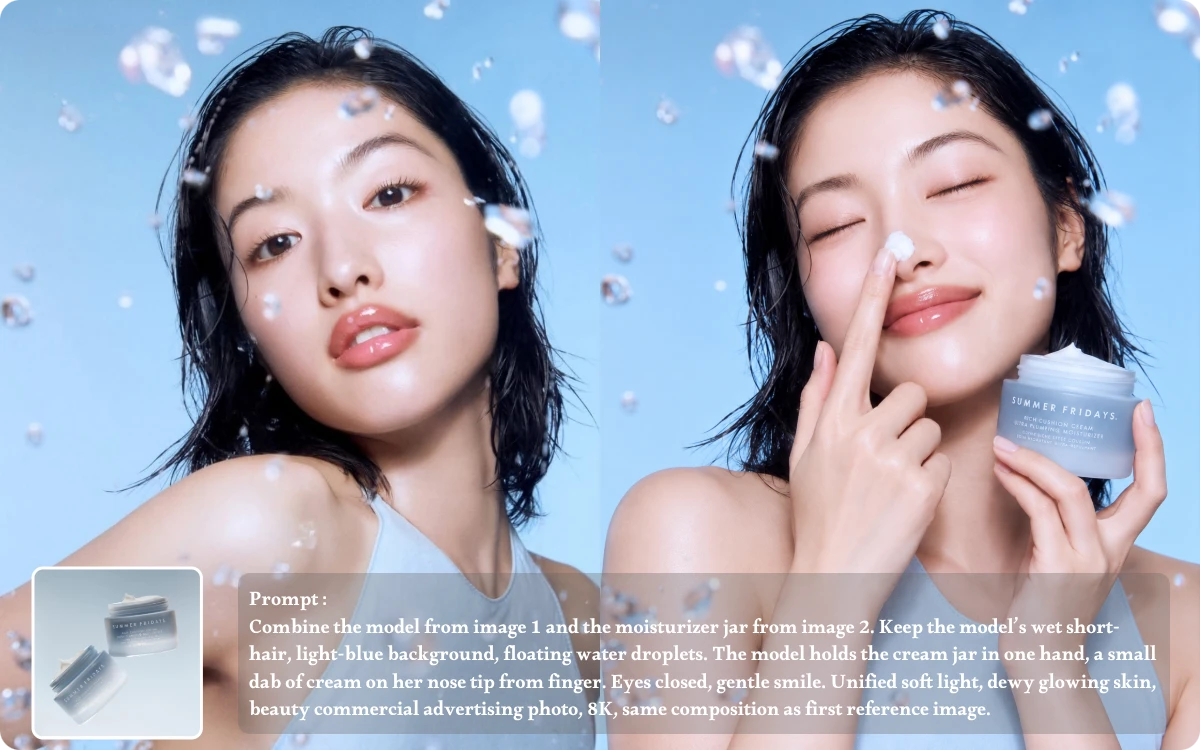
When combining people, products, or other important subjects, small changes can affect the final result. Tell AI which features should remain recognizable, such as facial details, product shape, clothing, or proportions, so you can combine two photos while keeping the key visual elements consistent.
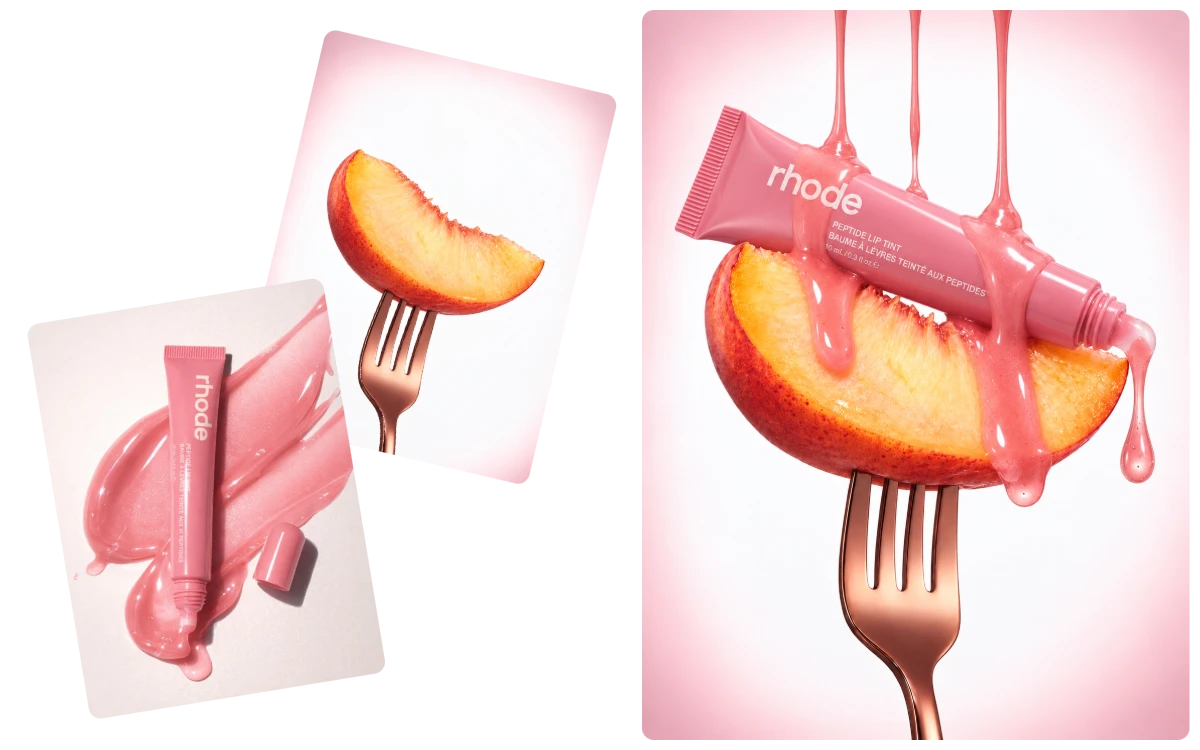
Turn a simple product photo into a scene-ready visual without manually cutting and pasting. Place a product from one image into a lifestyle setting from another, then describe the desired placement and atmosphere to create a natural Photo Combine Editor result for ads, stores, or social content.
"I combined a product shot with a kitchen scene for a weekend campaign. The AI Image Combiner preserved the bottle shape and placed it naturally on the counter, saving me hours of manual compositing in Photoshop."
E-commerce Manager
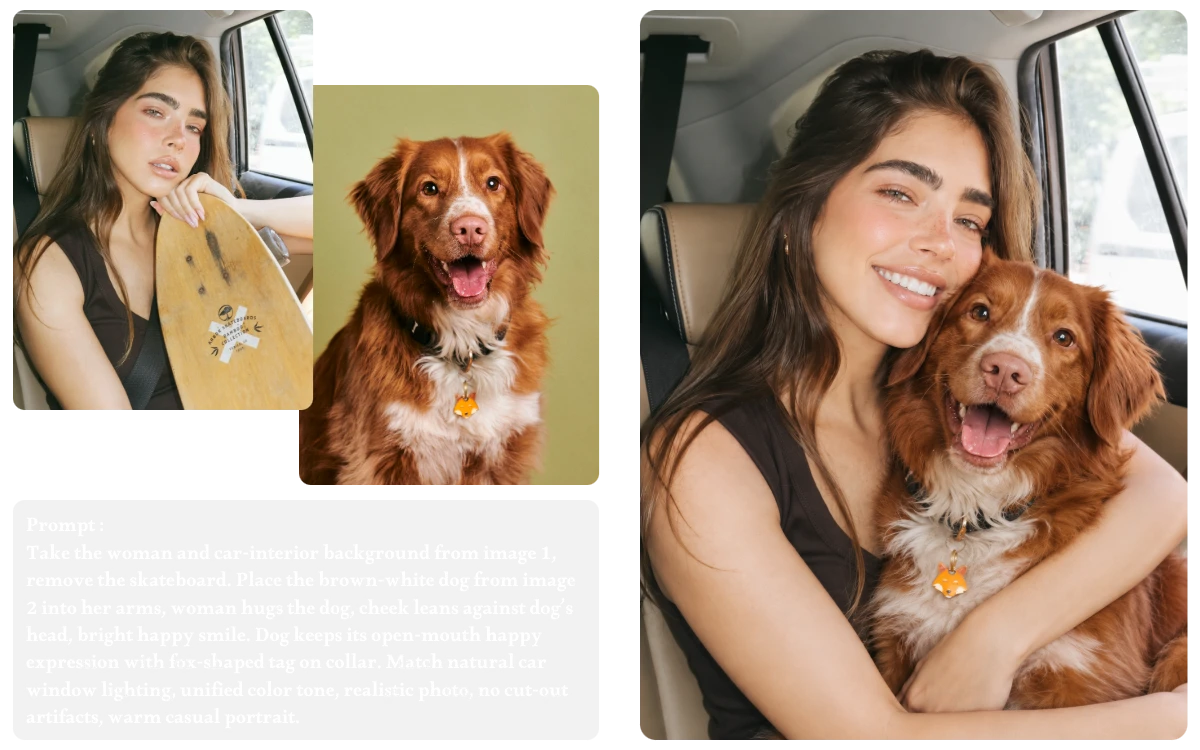
"For a family portrait, I needed to bring two separately photographed relatives into one frame. Using ai combine two images, I described their positions and background, then refined the result with a follow-up prompt."
Photographer
"I had a portrait and a mountain landscape taken on different trips. With image combiner AI, I combined them into one realistic travel image while keeping my original pose and the scenery recognizable."
Travel Blogger
An AI Image Combiner uses two reference images and your instructions to generate one new visual. Instead of simply placing images side by side, it can interpret subjects, backgrounds, styles, lighting, and composition to create a more unified result.
Yes. Your prompt can specify the relationship between the two images, such as keeping a person from one photo while using the background, outfit, lighting, or style from another. This gives you more control than a fixed image combiner AI template.
You can upload .jpeg, .jpg, .png, and .webp images up to 24MB each. Using clear, well-lit source images with visible details can help the AI better understand the subjects and produce a cleaner combined result.
Yes. You can select the output aspect ratio according to your intended use. Choose a suitable format for square posts, vertical content, landscape images, product displays, or other layouts instead of being limited to the original dimensions.
The AI Image Combiner generates HD-quality images without watermarks, so you can download clean, ready-to-use visuals after combining your images.
Yes. You can use the free AI Image Combiner without creating an account and receive 5 free image-generation credits each day. The credits refresh the following day, while additional credits can be purchased when you need more advanced generation.
From product visuals to creative concepts, AI Image Combiner helps you merge different images into one cohesive creation. Start combining your images with AI today.