
Upload Your Image
Upload a JPG, JPEG, PNG, or WEBP image up to 24MB to start customizing its lighting with AI.
Use Relight AI to adjust light direction, brightness, and atmosphere, helping photographers, designers, and creators enhance their images with ease.
Model
Image
0/5
Prompt
Ratio
Resolution
Resolution
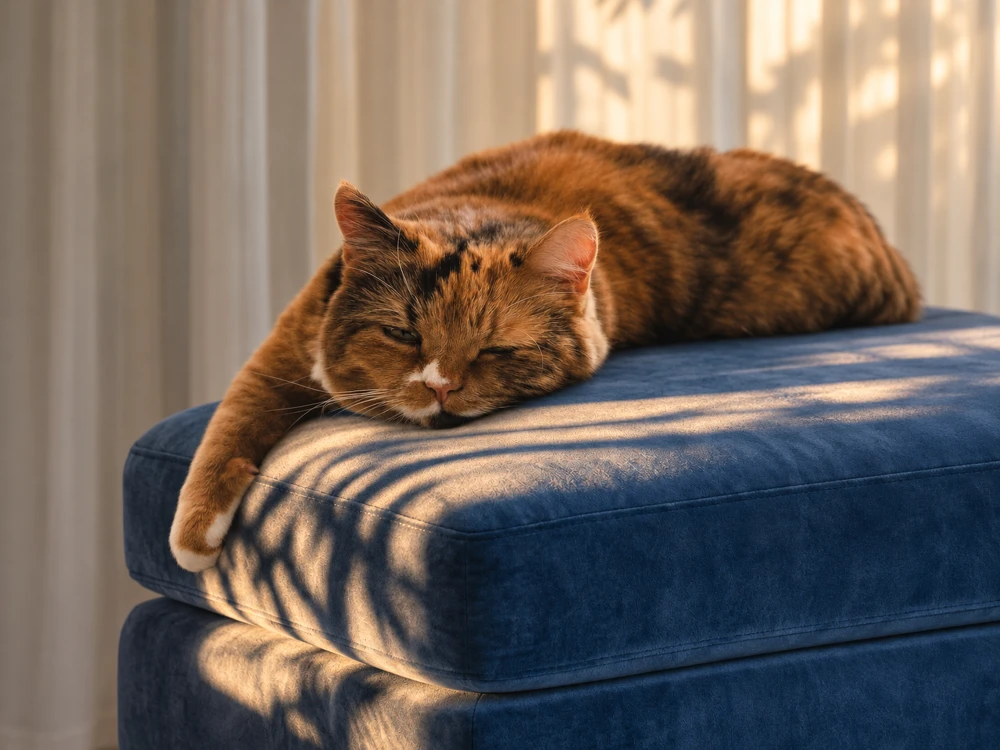
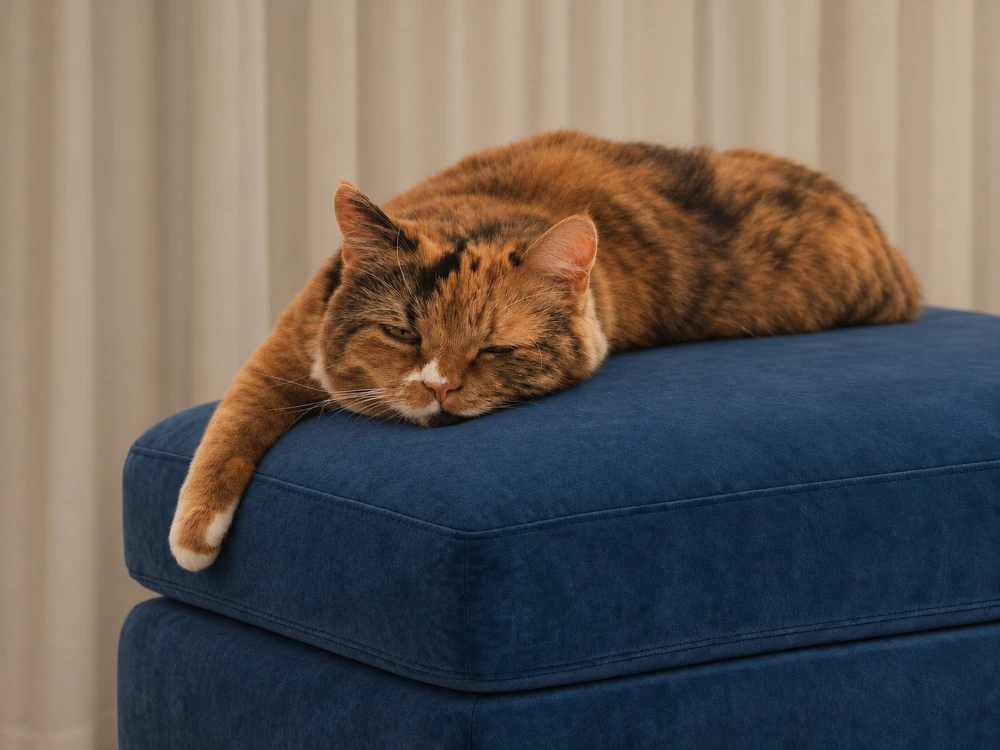
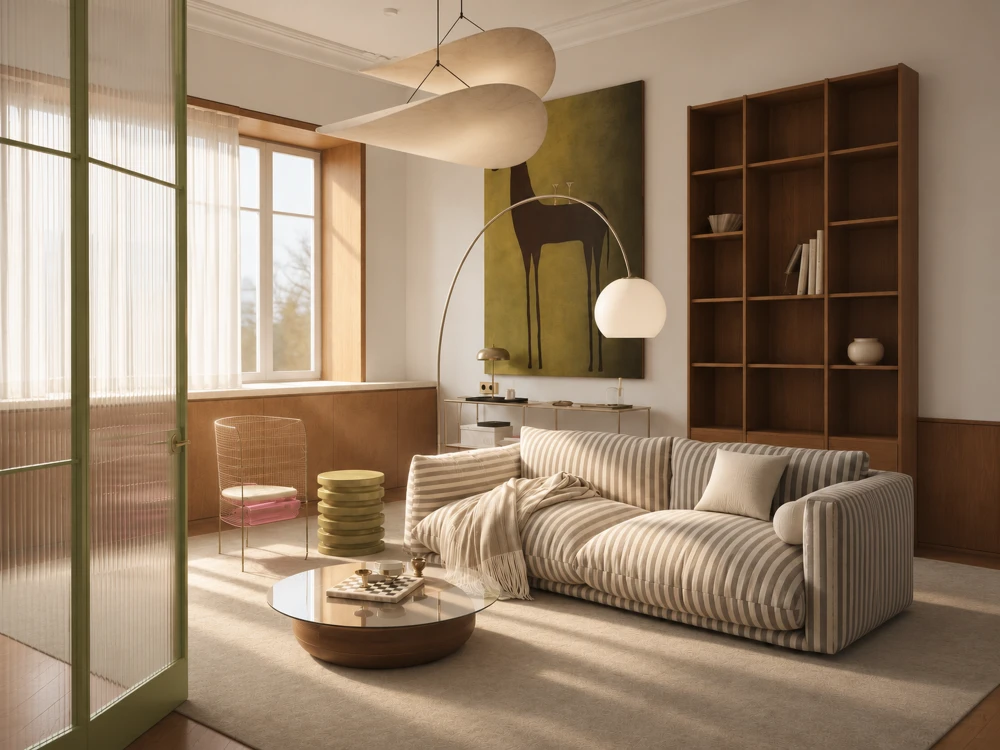
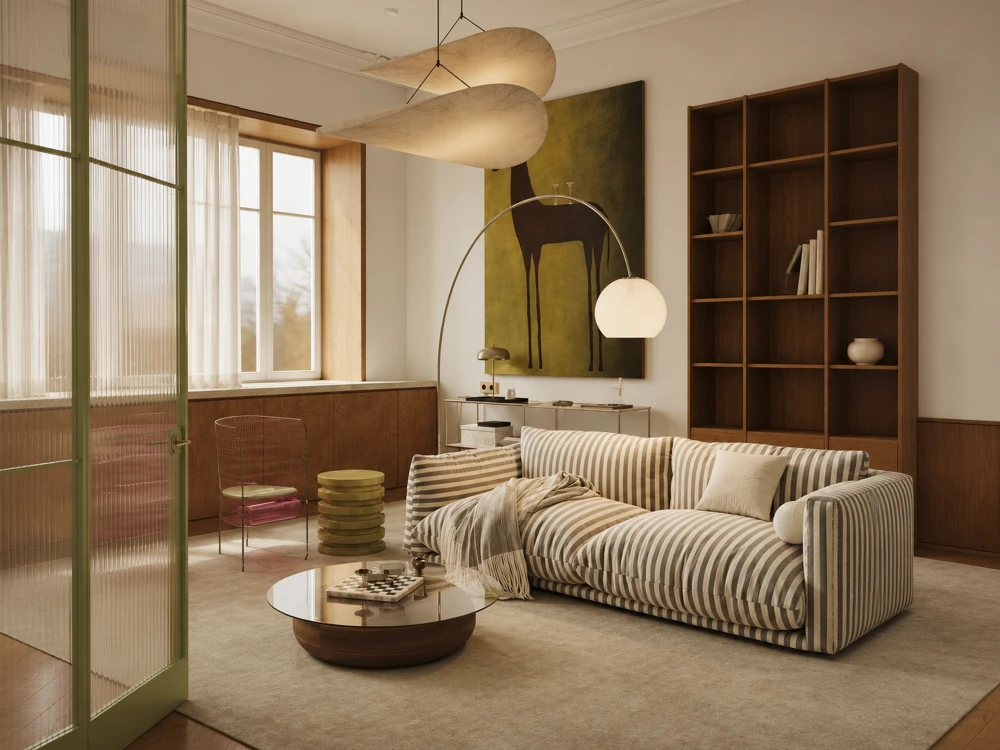
Upload a JPG, JPEG, PNG, or WEBP image up to 24MB to start customizing its lighting with AI.
Move the light source to your preferred position, choose a lighting atmosphere and adjust the light color and brightness to match your vision.
Click Generate to let AI Relight your image based on your settings. Preview the result and download your enhanced photo in high quality.
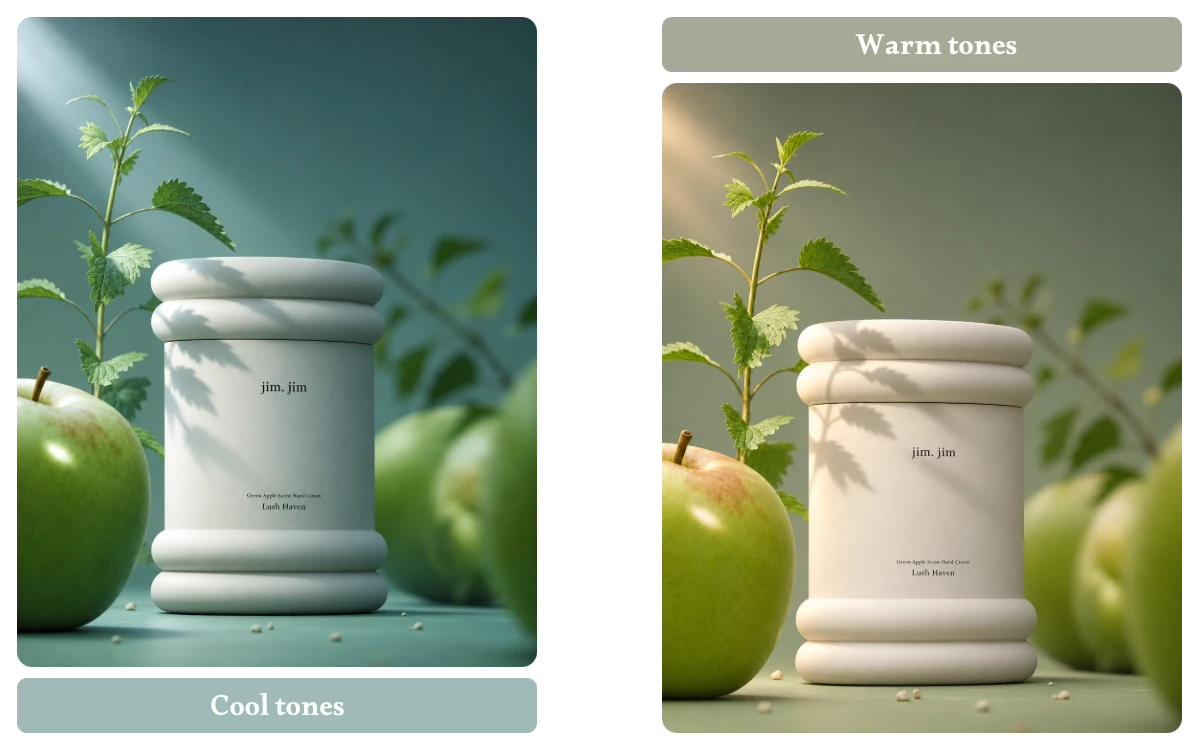
Choose a warm tone for cozy portraits, a cool cast for clean product shots, or stronger contrast for a dramatic look. With AI relighting, adjust the light color and brightness to shape the mood instead of applying the same filter to every photo.
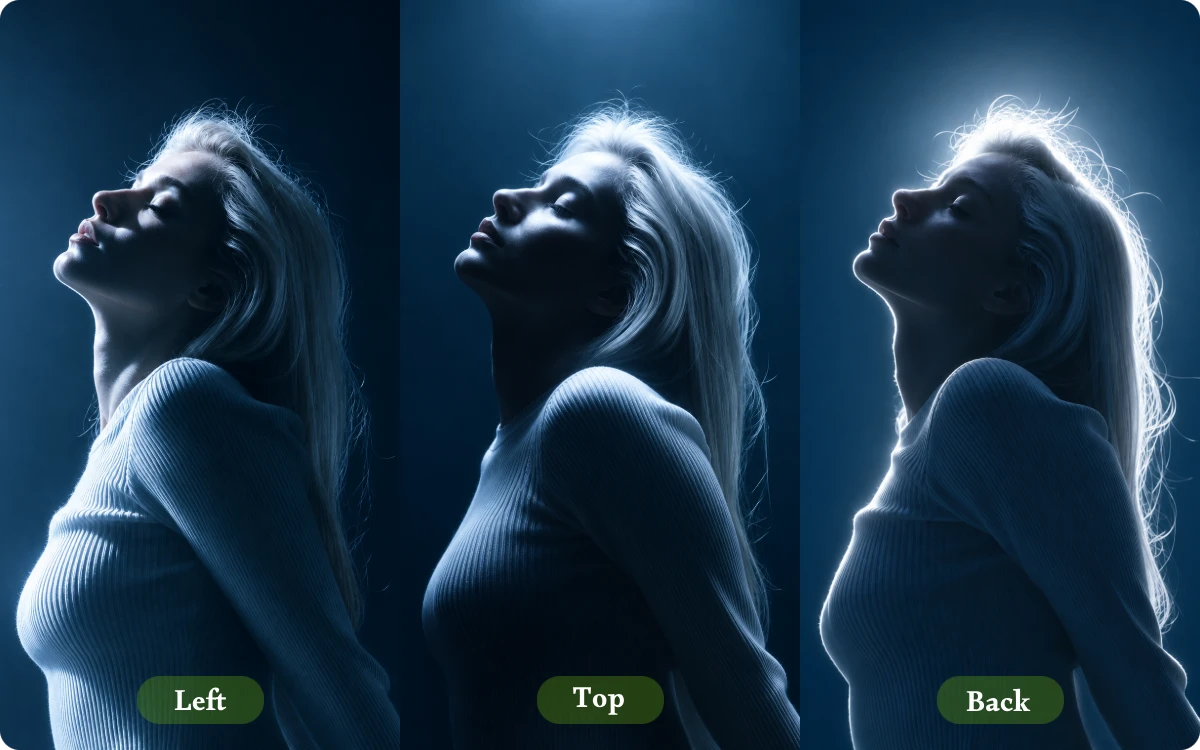
Move the light source around your subject to change where illumination falls. This AI image relight control helps add definition to a face or product, while shifting highlights and shadows to suit the scene rather than leaving light fixed in one direction.
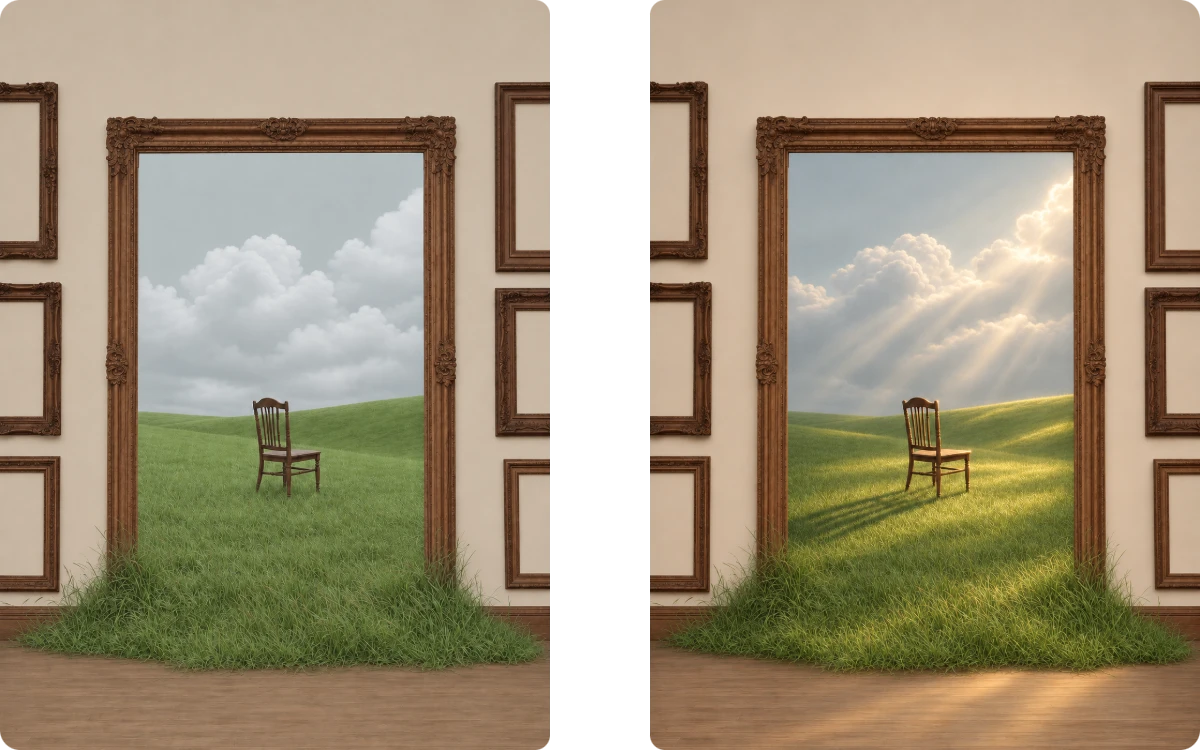
An underexposed face or flat-looking product shot can be difficult to use, even when the composition is right. Use free AI relight to reposition the light and tune its brightness, giving an existing photo a more balanced look without arranging another shoot.
Testing product colors no longer needs to start with a new photoshoot. Use ai image recolor free to explore alternative shades for packaging, clothing, accessories, or product designs, helping you visualize color variations before making your final design decisions.
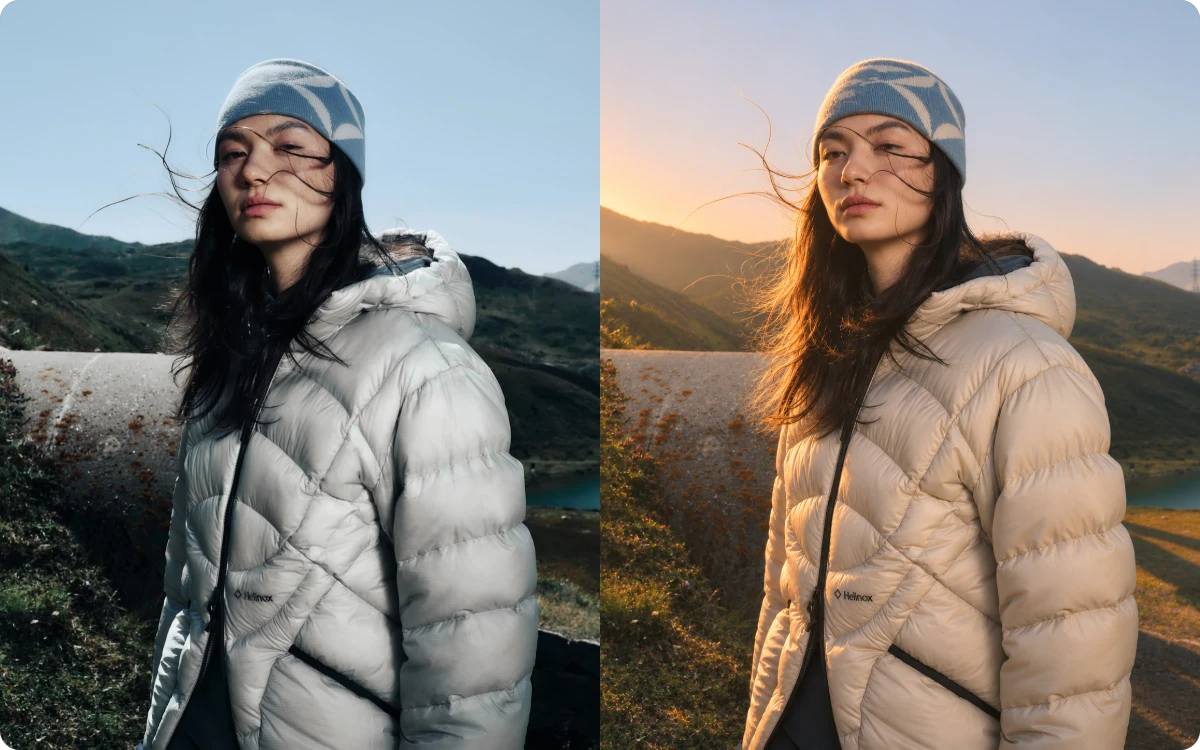
"During an outdoor portrait session, changing sunlight left several faces looking uneven. I used AI Relighting to adjust the light direction and brightness, making the photos more consistent without asking clients to pose again."
Portrait Photographer
"Before launching a summer collection, I noticed some product photos looked too dark against their backgrounds. AI Image Relight helped me adjust the lighting and bring out product details without arranging another expensive photoshoot."
E-commerce Store Owner
"One apartment listing had several rooms photographed under different lighting conditions. I used free AI Relight to improve the overall light balance, helping the interior images look more cohesive in the final property gallery."
Real Estate Photographer
AI Relighting uses artificial intelligence to modify the lighting of an existing photo. It lets you reposition light sources, adjust brightness and change color tones, helping improve dark, flat, or unevenly lit images without taking another picture.
Poor lighting can make photos look dull or flat. Relight AI lets you adjust light direction, brightness, and color to create balanced shadows and a more natural look for portraits, products, and everyday photos.
You can customize your lighting by moving the light source and adjusting its color and brightness. Create warm, cool, soft, or dramatic lighting effects to match different photo styles and creative needs.
Yes. You can adjust the lighting direction, color, and brightness to improve your subject's appearance while keeping the original scene as the visual reference. This is useful for product photography, portraits, and indoor images where the background already looks right.
The AI Relight tool provides high-quality image output without watermarks. It is designed to improve lighting while retaining important visual details, such as facial features, product textures, and edges.
Yes! Get 5 free credits daily to try AI Relight. Need more? Recharge credits to unlock advanced features and explore more lighting possibilities.
Great photos deserve great lighting. Adjust light direction, color, and brightness with free AI Relight to bring out the best in every image.