
Upload Your Image
Upload a .jpeg, .jpg, .png, or .webp image up to 24MB and get ready to give your original image a completely new look.
Restyle your images with AI Style Transfer, helping creators, designers, and photography lovers turn ordinary photos into unique visual experiences.
Model
Image
0/5
Prompt
Ratio
Resolution
Resolution
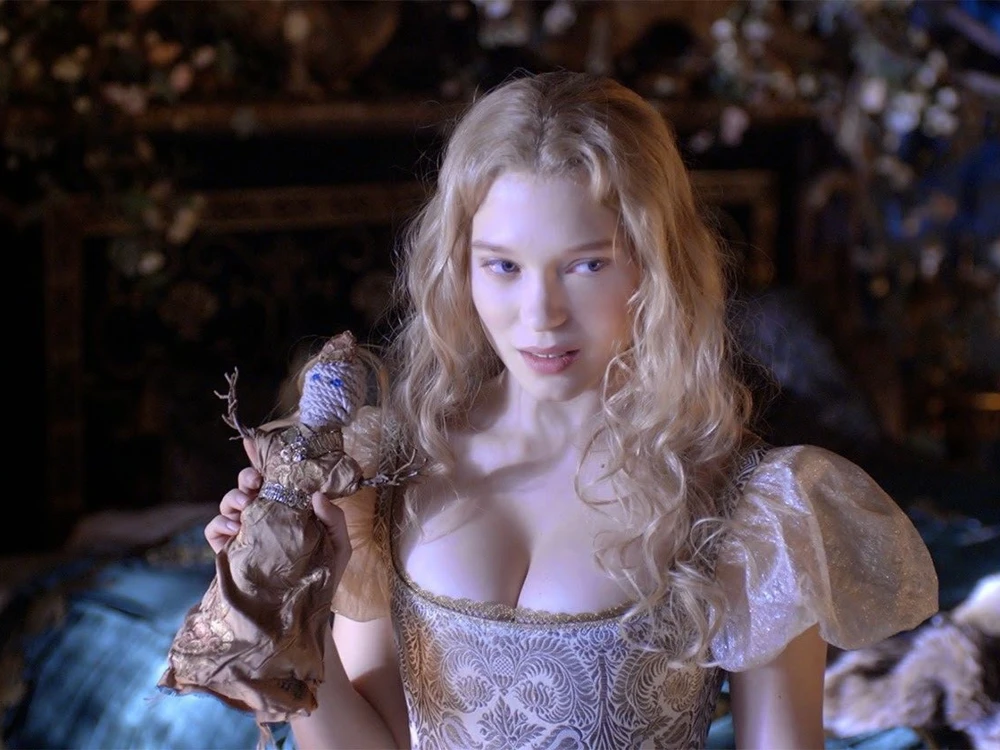
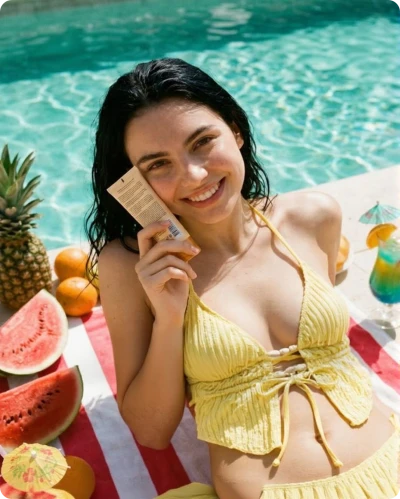
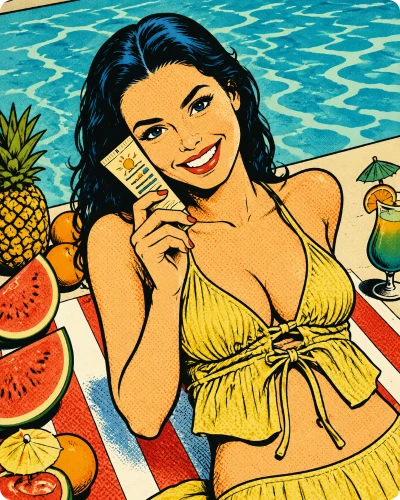
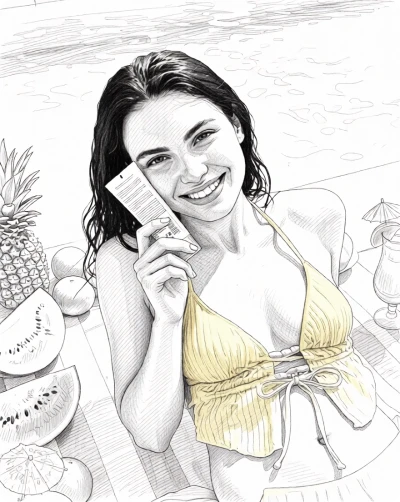
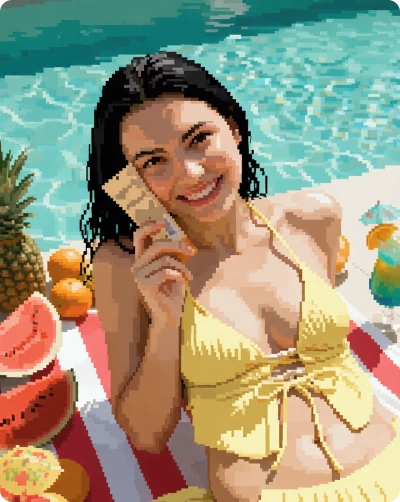
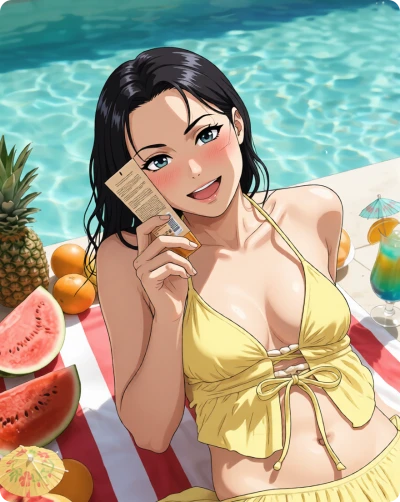
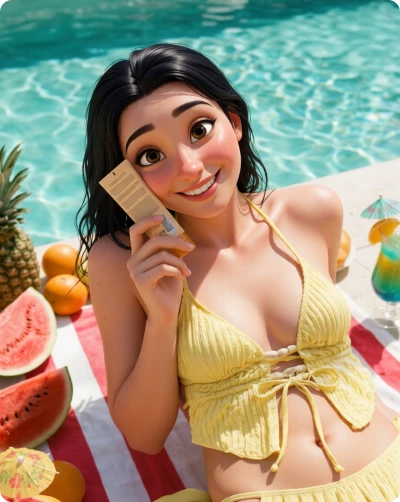
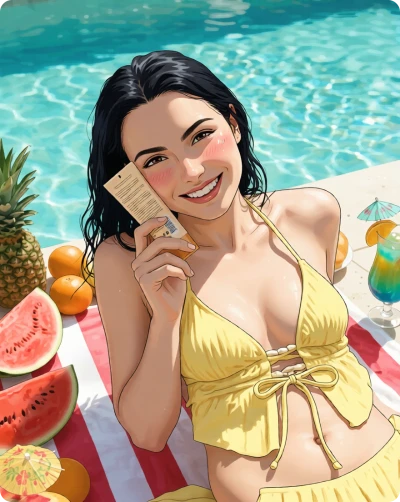
Upload a .jpeg, .jpg, .png, or .webp image up to 24MB and get ready to give your original image a completely new look.
Let AI transform your image instantly. Pick a ready-made style template or describe your own creative vision with a custom prompt.
Preview your new image, download it in high quality without watermarks, or continue editing until the style looks exactly the way you want.
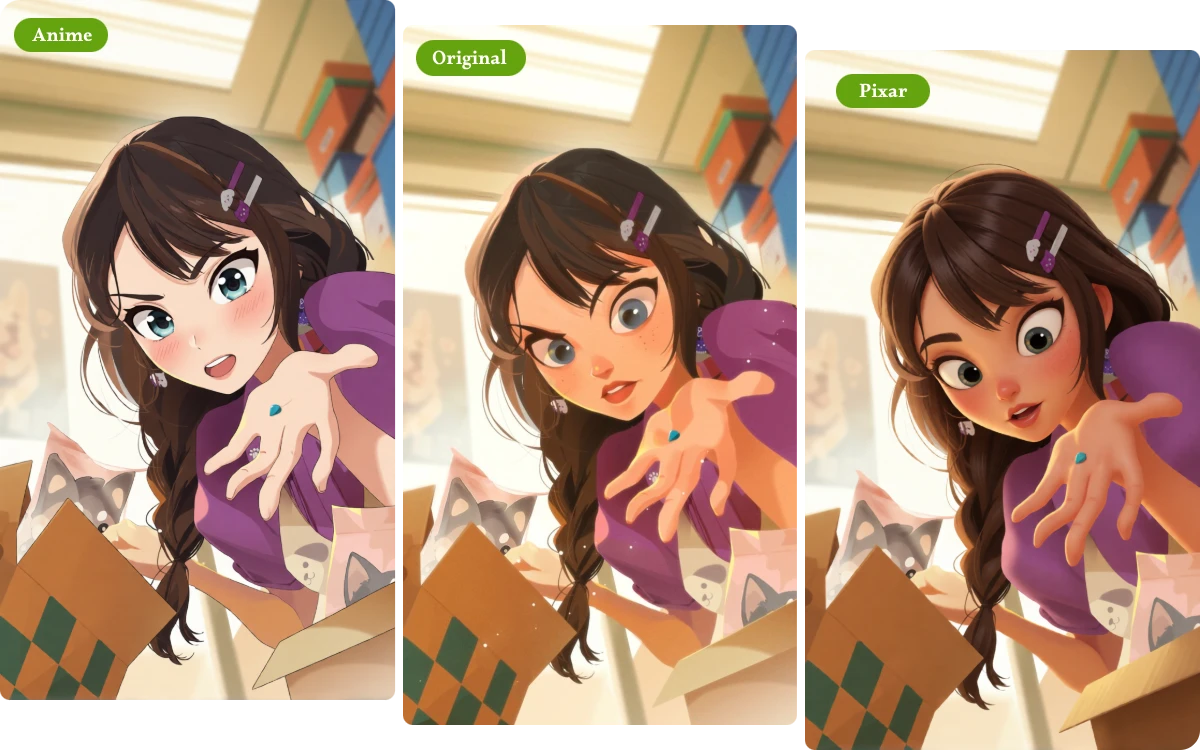
Style changes should not mean losing the person, product, or object in your original image. Our AI Image Style Transfer focuses on restyling the visual appearance while keeping key subject features recognizable and naturally connected to the new look.
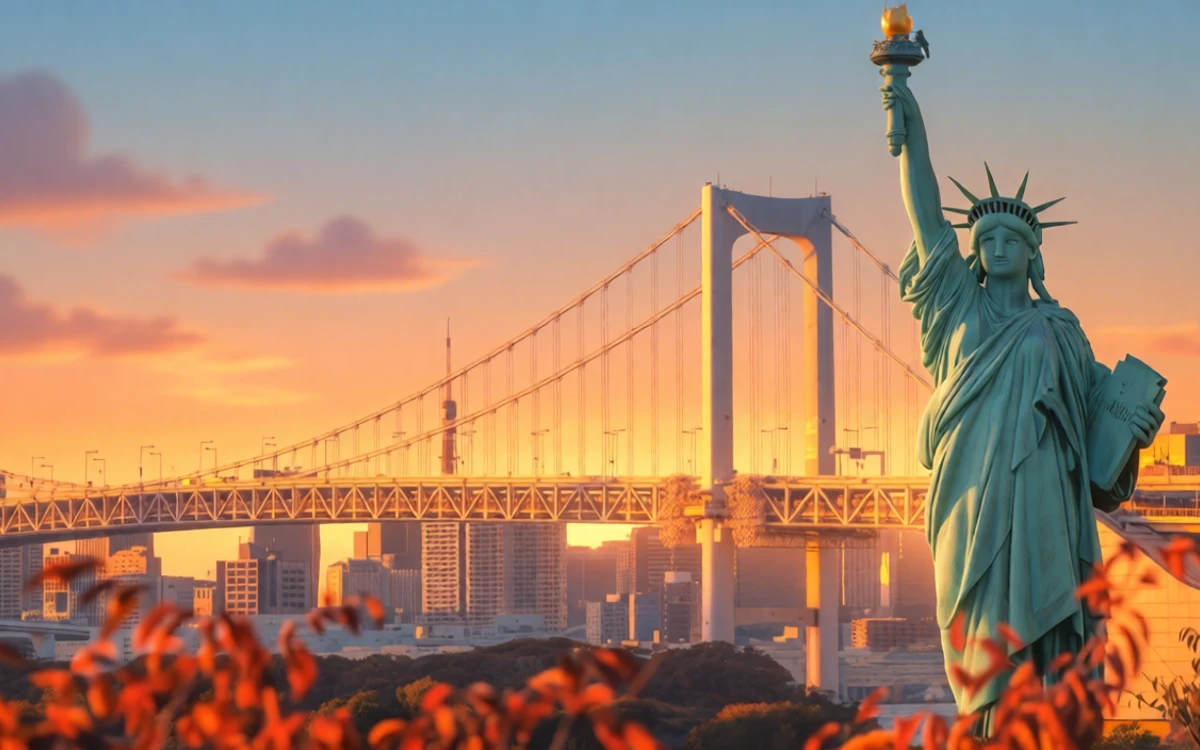
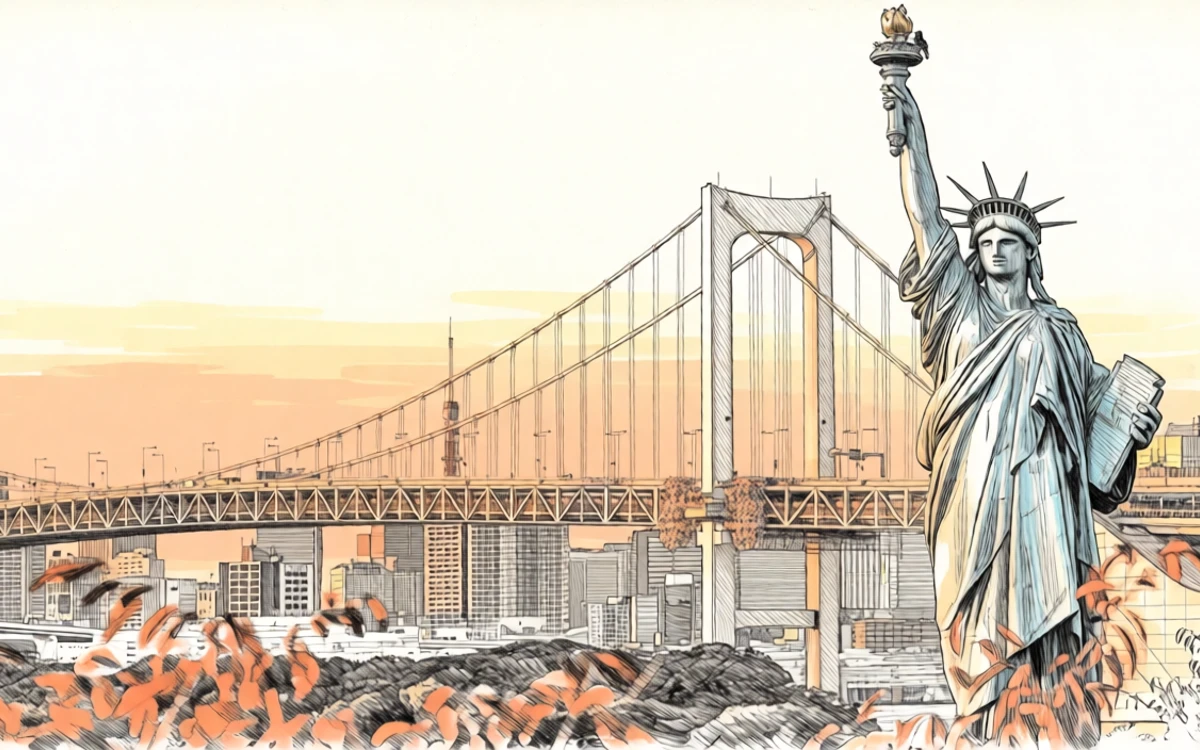
Instead of rebuilding your image from scratch, image to image style transfer keeps the original scene, layout, and subject placement as the foundation while transforming details like color, texture, lighting, and artistic treatment into a fresh visual direction.
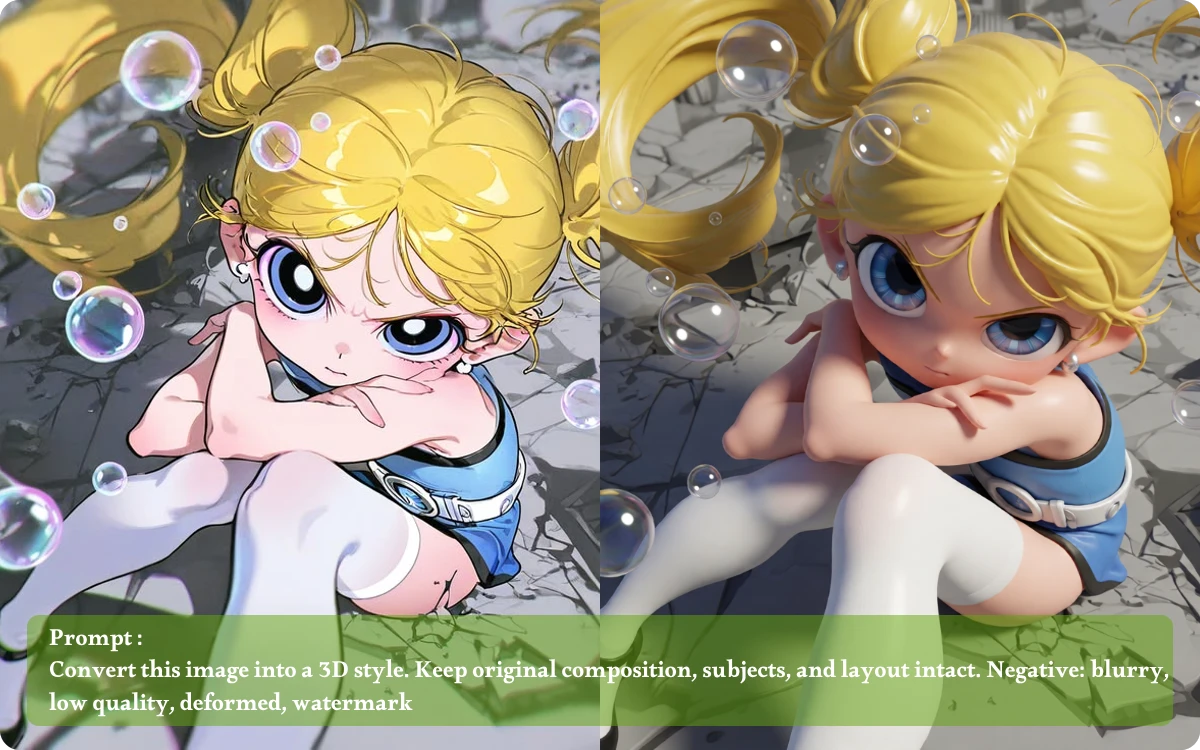
Not sure how to describe the look you want? Choose from ready-made templates to Restyle Images Online without learning prompt techniques, making it easier to turn everyday photos into anime, artistic, cinematic, or other creative visual styles.
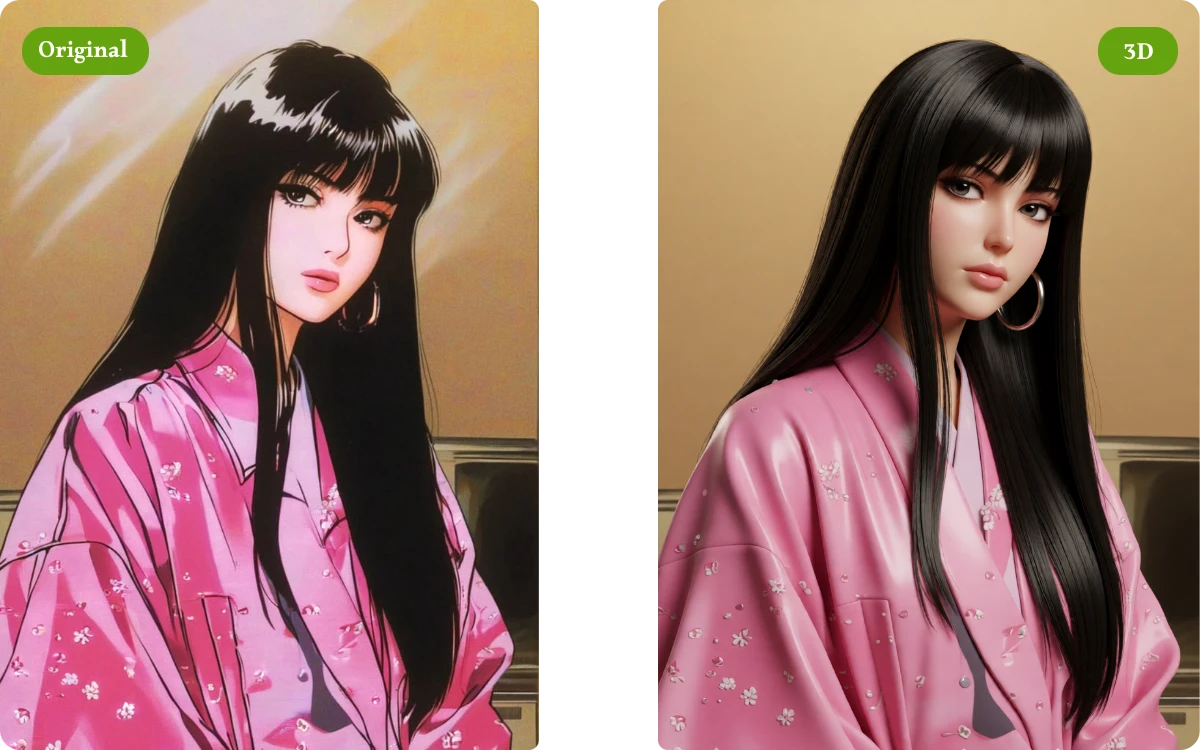
When a preset is close but not quite right, Style Transfer AI lets you enter your own prompt to guide the transformation, giving you more control over the atmosphere, artistic direction, and visual details that define your final image.
"For a video series, I needed several thumbnail styles while keeping the same portrait and framing. Switching between comic and cinematic templates gave me distinct options without rebuilding every image, helping the whole series look more consistent."
YouTube Content Creator
"I often need to show clients a visual direction before starting detailed illustration work. I uploaded a rough concept image and tried several styles, which gave me clear mood references to discuss before investing hours in the final artwork."
Freelance Illustrator
"I wanted to create a stylized portrait as a birthday gift but had no idea how to describe the look properly. The ready-made templates let me test several directions quickly, and I could keep editing until one felt right."
Event Photographer
Our AI Style Transfer tool supports common image formats, including .JPEG, .JPG, .PNG, and .WEBP, with uploads up to 24MB.
The goal of image to image style transfer is to change the visual treatment while keeping the original subject and composition recognizable. Results can vary depending on the selected style and source image, but the workflow is designed to separate the image's content from its new appearance.
No. You can start using Free AI Style Transfer Online directly without creating an account. Simply upload your image, choose a style, and generate your result without going through a registration process.
For multiple images, head to our Batch Photo Editor to apply style changes across your image collection in one workflow. It's a convenient option for product photos, social media content, or any set of images that need a more consistent visual style.
No. Your generated images can be downloaded in high quality without a watermark. This makes it easier to use your Style Transfer AI results directly in creative projects, presentations, social content, or other visual materials.
Yes. If you already know the type of look you want, simply select a ready-made style template. This lets you Restyle Images Online without learning prompt techniques or spending time describing every artistic detail manually.
A new creative direction can start with the image you already have. Explore different styles, and let AI Style Transfer transform familiar visuals into something fresh.