
Upload Your Image
Upload a .jpeg, .jpg, .png, or .webp image up to 24MB and let AI prepare it for seamless expansion.
Use AI to extend your images in any direction, create new visual space, and adapt photos for different layouts, platforms, and creative needs.
Model
Image
0/1
Resolution
Resolution
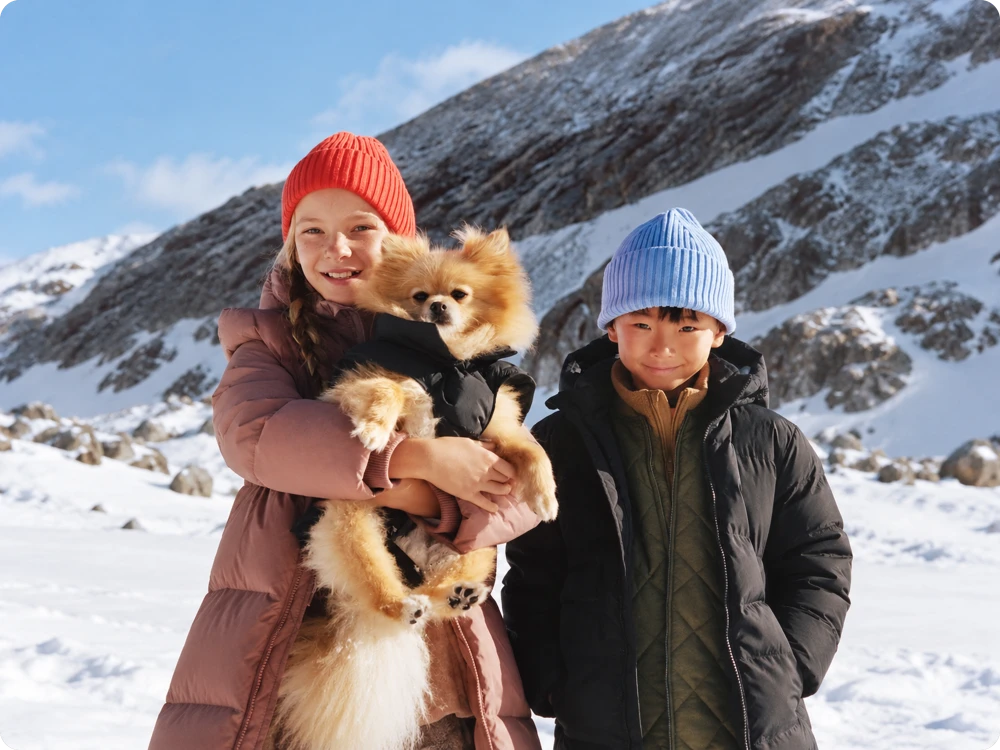
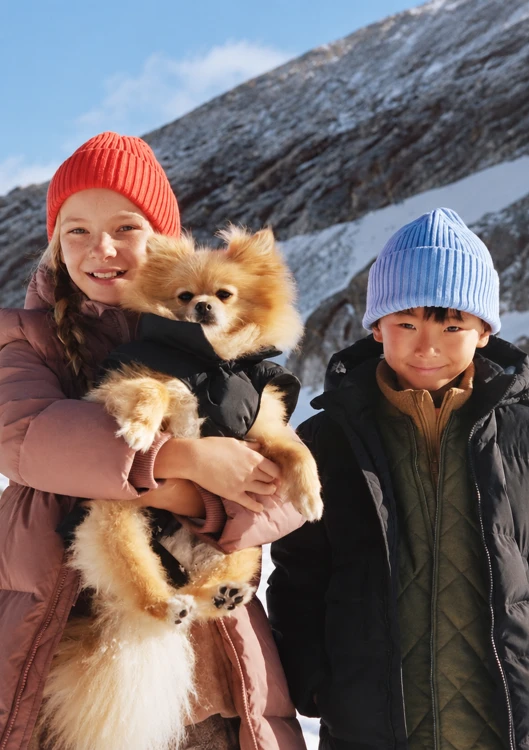
Upload a .jpeg, .jpg, .png, or .webp image up to 24MB and let AI prepare it for seamless expansion.
Select your preferred output aspect ratio to add space around the original image and create a composition that fits your needs.
Click generate to expand your image with AI, then preview the result and download your extended image in high quality.
A tightly cropped photo can lose the context around its subject. AI Image Expander naturally extends skies, rooms, landscapes, and other backgrounds beyond the original frame, creating extra space without manually rebuilding the scene.
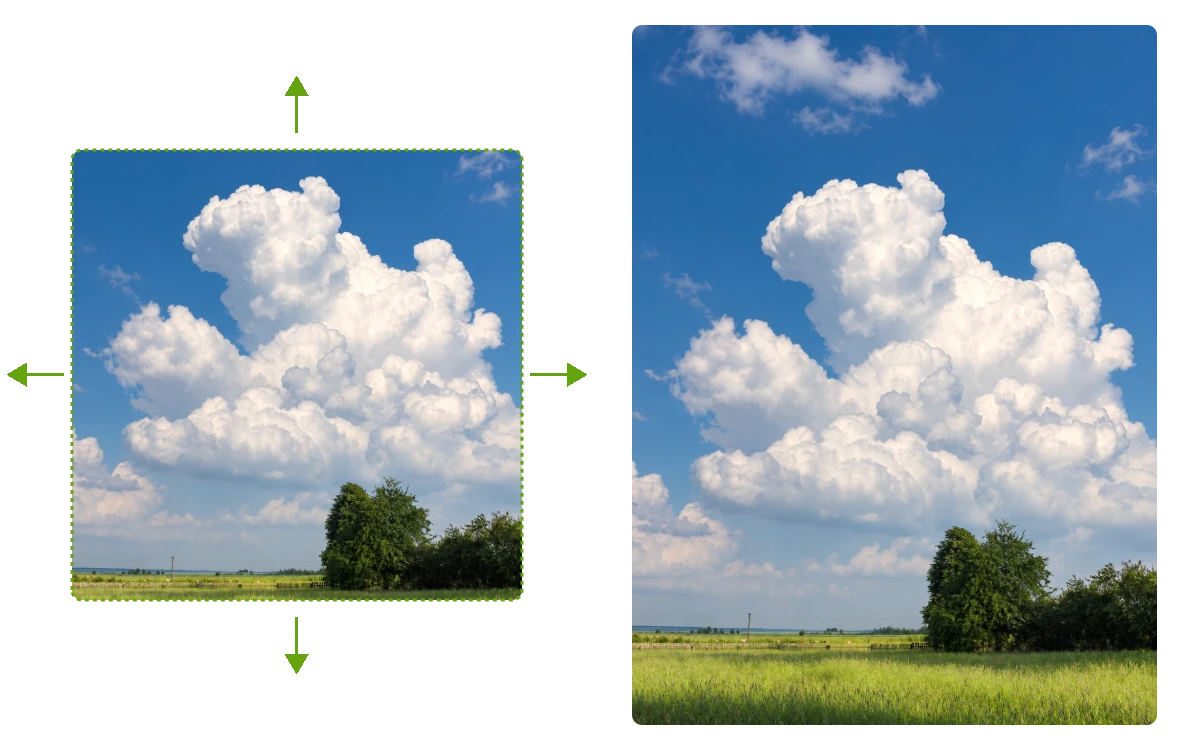
When your image needs a different layout, AI Expand Image lets you choose the expansion ratio and add space where you need it. Extend the top, bottom, left, or right to fit banners, social posts, and other formats.
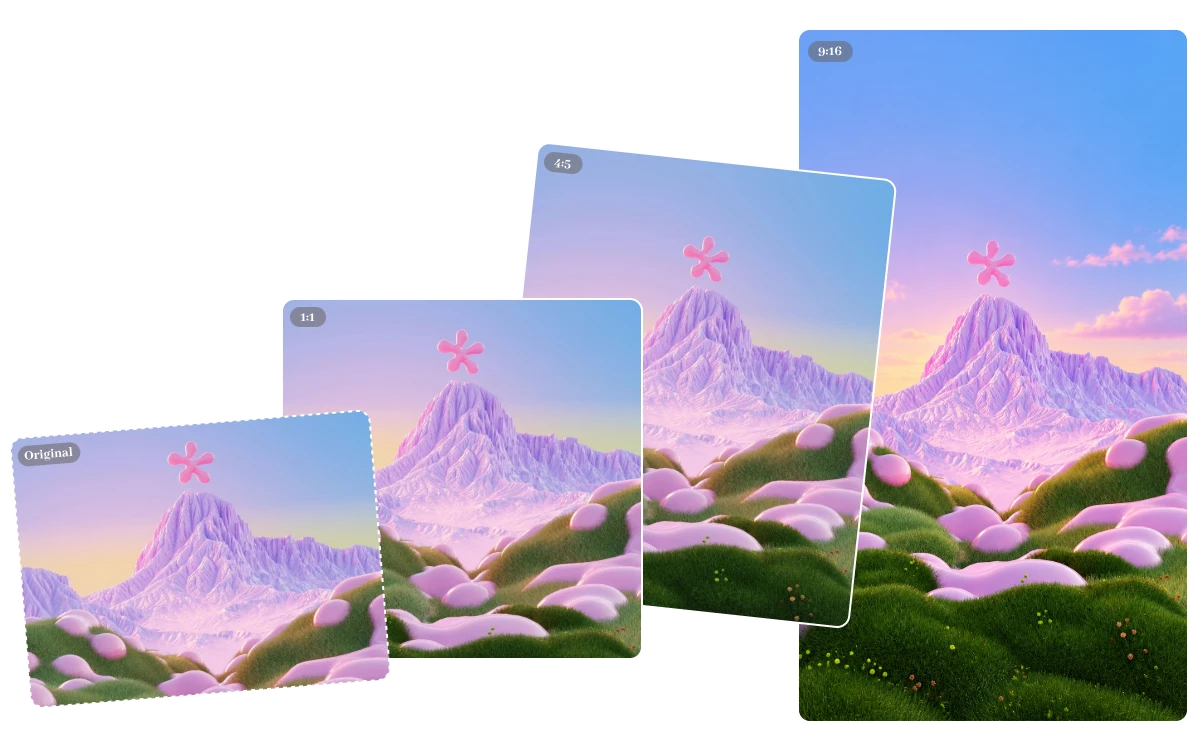
Your original subject should remain the focus. Extend Image AI keeps people, products, clothing, and surrounding details visually consistent while generating new areas that follow the original lighting, colors, proportions, and perspective for a more natural transition.
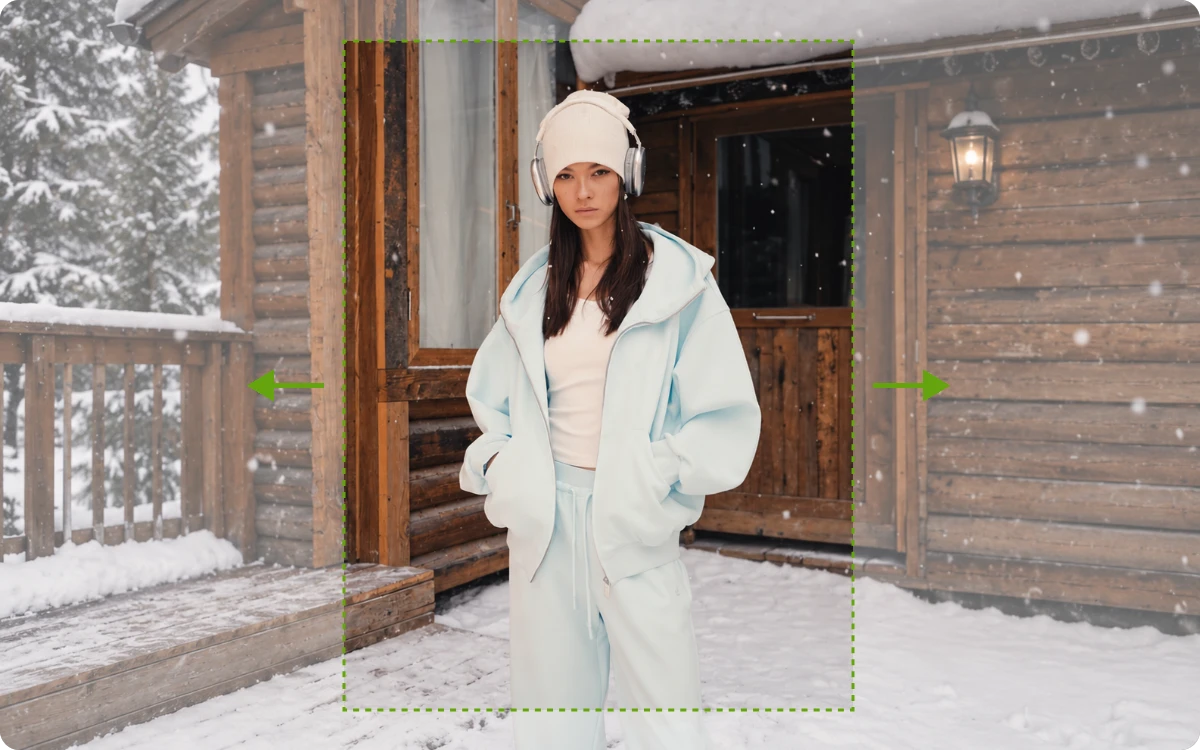
Once the composition fits your needs, Free AI Image Extender produces clean, high-quality results without added watermarks. Download the expanded image for product pages, social content, website banners, advertisements, or other creative projects.
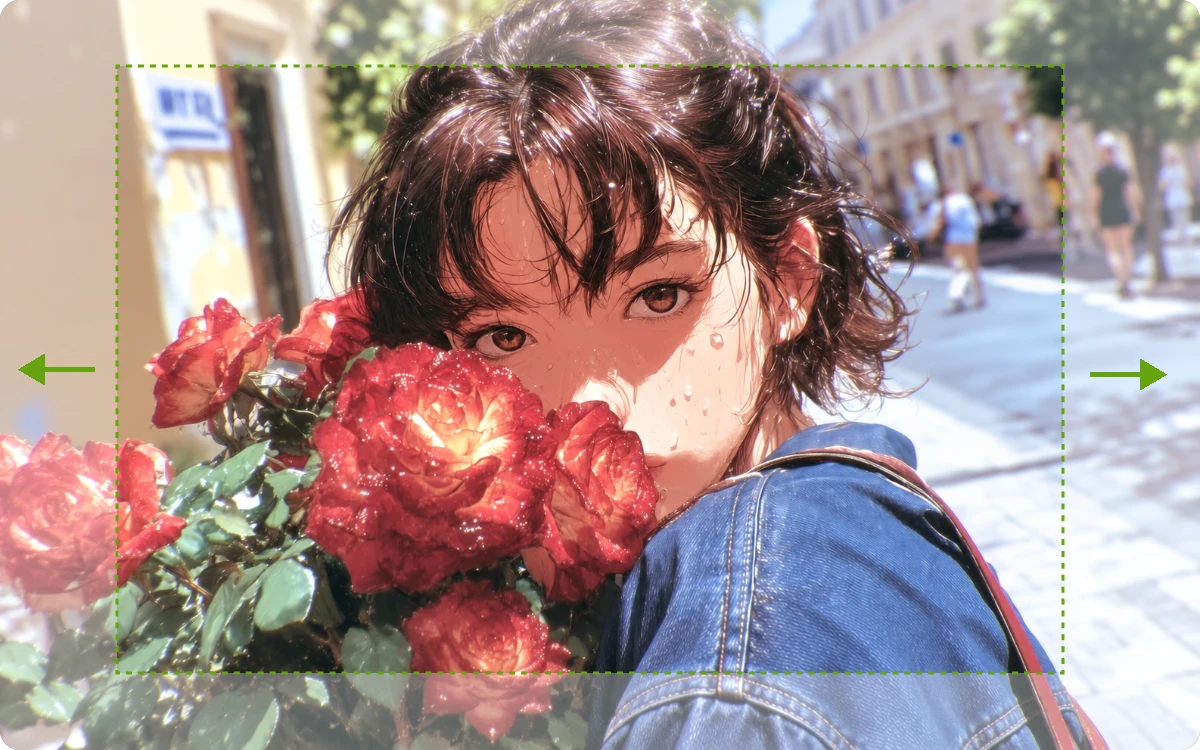
"I had a landscape campaign photo that needed 4:5 and 9:16 versions for different posts. Instead of cropping out the subject, I extended the surrounding scene and reused the same image across our weekly campaign content."
Social Media Manager
"Our original product shot left almost no space for promotional text. I expanded the background above and beside the product, creating a cleaner layout for the campaign headline while keeping the product centered and unchanged."
Digital Marketing Specialist
"A client's portrait had been cropped too closely around the shoulders, leaving no flexibility for a wider layout. I extended the surrounding background and regained useful space without changing the subject's original proportions."
Freelance Photographer
An AI Image Extender can add new space beyond the edges of an existing image without manually rebuilding the background. It is useful for fixing tight crops, changing image proportions, creating wider compositions, and preparing photos for websites, social media, product pages, and ads.
After you upload an image, the AI analyzes the existing scene and generates new content around its borders. The expanded area is designed to follow the original background, colors, textures, perspective, and lighting, so the added space connects naturally with the source image.
Yes. You can choose your preferred expansion ratio before generating the result. This gives you more control when turning a portrait into a landscape, creating a wider banner, adding vertical space, or fitting an image into a specific layout.
You can upload .jpeg, .jpg, .png, or .webp images up to 24MB. These common formats cover most photos and web graphics, so you can expand your existing images without first converting them into another file type.
Yes. The generated expanded images are available in high quality without added watermarks. You can download the finished result and use it for visual content such as product images, social media graphics, website banners, promotional designs, and other creative projects.
The original image serves as the foundation for the expansion. Key elements such as people, products, clothing, and objects remain part of the original composition while the AI generates the additional surrounding area, helping you create more space without needing to recreate the main subject.
Turn tightly cropped photos into flexible, ready-to-use visuals with AI Image Extender. Upload your image today and create beyond the original frame.