Upload Your Image
Upload your JPG, JPEG, PNG, or WebP image to get started. Choose a photo, product image, or design you want to recolor.
Use AI Image Recolor to transform photo colors effortlessly, helping designers, creators, and everyday users customize images with simple text prompts.
Model
Image
0/5
Prompt
Ratio
Resolution
Resolution
Upload your JPG, JPEG, PNG, or WebP image to get started. Choose a photo, product image, or design you want to recolor.
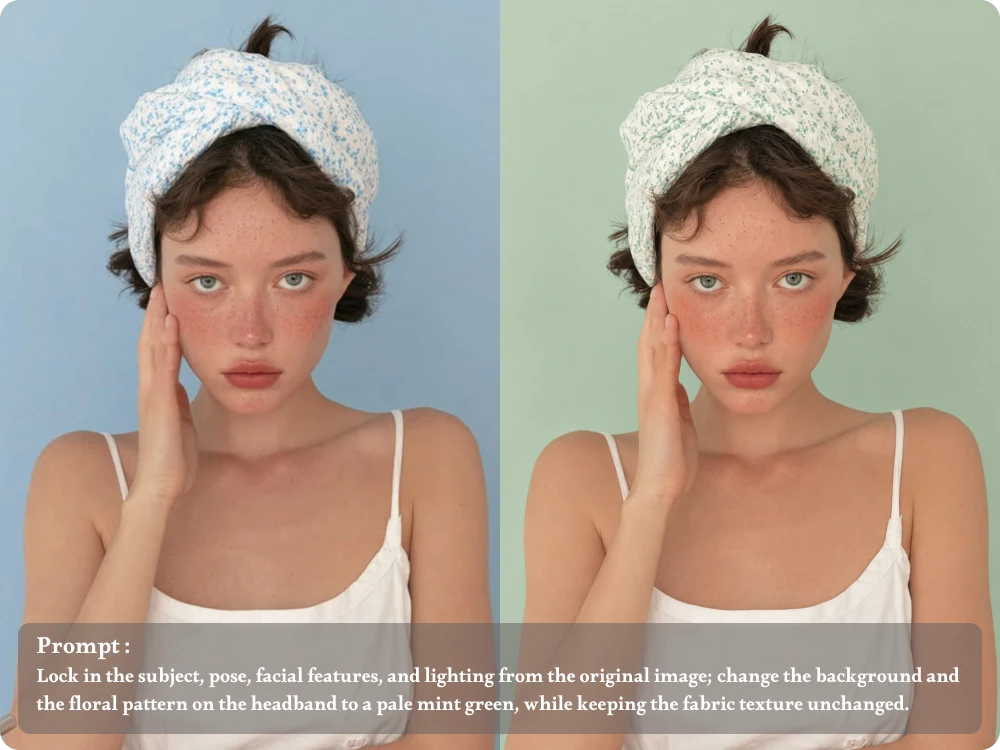
Enter a prompt describing the object and desired color. AI will automatically recolor the specified area.
Review the recolored result and refine it with follow-up prompts if needed. Once satisfied, download your updated image for personal or professional use.
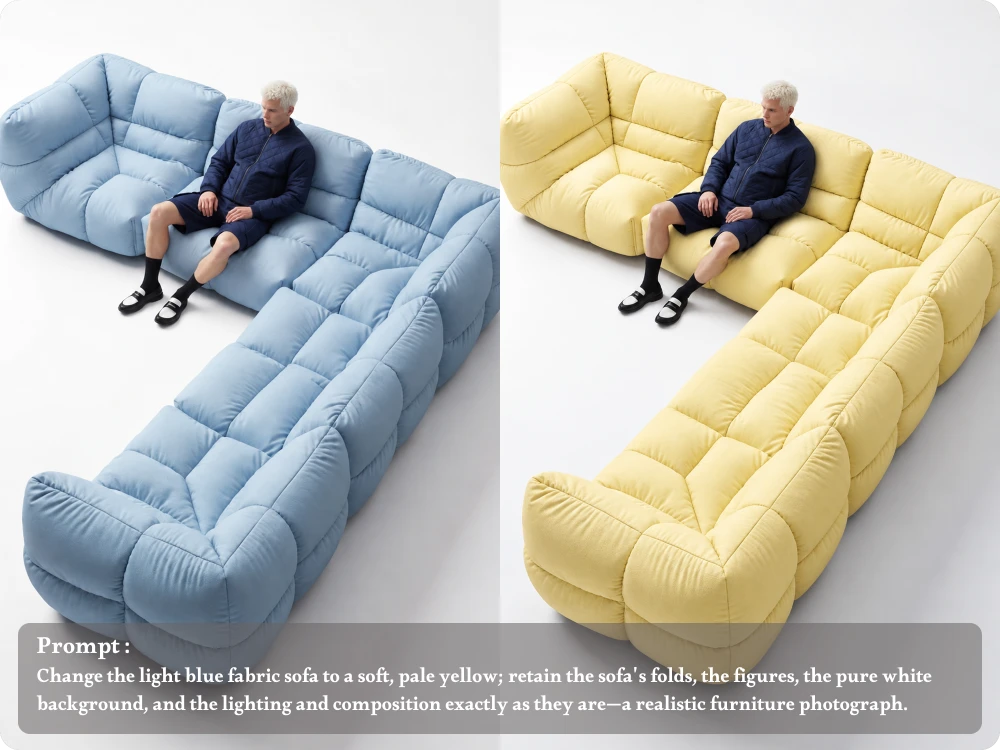
Want to try a new shirt color or update a sofa's look? Use ai recolor image prompts to describe the target object and desired shade, helping you change specific elements while keeping the surrounding scene consistent.
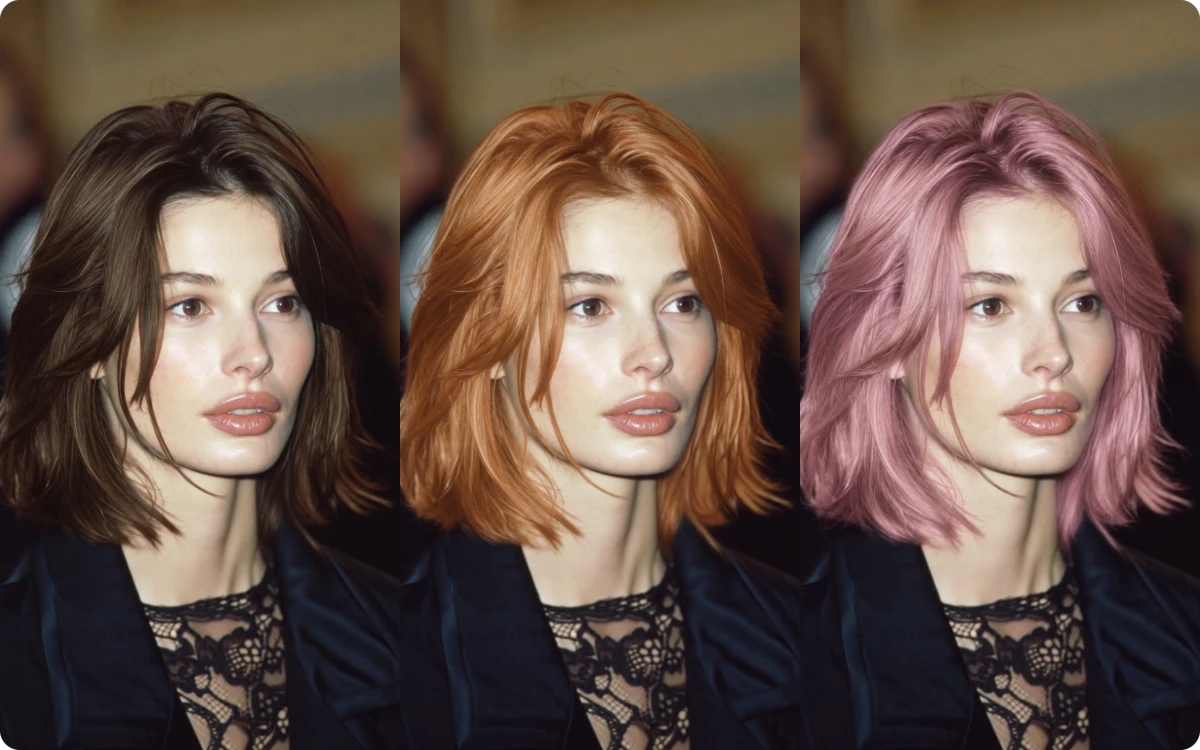
From soft pastels to bold, vibrant shades, recolor image with ai by describing the exact changes you want. Specify the object, target color, and preferred look to guide the result toward your creative vision without complicated manual editing.
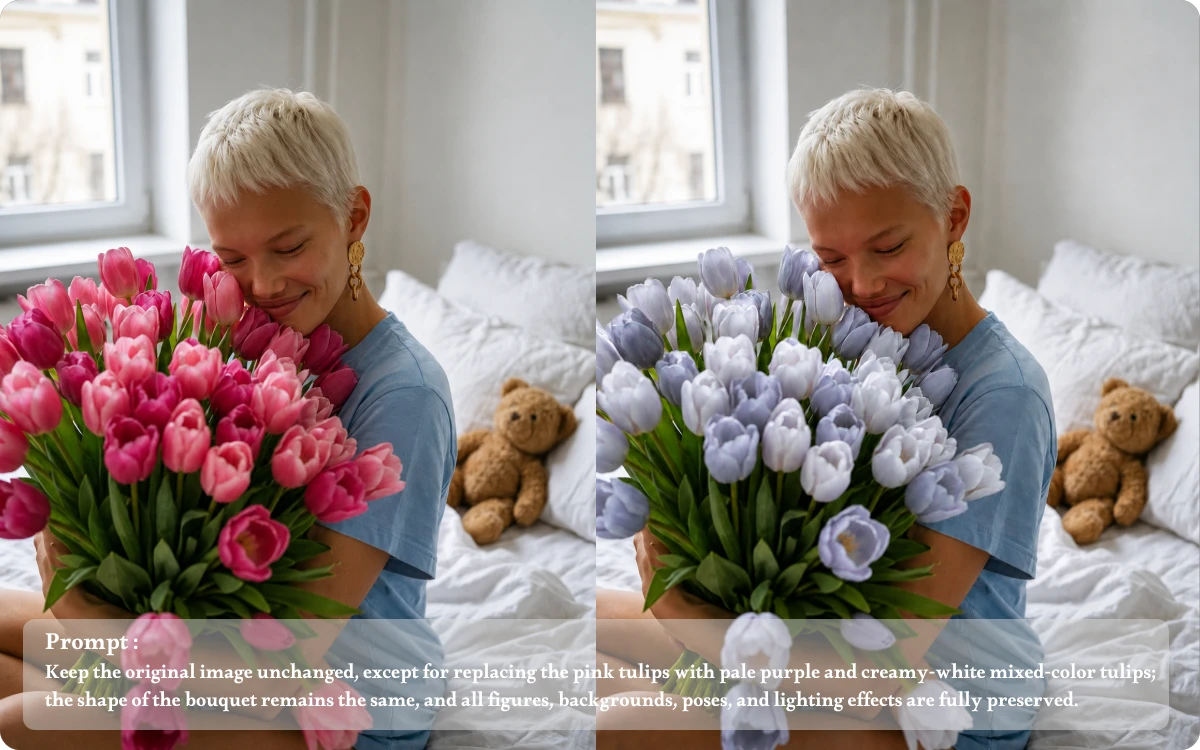
A successful recolor should look natural, not like a flat layer of paint. With recolor image ai, describe the details you want to retain, such as fabric patterns, product textures, highlights, and shadows, for a more realistic result.
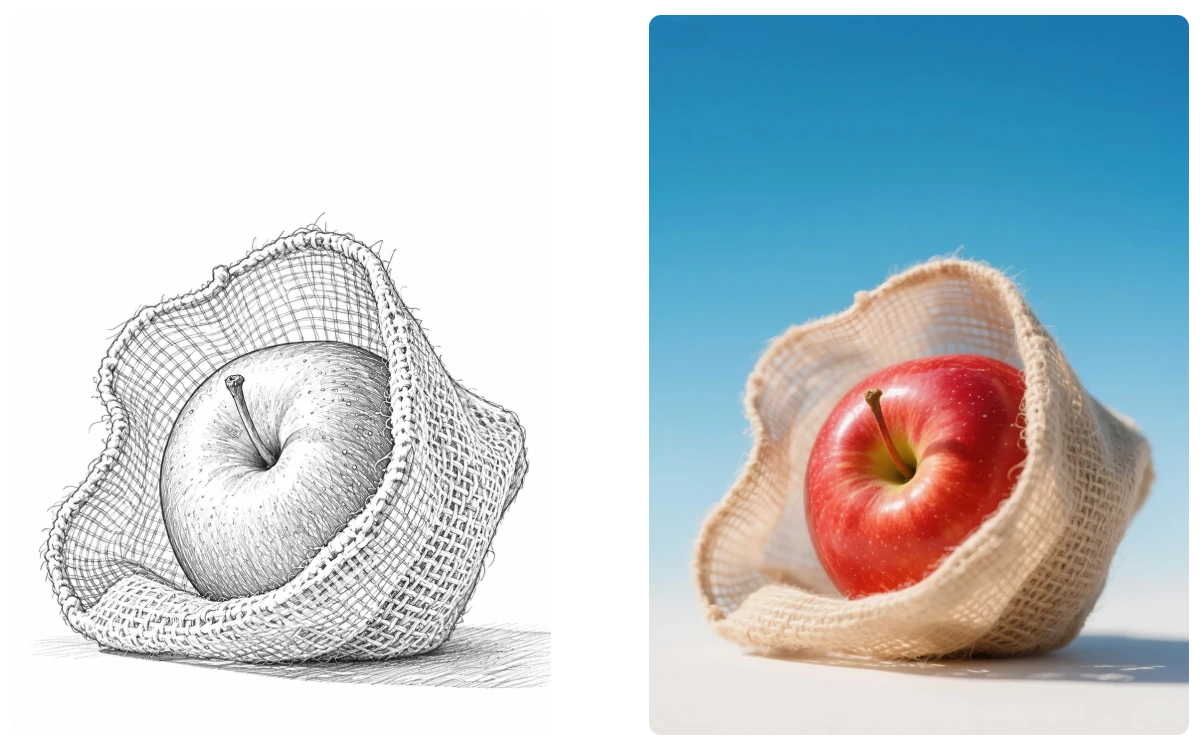
Testing product colors no longer needs to start with a new photoshoot. Use ai image recolor free to explore alternative shades for packaging, clothing, accessories, or product designs, helping you visualize color variations before making your final design decisions.
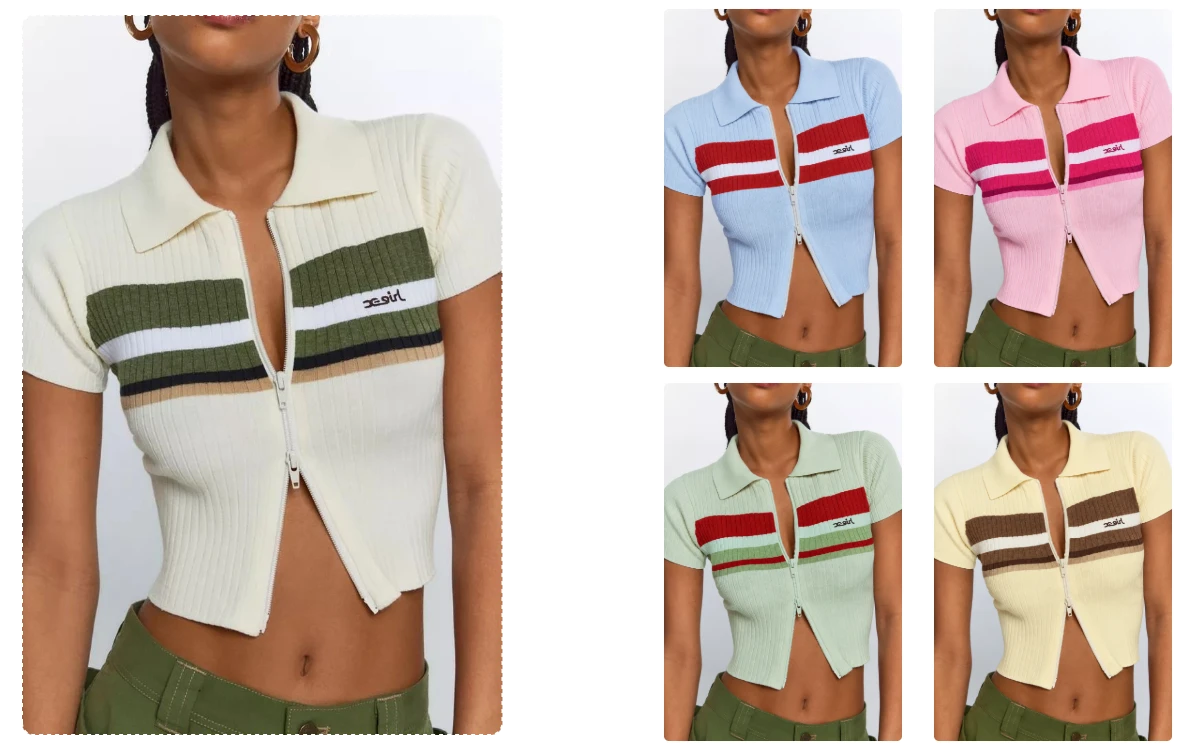
"Before launching a new handbag collection, I needed to preview several colors using one product photo. AI Image Recolor helped me explore different shades and prepare visual concepts without arranging another photoshoot."
E-commerce Store Owner
"While preparing a seasonal collection, I needed to compare navy, burgundy, and cream versions of one design. AI Image Recolor helped me visualize alternatives before deciding which colors to develop further."
Fashion Designer
"A client was unsure whether sage green would suit her living room. I uploaded a room photo, described the new wall color, and showed her a visual option before she committed to the paint."
Interior Designer
Yes! Our AI Image Recolor tool gives you 5 free credits every day, so you can recolor images without paying. All exported images are high-resolution and watermark-free, making it easy to create and download your recolored images.
AI image recoloring makes it easier to explore different color options without manually adjusting every detail. Simply identify the object and choose a color to update your image, saving time when testing product variations, changing clothing colors, or refreshing visual designs.
Be specific about the target color, object, and finish. Instead of writing "make it blue," try "change the leather handbag to deep navy blue with a matte finish." You can also include a hex color code as a visual reference, although exact color matching is not guaranteed.
The tool accepts .jpeg, .jpg, .png, and .webp images up to 24MB. For cleaner results, use a clear source image where the object you want to recolor is easy to distinguish from its surroundings.
Yes, AI recoloring is useful for exploring alternative colors for clothing, packaging, furniture, accessories, and other products. Start with an existing product photo and describe each desired color variation. Review logos, material details, and color consistency before using the results in commercial listings.
Yes! All images exported from our AI Image Recolor tool are high-resolution and watermark-free, so you can download and use your recolored images with confidence.
Preview new colors for products, clothing, and interiors with AI Image Recolor. Upload your image and describe the color change you want to try.