Upload Up to 50 Photos at Once
Select multiple images with a simple mouse drag or bulk upload up to 50 photos, making it quick and easy to start.
Use AI to batch edit photos faster while keeping your results consistent. Ideal for creators, businesses, and teams handling multiple images.
Model
Upload Photos
Prompt
Ratio
Resolution
Resolution
Select multiple images with a simple mouse drag or bulk upload up to 50 photos, making it quick and easy to start.
Enter your prompt, describe the changes you want, and let AI batch edit multiple photos based on your ideas in one go.
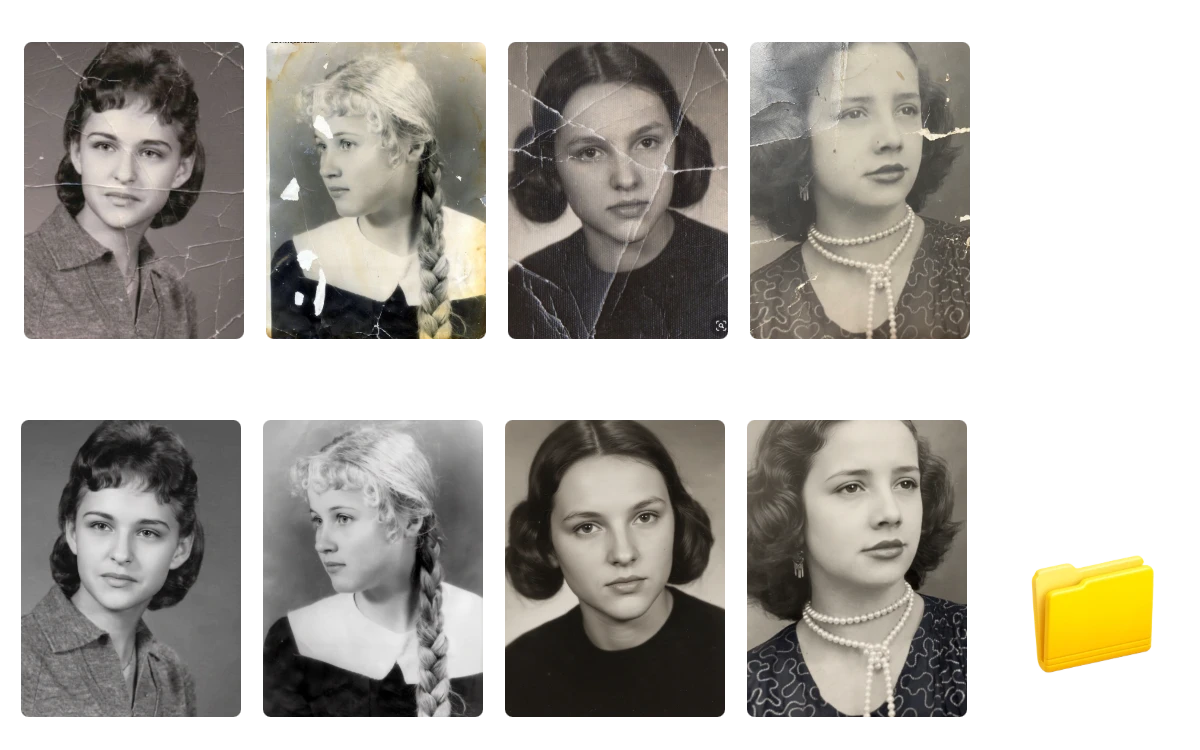
Download completed images individually or save all your results together in one folder for faster, more convenient batch photo management.
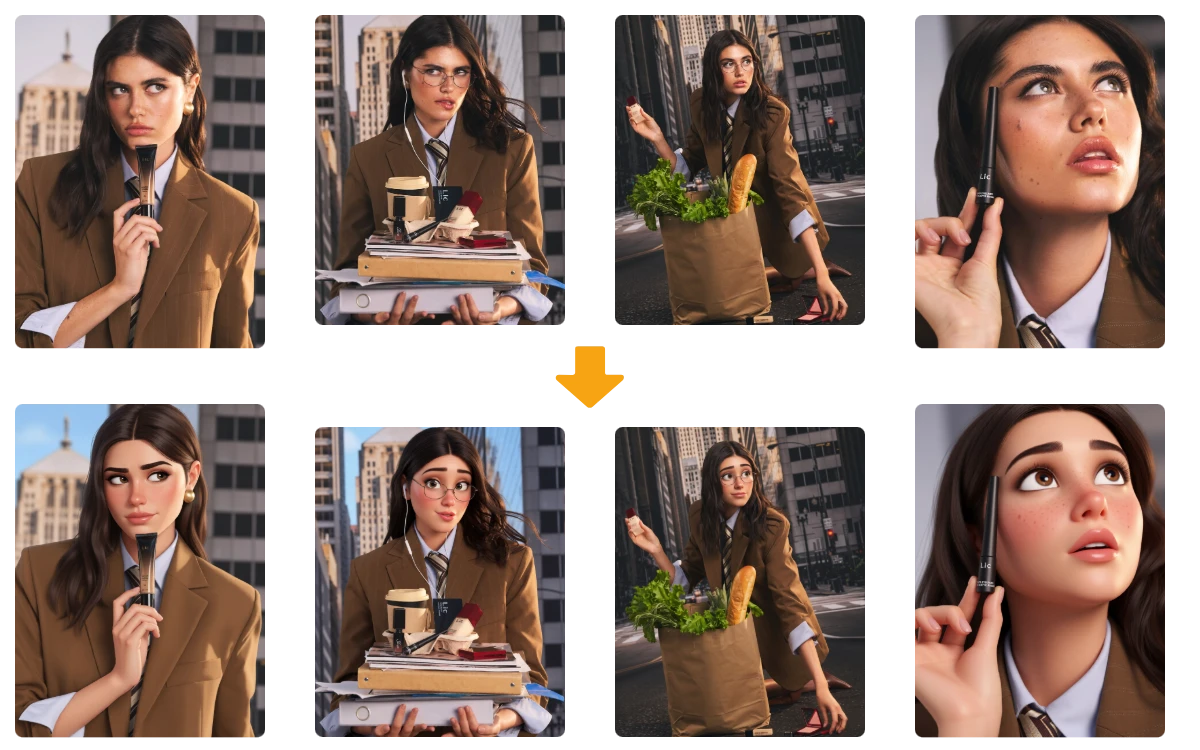
Different shots, same creative vibe. Apply one idea across your entire photo collection, and keep styles, moods, and visual direction aligned without making every image look identical. Our ai batch editor helps each photo stay true to itself while fitting naturally into one cohesive set.
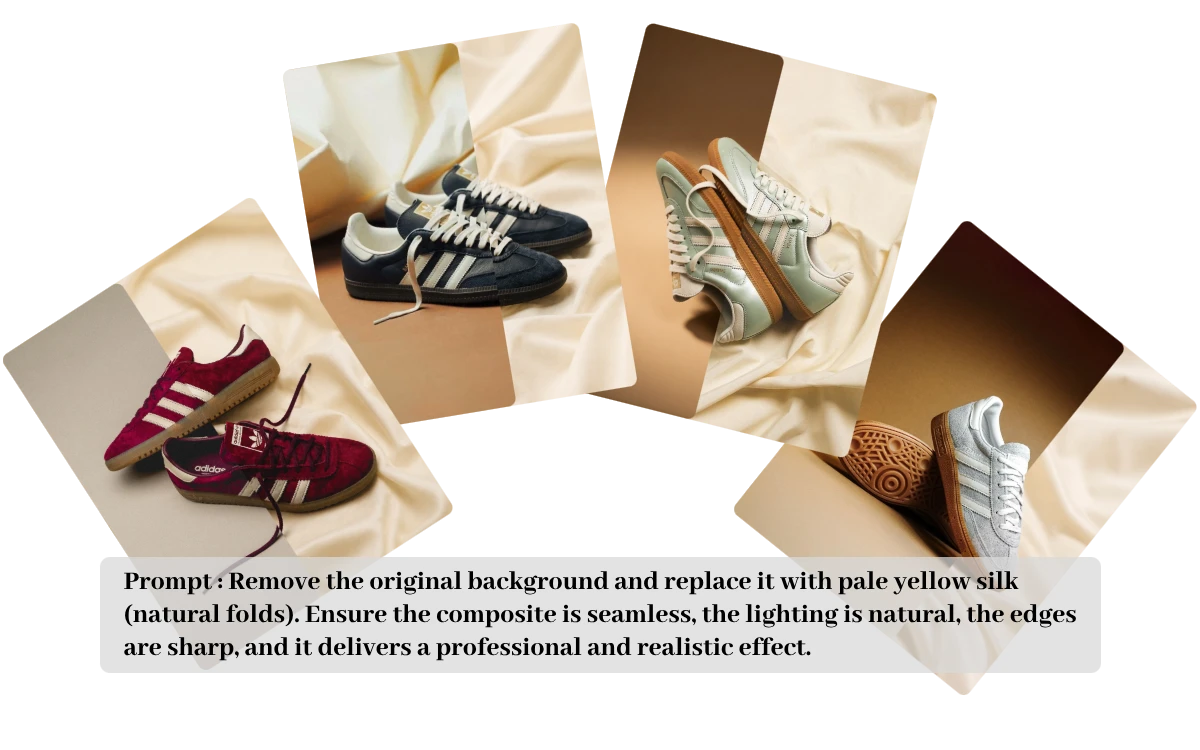
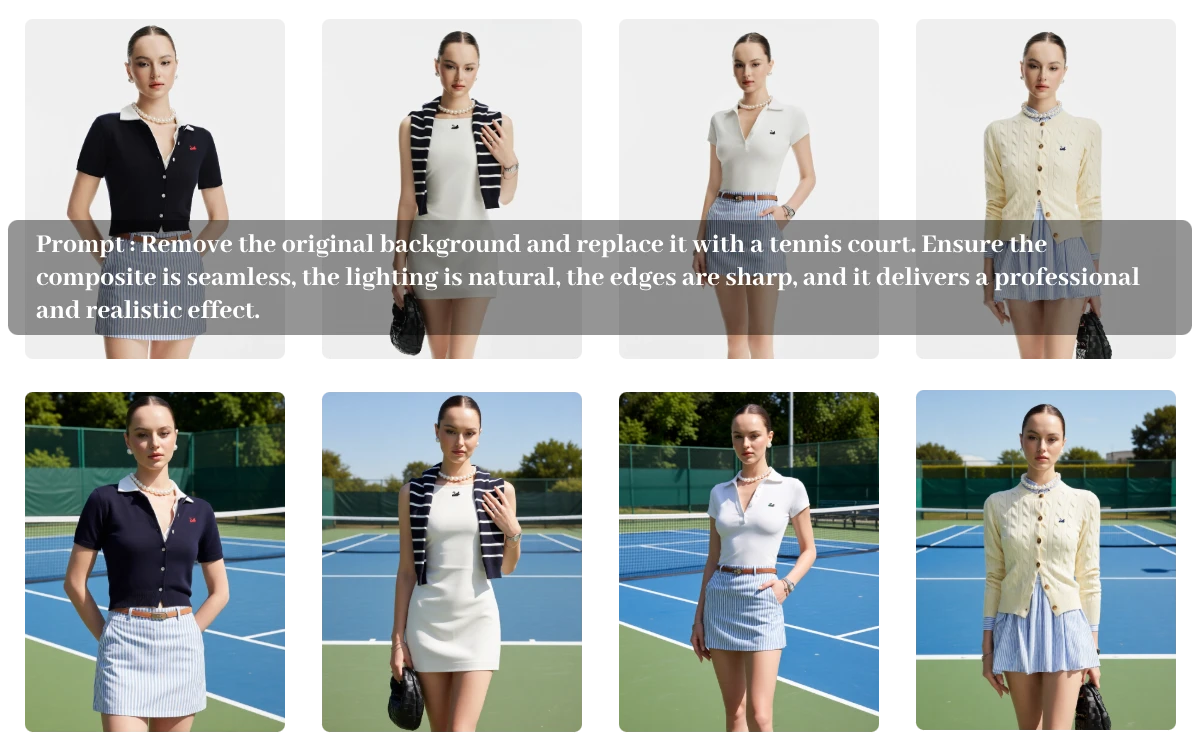
Crop and resize are useful, but sometimes your photos need a little more imagination. With a custom prompt, this bulk photo editor lets you transform backgrounds, styles, objects, and more across multiple images, turning repetitive adjustments into creative batch edits.
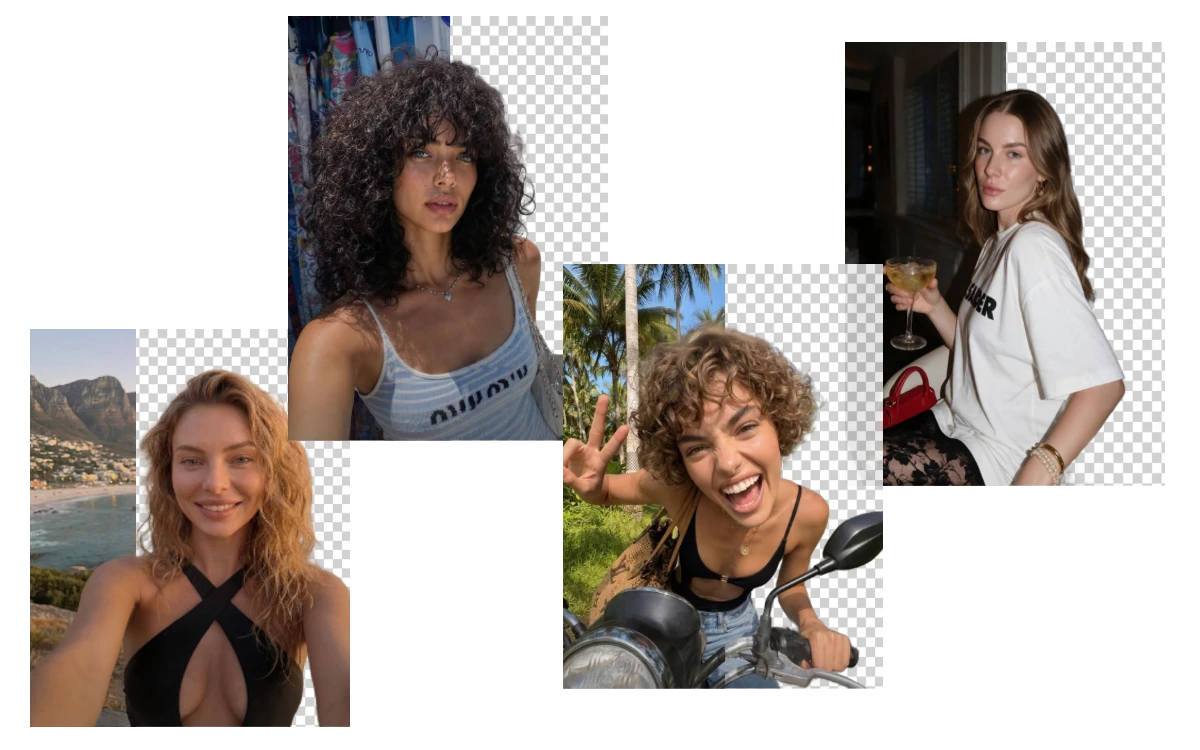
One idea can go surprisingly far. Turn an unedited collection into a polished set of visuals ready for campaigns, content, product pages, or social media. With batch edit photos workflows, your images move from scattered originals to a complete, visually connected collection.
Done already? Grab everything at once or pick only the images you love most. EzEditor AI Batch Editor lets you download your completed photos individually or collect the entire batch in one folder, giving you more control after every round of editing.
"I had 50 product photos to prepare before our spring collection launch. EzEditor AI Photo Batch Editor let me apply the same background changes across the whole batch, saving hours of repetitive editing before our products went live."
E-commerce Manager
"Our team had dozens of event photos that needed a consistent campaign style. I used this best AI Photo Batch Editor to transform the batch in one workflow, giving us a polished image set ready for our social posts and email campaign."
Marketing Specialist
"I needed to update hundreds of product visuals before a seasonal promotion. Instead of editing each image separately, I processed the photos in batches and downloaded the finished files together, making the catalog update much faster."
Online Store Owner
An AI Batch Photo Editor lets you edit multiple images in one workflow instead of repeating the same steps one by one. With EzEditor, you can upload a group of photos, describe the changes you want with a prompt, and generate edited results across the entire batch.
You can upload and edit up to 50 photos at once. Simply select multiple images or drag to choose your files, then apply your AI editing instructions to the entire batch in one workflow.
Not necessarily. Your prompt provides a shared creative direction, while AI processes each image based on its own content. This helps different photos follow a similar visual style without forcing identical results onto every image.
EzEditor supports common image formats, including JPG, JPEG, PNG, and WebP. Each uploaded file can be up to 24MB, making it easy to batch edit images from different projects in one place.
Both options are available. You can download individual images when you only need selected results, or download the completed batch together in one folder for a faster and more organized workflow.
Yes. EzEditor gives you 5 free credits every day, allowing you to upload and batch edit up to 5 photos for free. Need to process a larger batch? Simply purchase additional credits to unlock more uploads and edit more photos at once.
EzEditor Batch Photo Editor turns repetitive photo editing into one smooth AI workflow. Whether you are editing for content, marketing, or commerce, your next batch is ready when you are.