
Upload Old Photos
Upload up to 5 JPG, JPEG, PNG, or WEBP images (24MB each). Add reference images if you want to guide the restoration style.
Restore old, faded, blurry, or damaged photos with AI. Designed for families, photographers, and anyone who wants to bring cherished memories back to life.
Model
Image
0/5
Prompt
Ratio
Resolution
Resolution
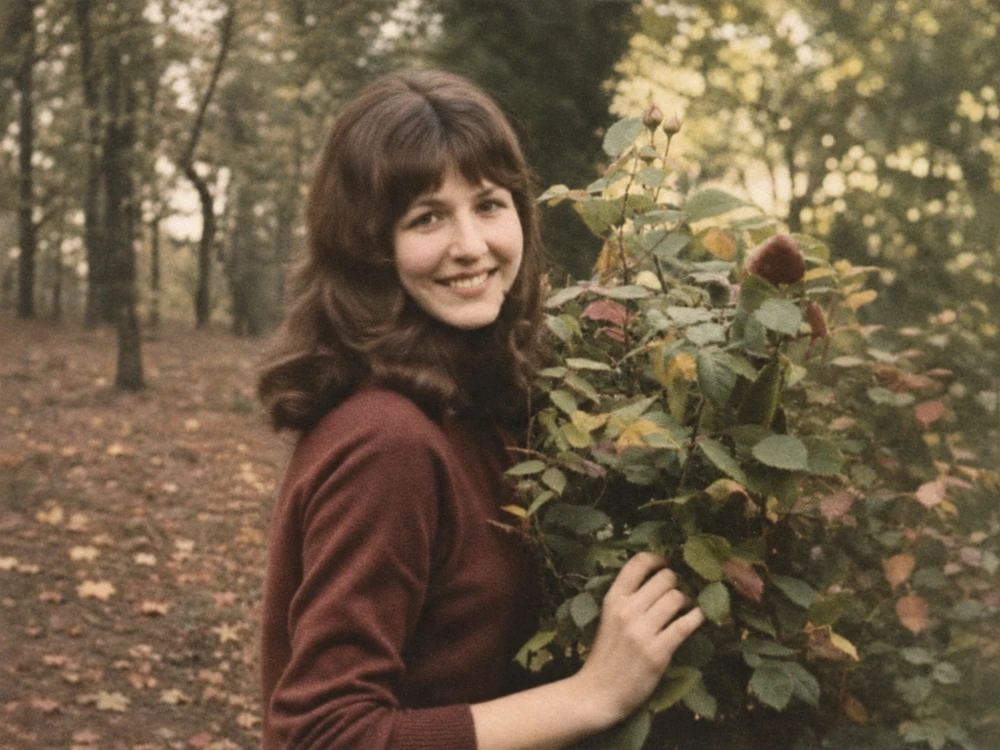
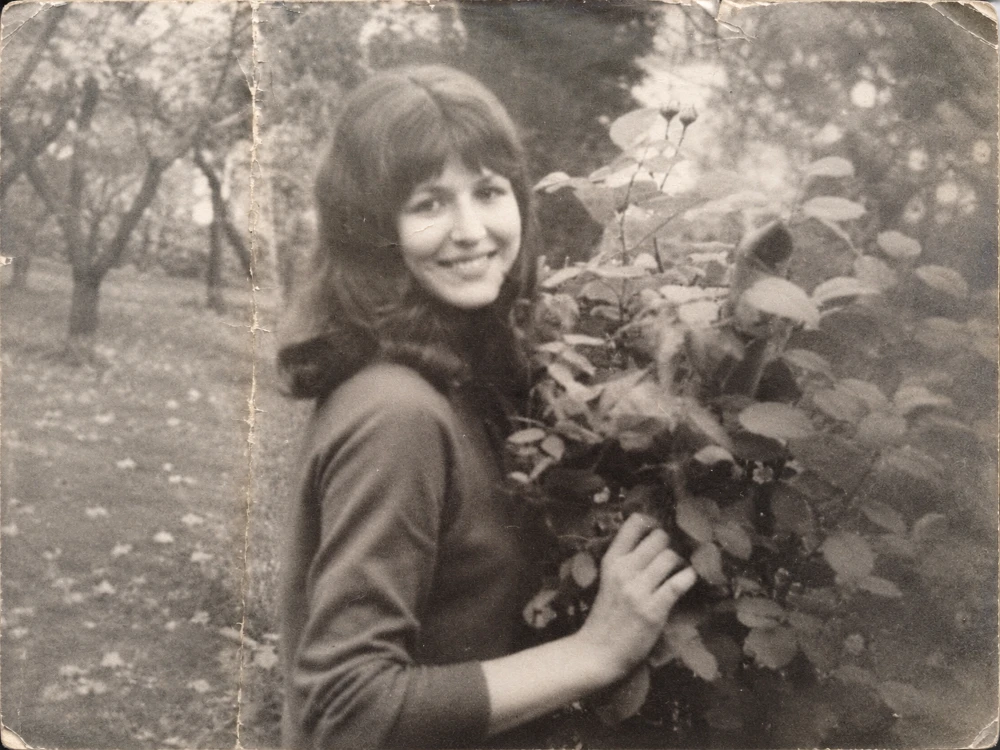
Upload up to 5 JPG, JPEG, PNG, or WEBP images (24MB each). Add reference images if you want to guide the restoration style.
Choose a ready-made prompt or describe your desired results. AI automatically analyzes your images and restores faded colors, blurry details, and visible damage.
Select your preferred aspect ratio and generate your restored images. Preview the results and download high-quality photos without watermarks.
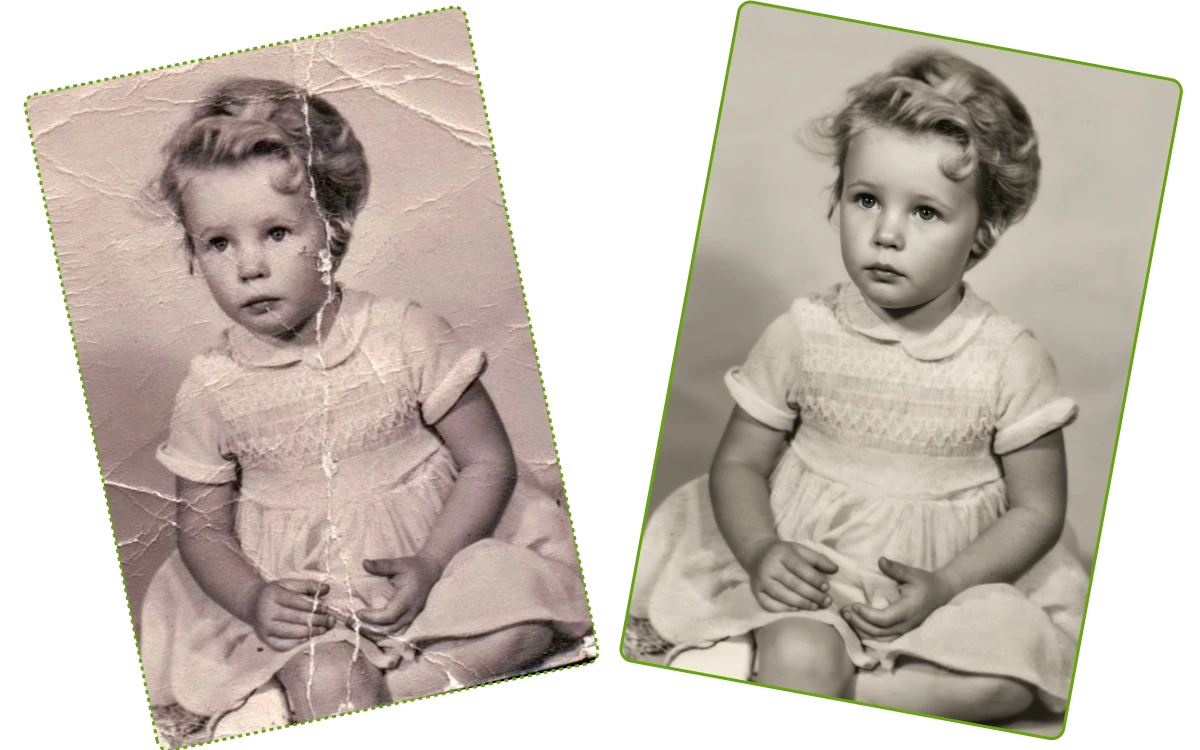
Scratches, creases, stains, and worn areas can make a treasured print difficult to enjoy. Upload the damaged image and describe what needs attention; AI old photo restoration can help improve affected areas while using the original people and composition as visual guidance.
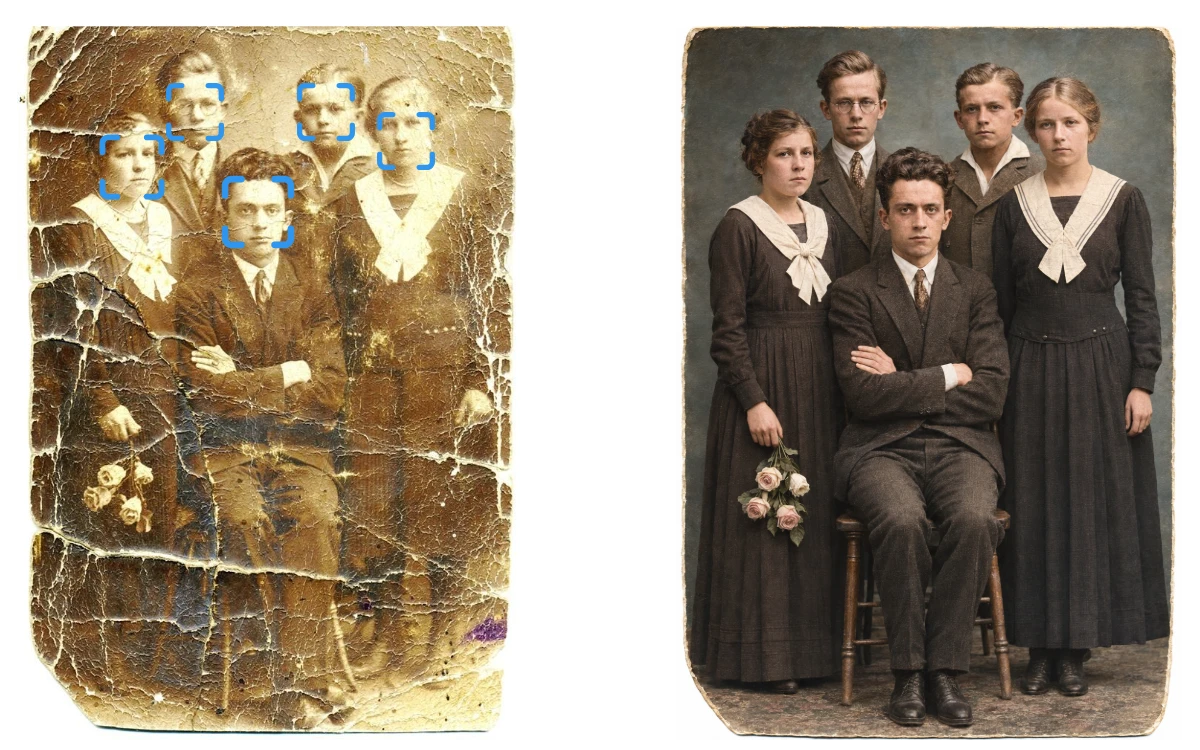
Small, indistinct faces can make family portraits hard to recognize, especially in group photos. Add the original photo as a reference and explain which details matter most. This AI photo restorer helps refine facial clarity while aiming to retain familiar expressions and features.
Years of storage can leave photographs yellowed, washed out, or uneven in tone. Describe the color and look you want, including a refreshed vintage appearance. When you restore old photos with AI, remember that colors added to monochrome images are interpretations, not original records.
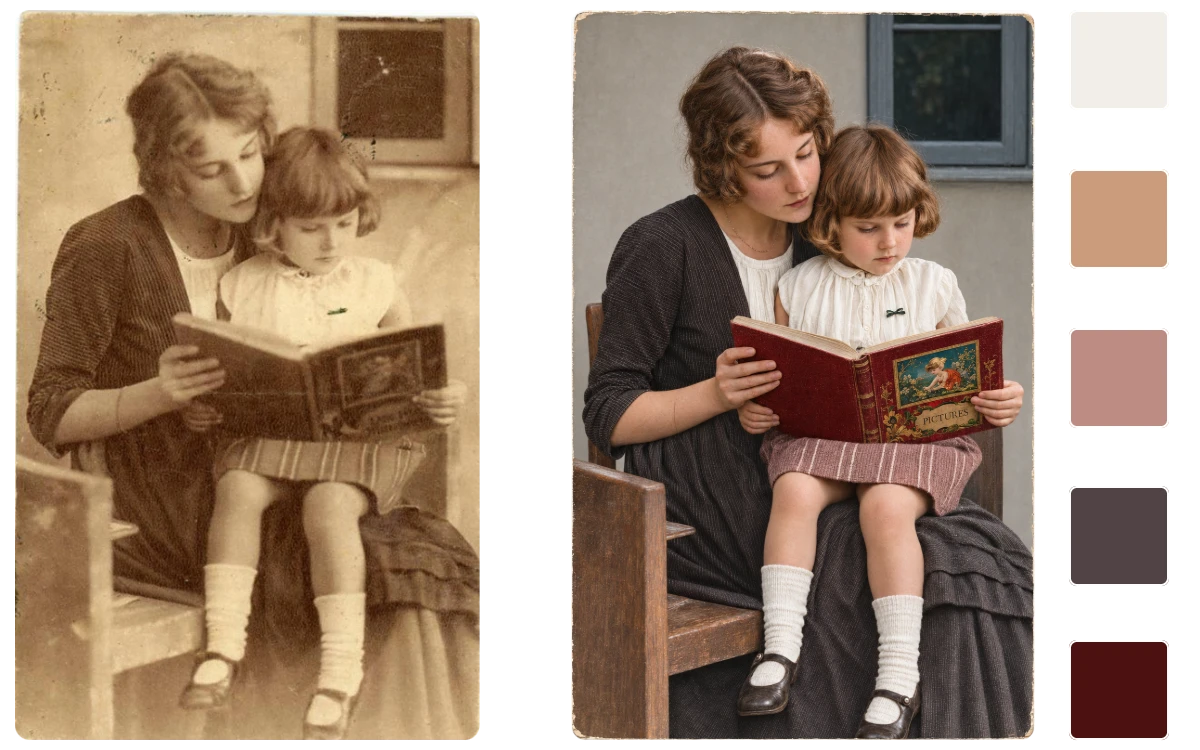
Some photos need more than a preset. Choose a suggested prompt or write instructions describing what to repair and what to preserve. For free AI photo restoration online, upload up to five images and add references to guide the result toward your preferred look.
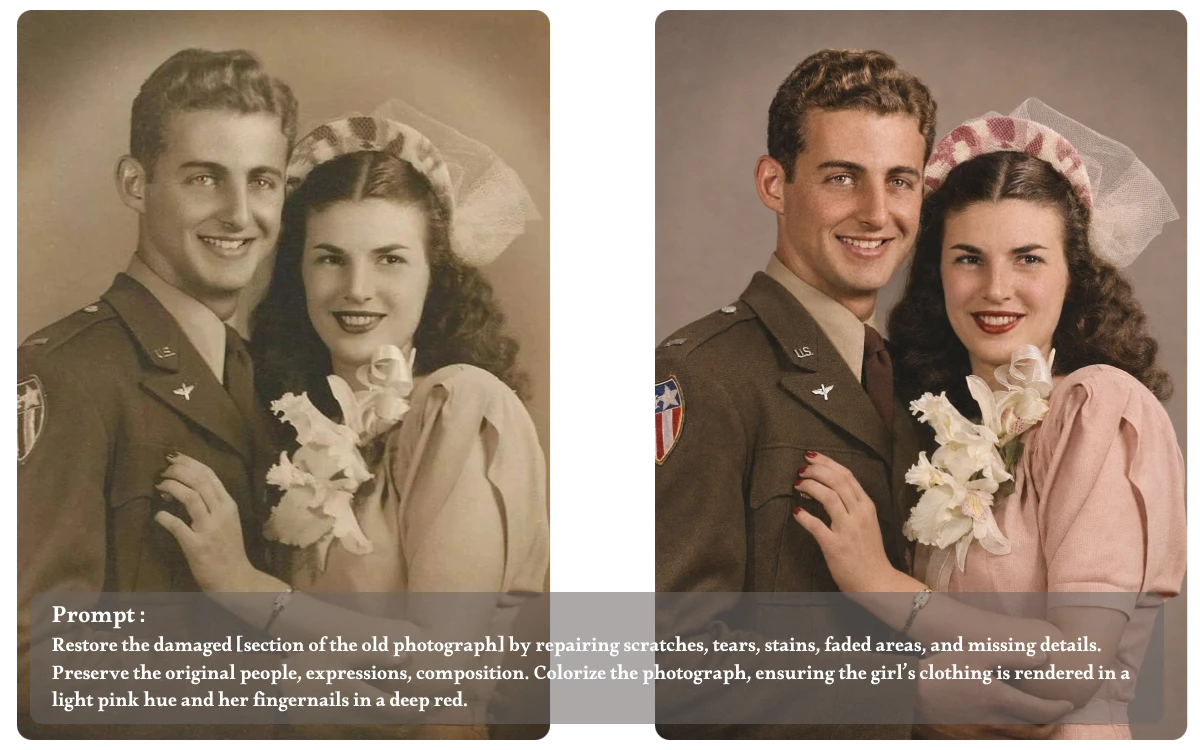
"Before our family reunion, I found my grandparents' wedding photo with deep scratches and faded faces. Using AI old photo restoration, I improved the picture and printed a clearer copy for our family memory table."
Blogger
"One of my students brought a torn photograph of his great-grandparents for our local history project. We used AI to fix old photos, creating a clearer visual reference for his presentation and helping classmates connect with the family's story."
History Teacher
"A client asked me to prepare several faded family portraits for a reunion slideshow. Instead of editing every image manually, I explored free AI photo restoration online and used custom prompts to guide the appearance of the restored pictures."
Freelance Photographer
AI Photo Restoration uses artificial intelligence to improve old, faded, blurry, or damaged pictures. Upload your photo and describe the changes you want. EzEditor analyzes the image and generates a restored version, helping improve visible details, colors, and overall appearance without manual editing.
AI Photo Restoration can help improve old photos with scratches, cracks, creases, dust spots, stains, faded colors, and blurry details. It can also enhance worn family portraits and aging scanned pictures, although results depend on the original image quality and the extent of the damage.
Yes. You can use AI to improve faded colors, reduce yellowish tones, and explore colorization for black-and-white photographs. AI-generated colors are interpretations rather than guaranteed reproductions of original colors.
AI Photo Restoration aims to preserve the original people, facial features, expressions, and overall composition while improving image quality. However, AI-generated details may still differ slightly from the original.
Upload scratched, stained, faded, torn, or blurry photos. Use AI to restore old photos and bring damaged memories back to life. JPG, JPEG, PNG, WEBP · Max 24MB per image · Up to 5 images
Yes. EzEditor lets you restore old photos with AI online without creating an account or logging in. Free users receive 5 credits daily, which refresh the next day. You can upload an old photo, customize your restoration prompt, generate an image, and explore the available features.
Whether you're fixing scratches, improving blurry portraits, or refreshing faded photographs, EzEditor makes photo restoration more accessible. Start restoring your favorite pictures and keep their stories alive.