
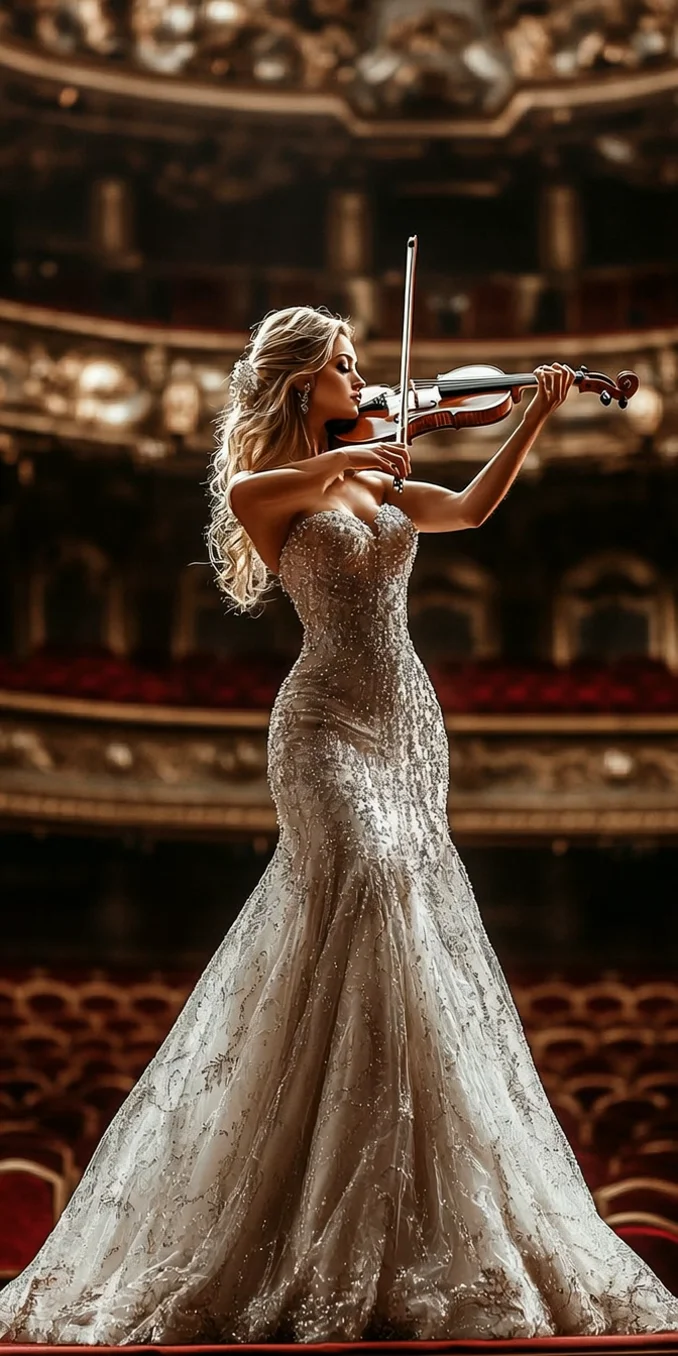
Free Image to Video AI: Make Your Photos Move
Create professional, cinematic videos from photos with image to video AI. Our free AI image to video generator offers fast, flexible creation and watermark-free downloads, with intuitive controls for beginners and professionals alike.
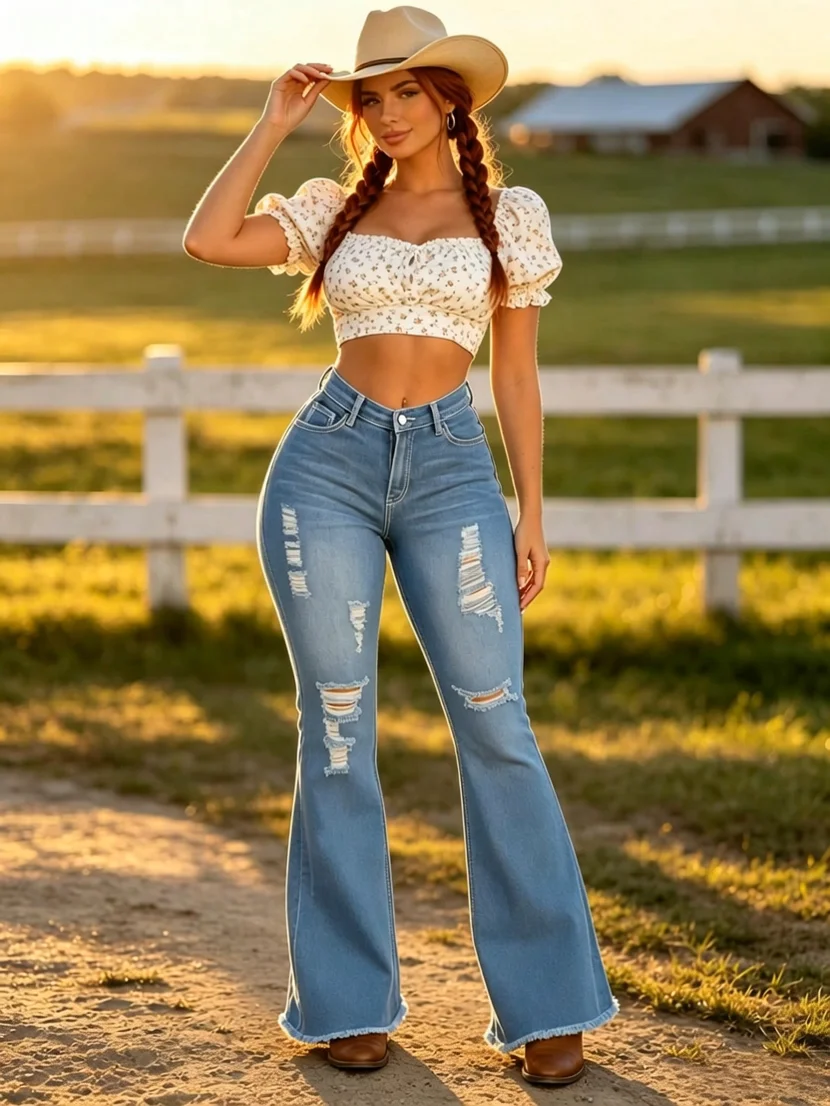
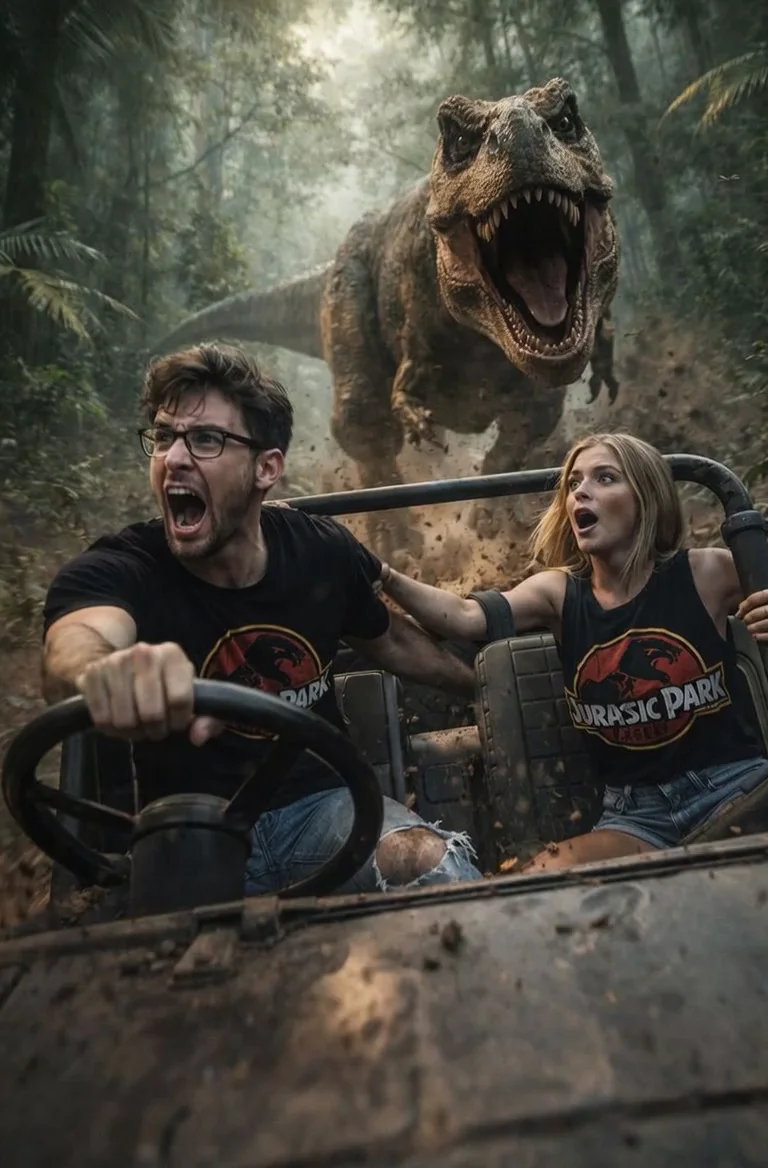
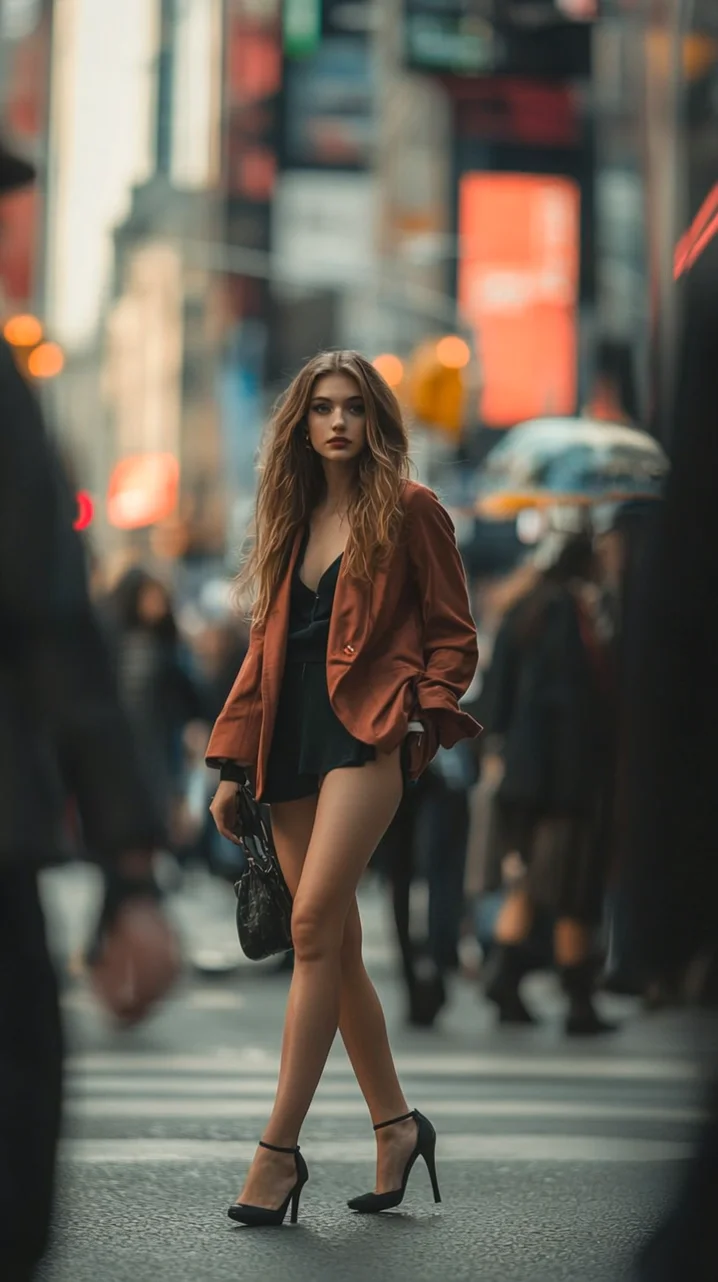
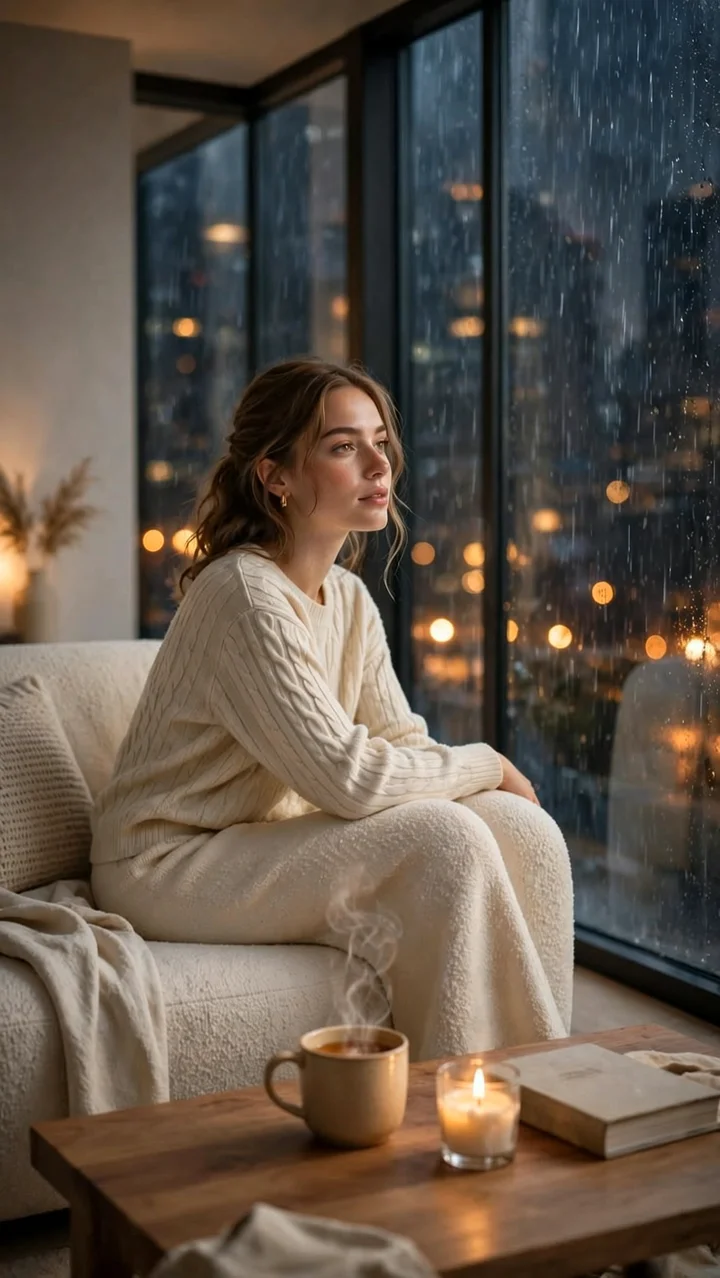
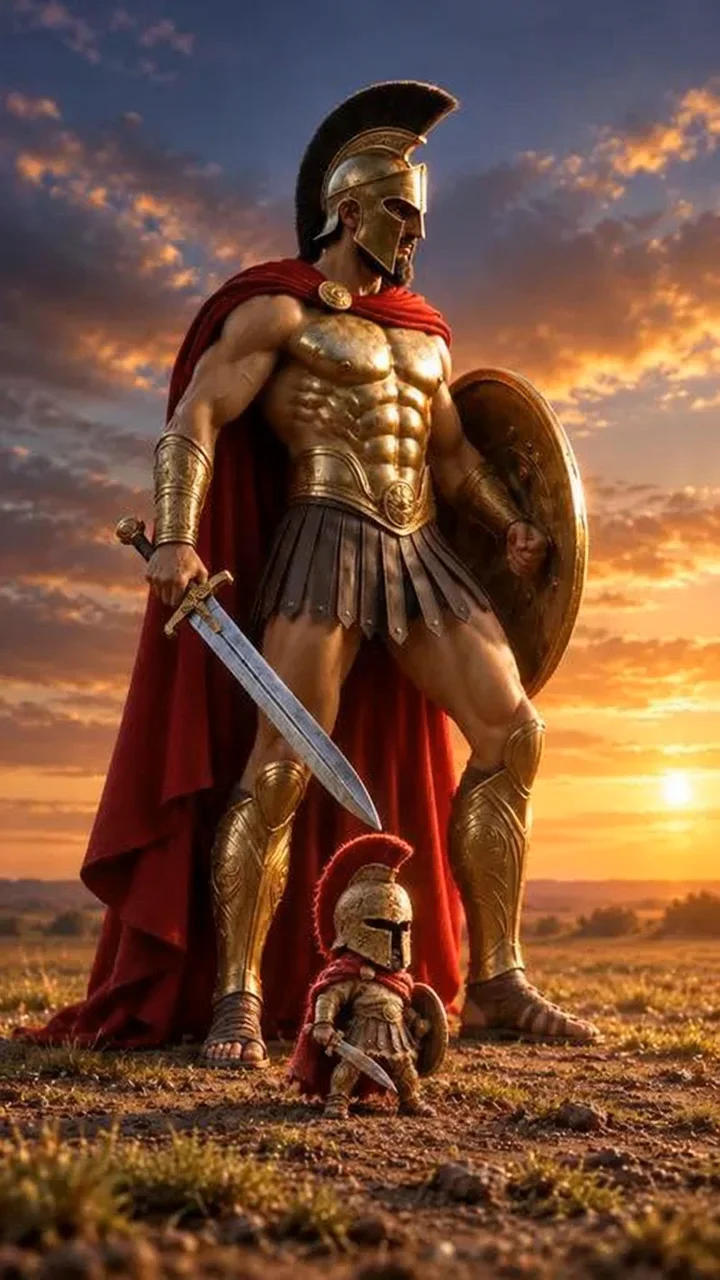
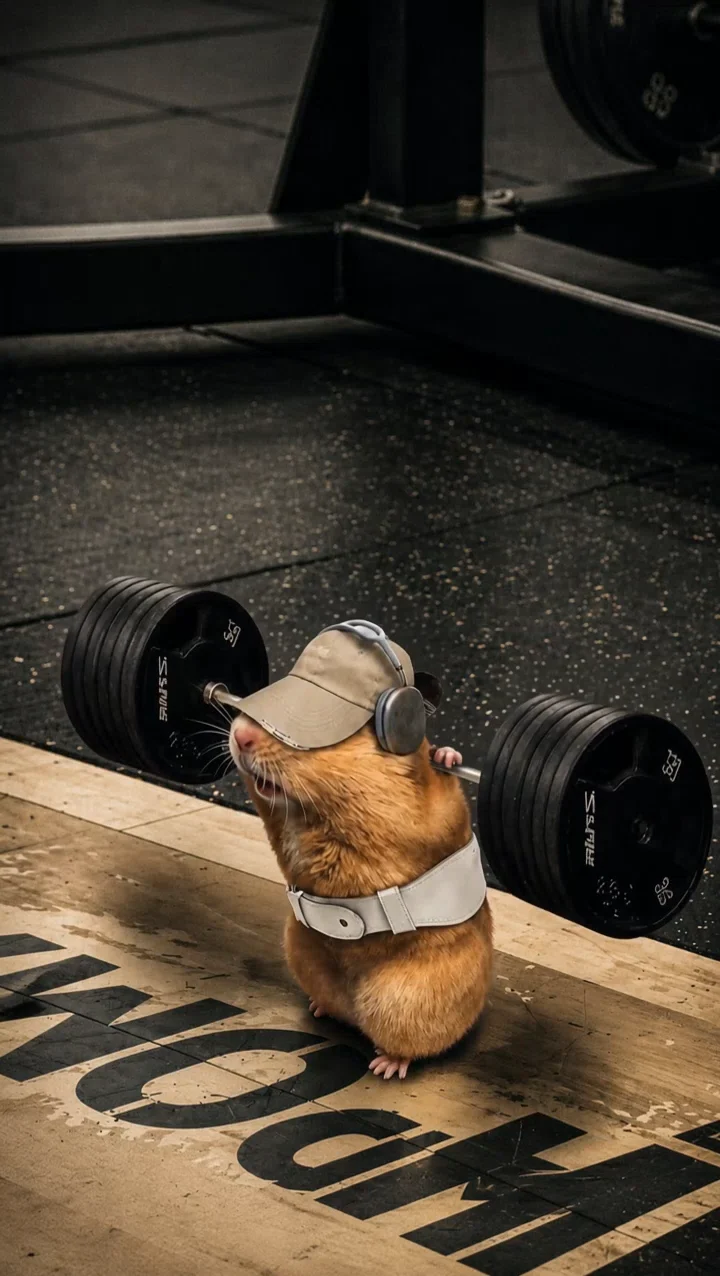
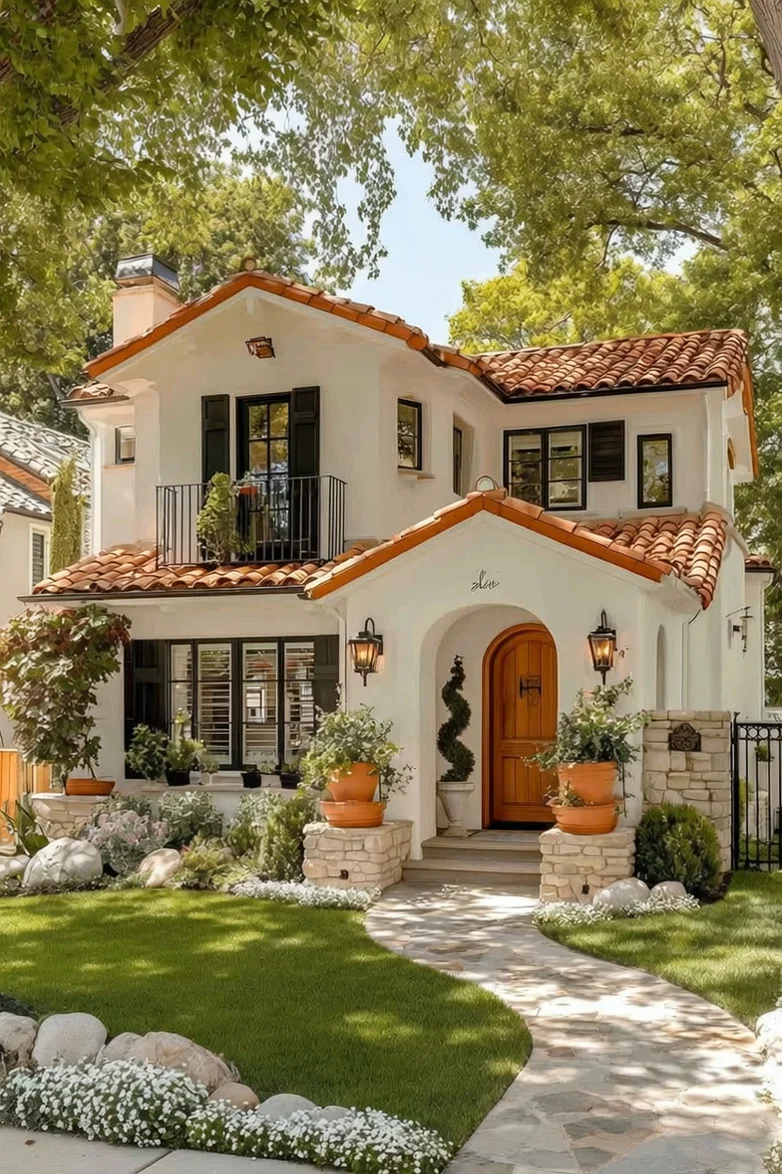
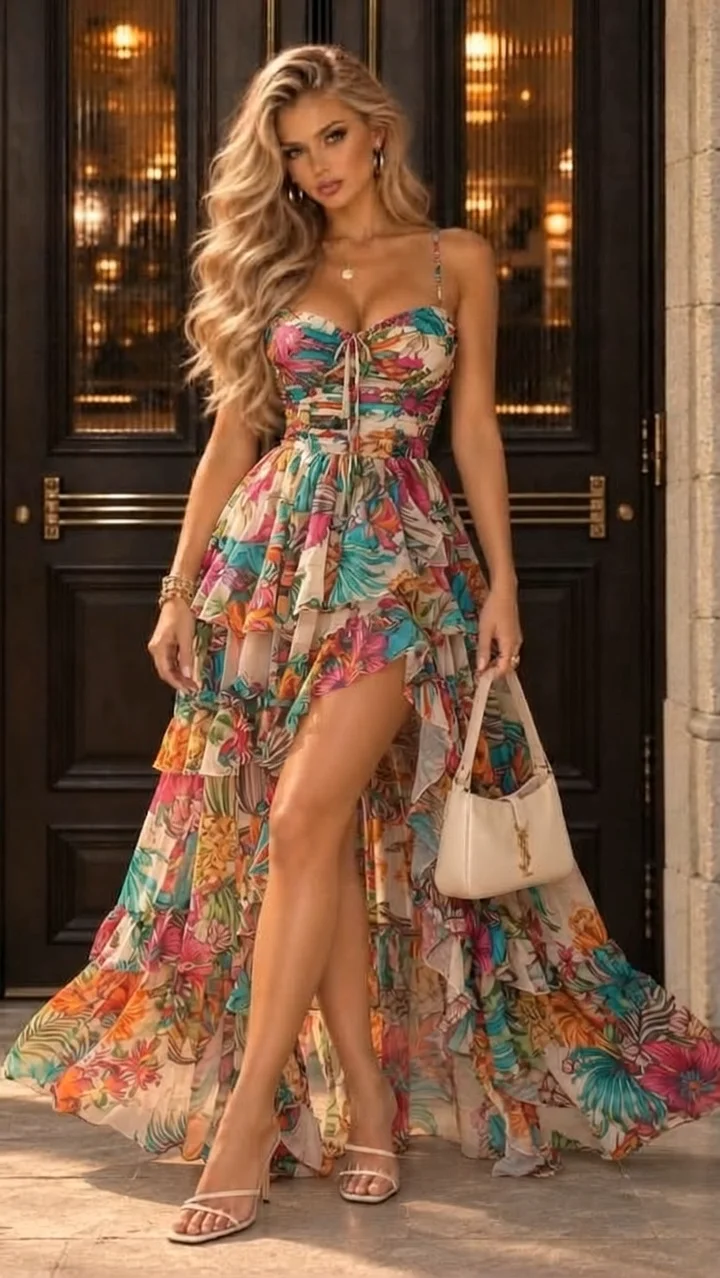
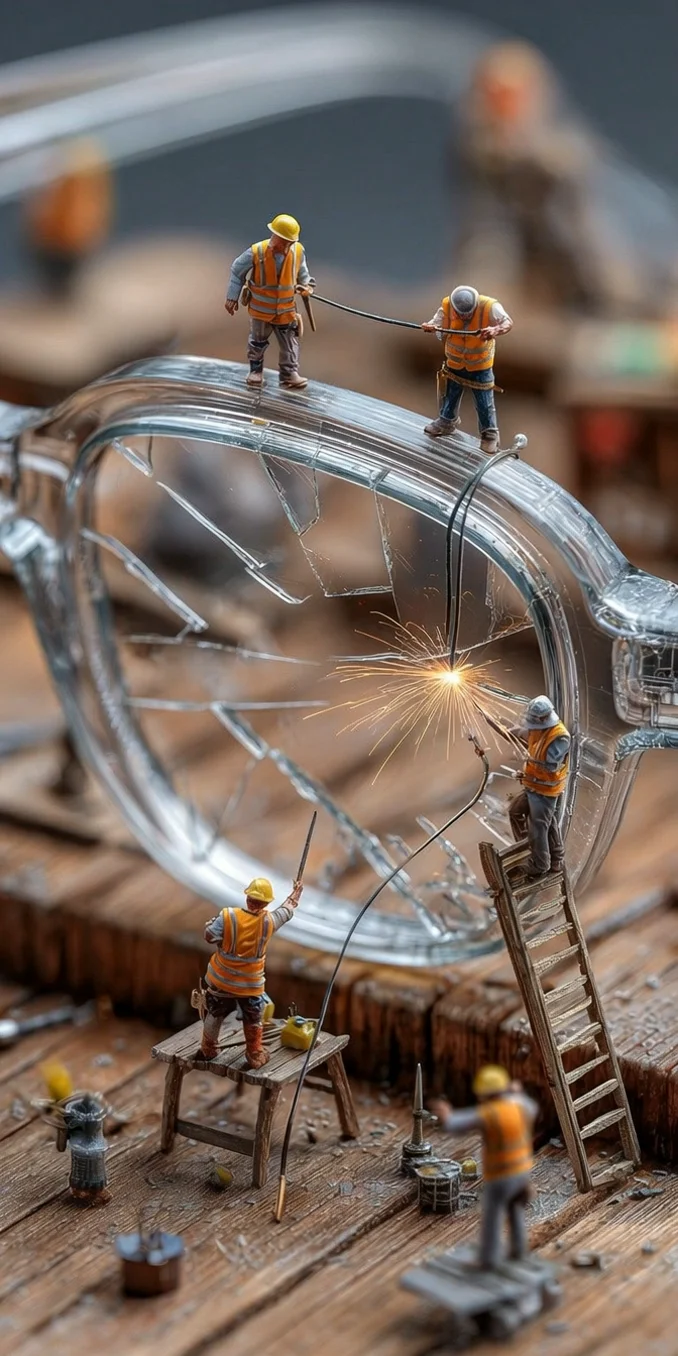
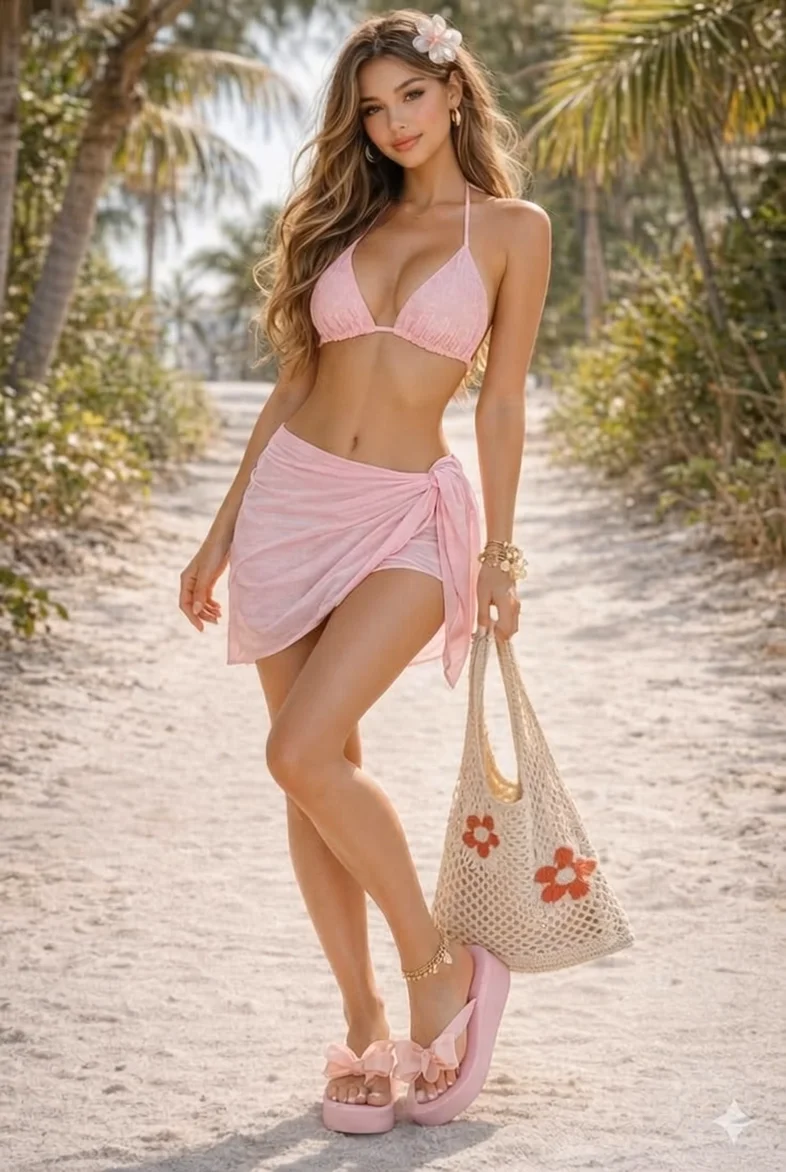
Image to Video AI Generator: Creative Examples
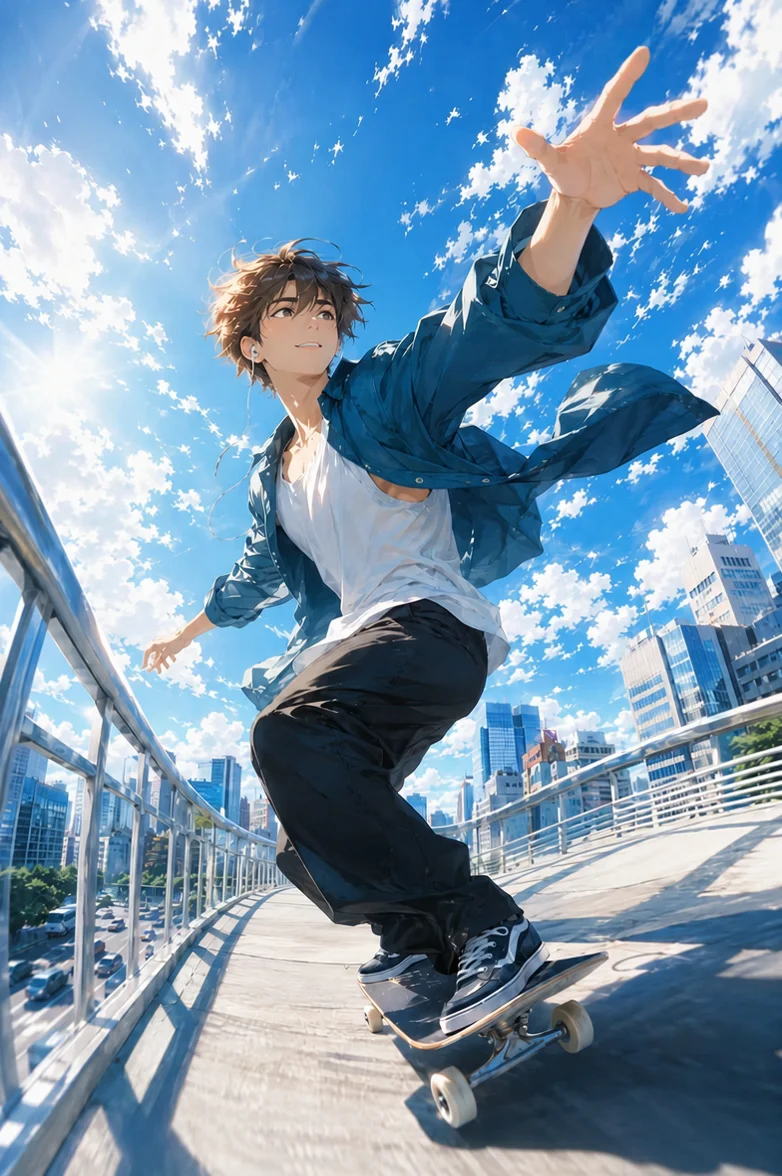
Artwork That Keeps the Story Going
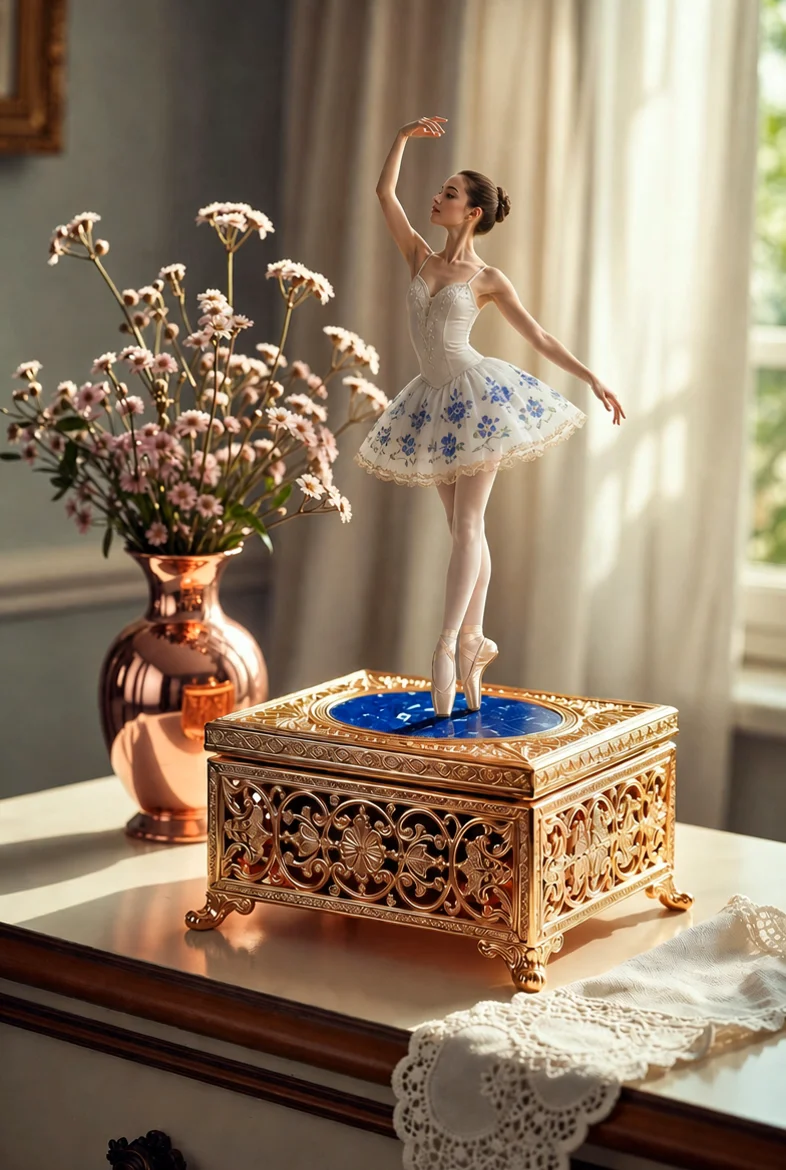
A Little Mechanical Show
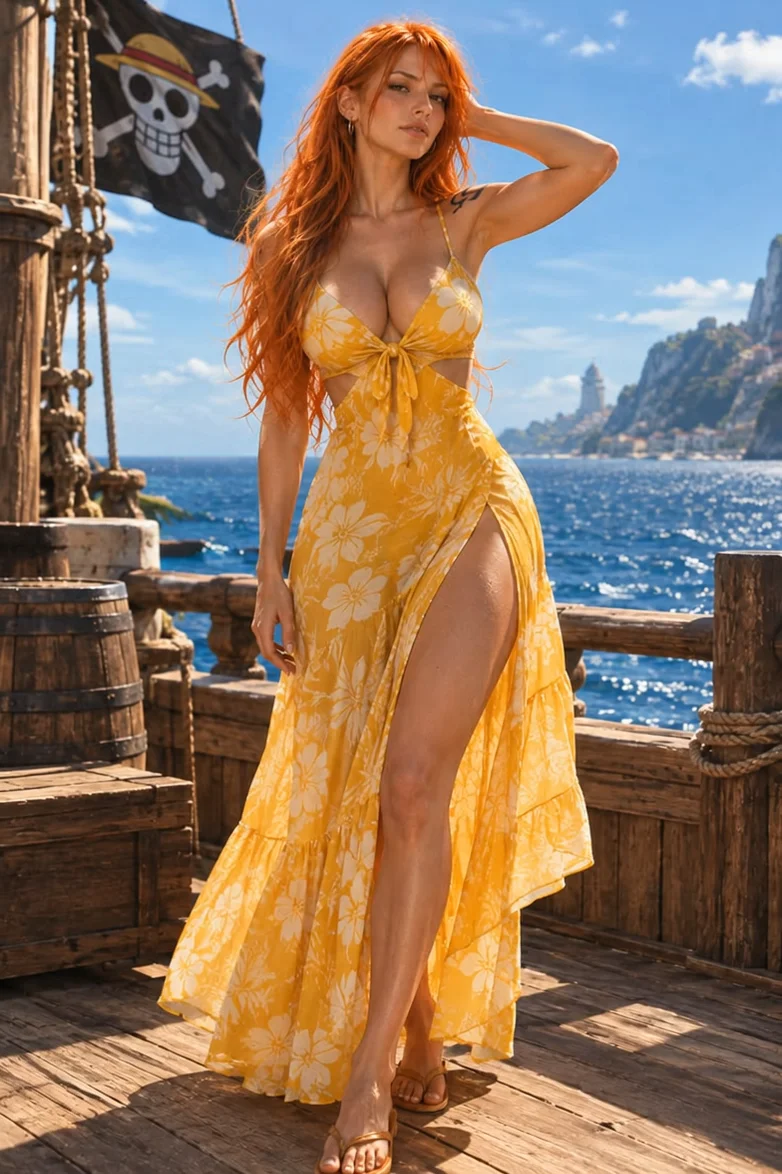
Sway to the Rhythm
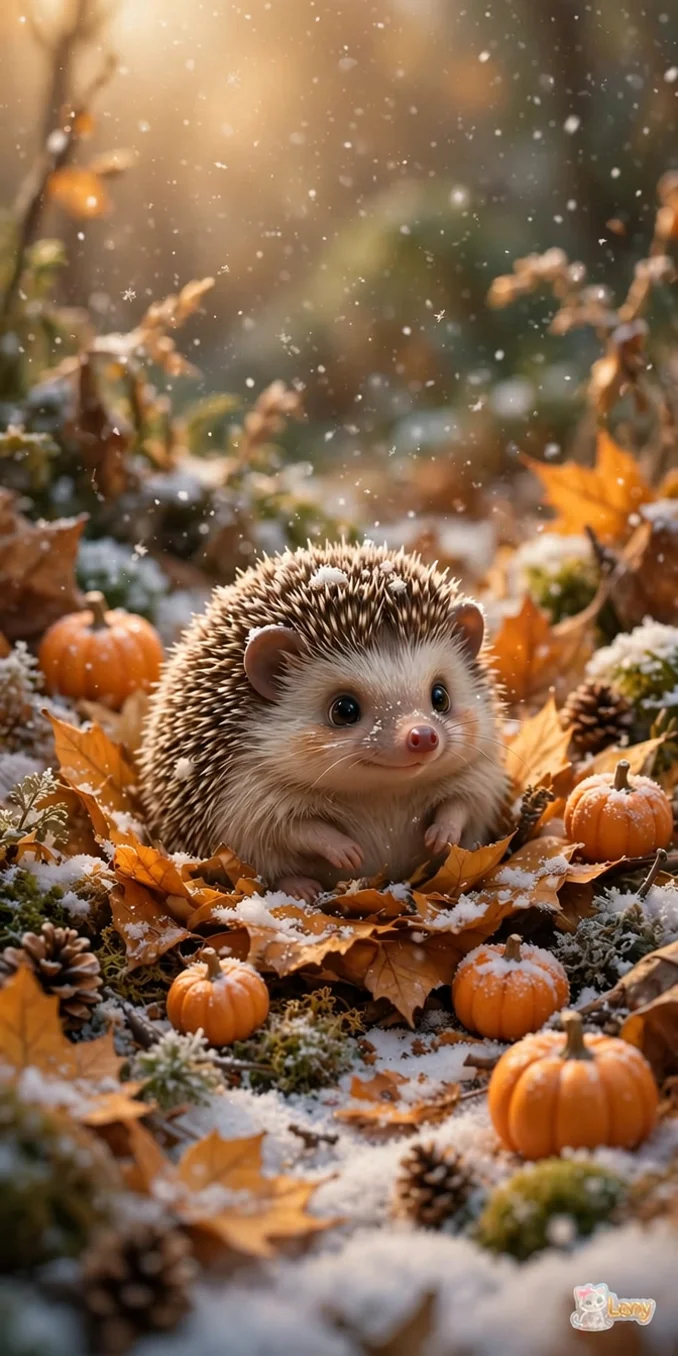
Little Animals, Big Charm
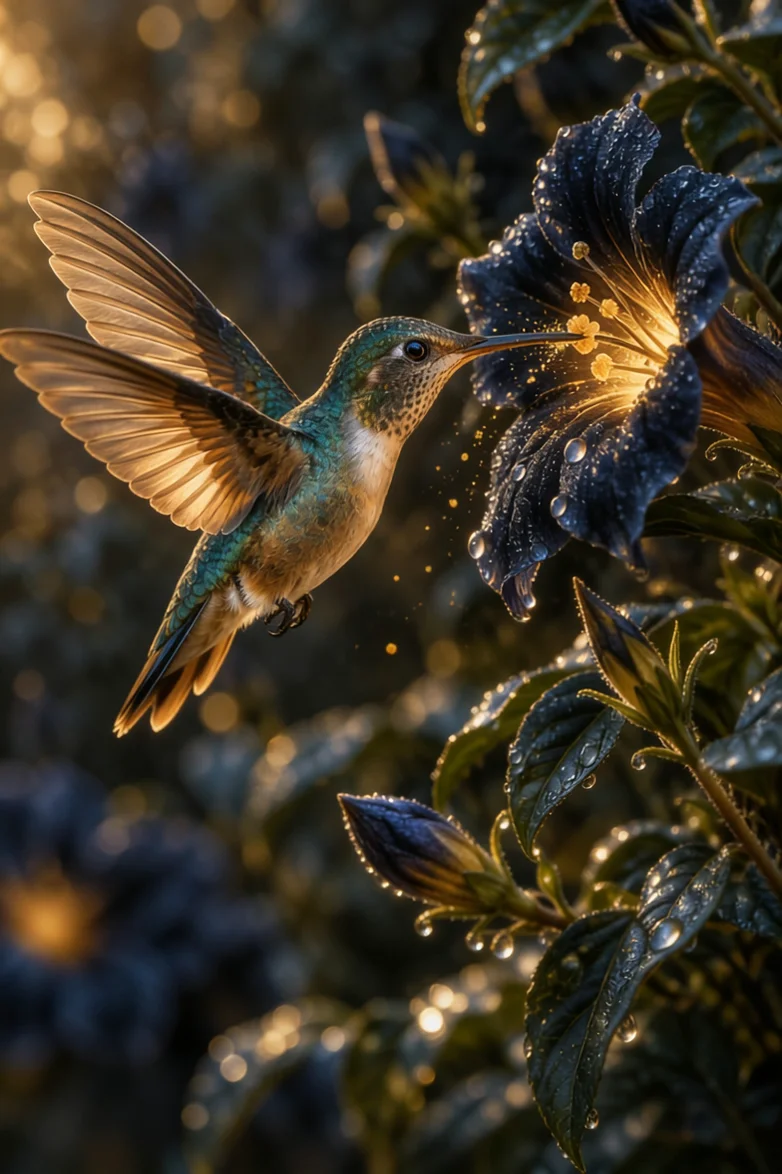
A Wildlife Moment in Motion
How to Create a Video from Photos in 3 Steps
Learn how to create videos with images in three simple steps: upload a photo, describe the motion, and generate your clip.
Step 1: Pick Your Starting Image
Upload, paste, or drag in a JPG, JPEG, PNG, or WEBP image up to 24MB. A portrait, illustration, product shot, or travel photo makes a great starting point.
Step 2: Give the Scene a Direction
Tell the AI what should move and how the camera should move. Choose a model, video length, resolution, and audio setting to match the scene you have in mind.
Step 3: Make It Move and Save It
Select Generate Video and watch your image become a moving scene. Preview the clip, download your favorite version, and share it wherever your story belongs.
AI Video Generator from Images with Custom Prompts
Direct the Scene with Your Own Words
Your photo sets the scene. Your words direct the action. With image to video AI, you can describe a boxer throwing a punch, a dancer moving to the beat, or a camera following the subject. Our AI image to video generator uses your prompt to animate the starting image. Describe the moment you imagine, then watch it unfold.
Create Video from Image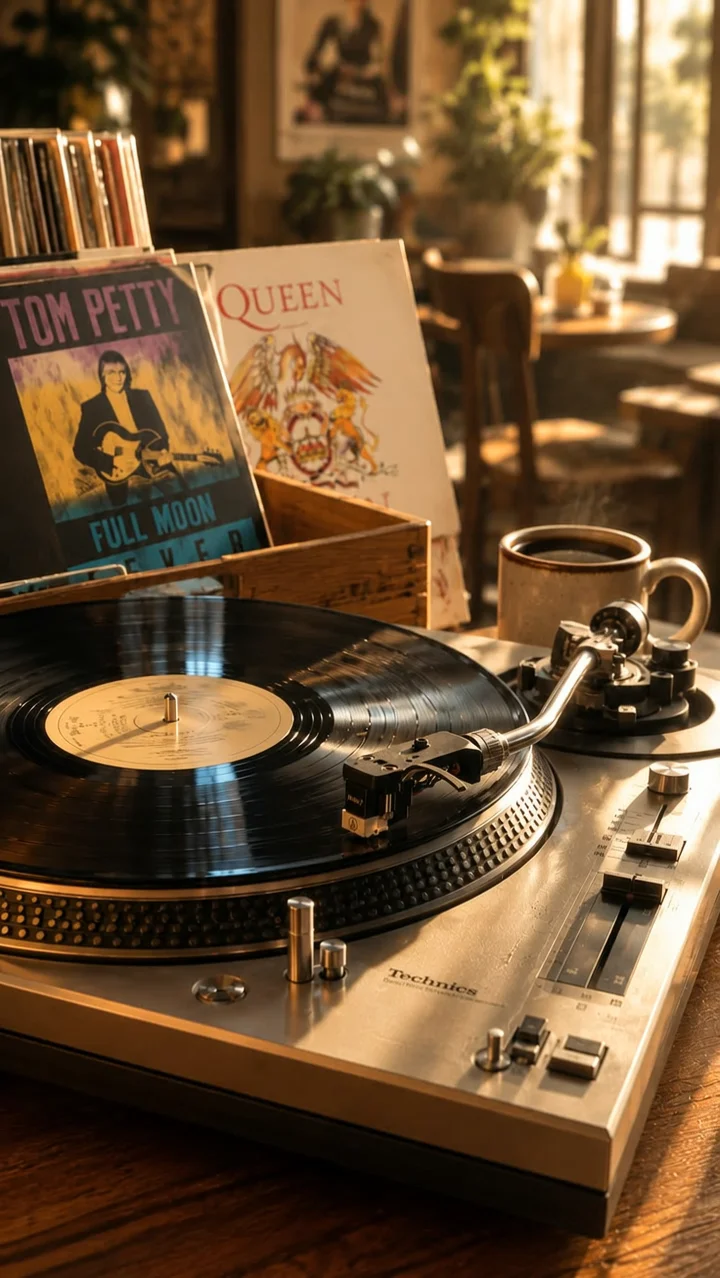
Choose the Pace, Detail, and Sound
Create videos lasting 5–16 seconds with Basic 1.0 or 5–30 seconds with Creative 2.0. Choose a resolution up to 1080p and turn generated audio on or off. Adjust the settings to match the pace and mood of your scene.
Create Video from Image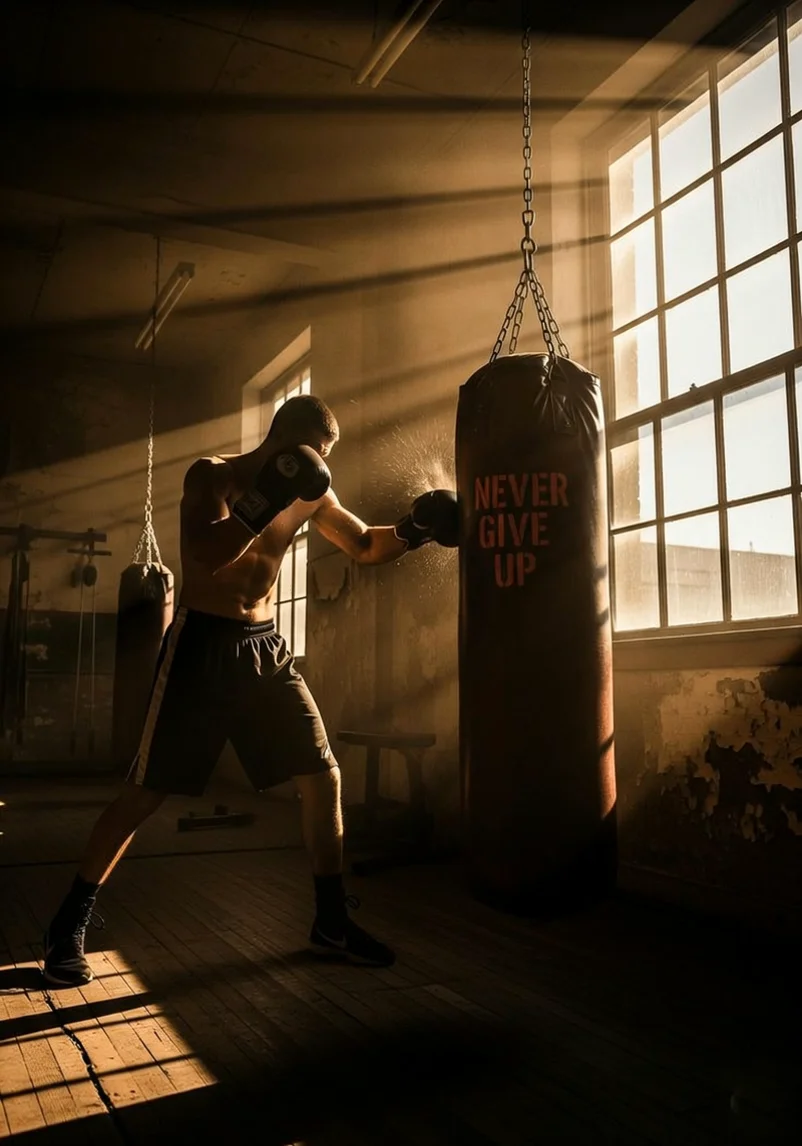
Create Your First Video with Photo to Video AI for Free
Have a photo and a few words in mind? That is enough to get started with our free AI image to video generator. Create right in your browser, with no video software to install and no timeline to build. From a personal memory to a new post, photo to video AI gives the images you already have a new way to tell their story.
Create Video from Image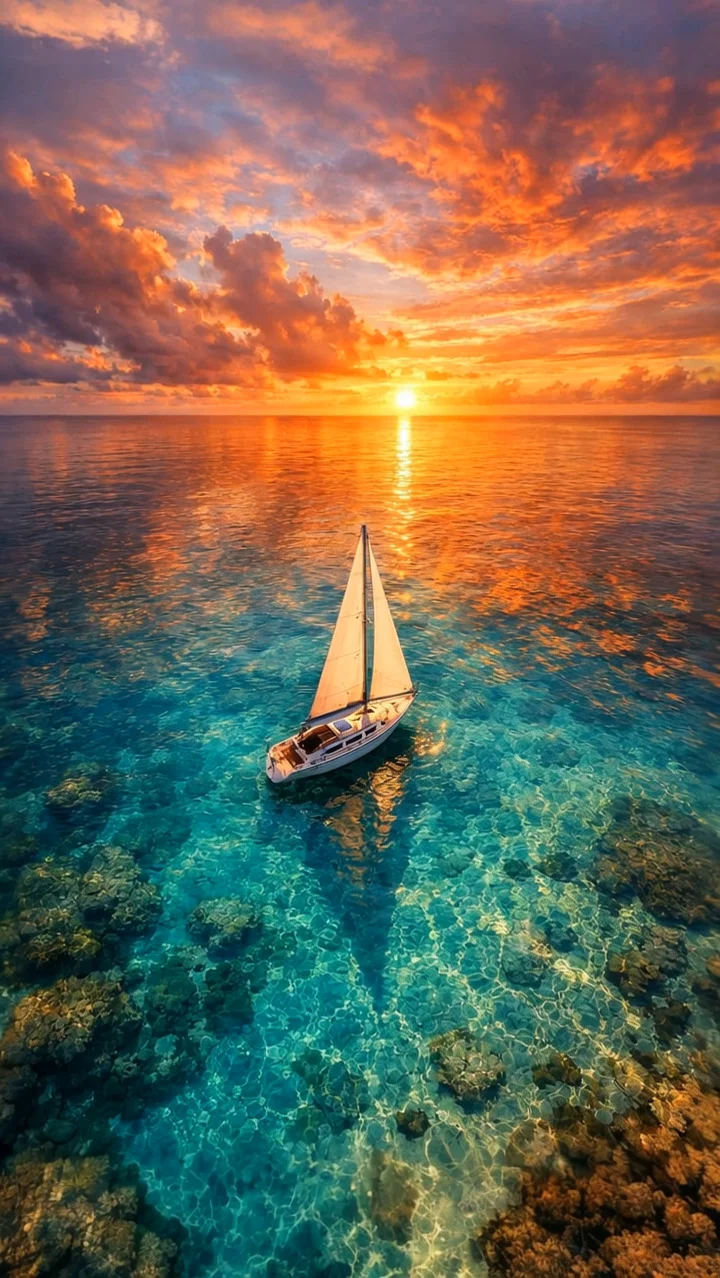
Photo to Video AI: Example Creator Stories
These fictional creator stories illustrate possible ways to use EzEditor.
"I wanted to do more with a sunset photo from my trip. I described the clouds moving and the camera drifting forward. Image to video AI gave me a short scene I could add to my travel reel without building an edit from scratch."
MR
Maya R.
Content Creator
"I already had the product photos for a new collection. With this AI image to video generator, I could turn one of them into a simple reveal for our launch post. Choosing the video length and describing the camera movement helped me create the product reveal I had in mind."
DL
Daniel L.
Online Store Owner
"A photo of our morning coffee became a little scene with rising steam and a slow camera move. I liked being able to describe the feeling in everyday words and make something new from a picture we already used on our menu."
SM
Sophie M.
Cafe Owner
AI Image to Video Generator Online: FAQs
It creates a moving scene from a still image. Your photo provides the starting point, and a text prompt guides the subject action, atmosphere, and camera movement. EzEditor brings those inputs together in a short video you can preview and download.
Yes. You can get started for free and create your first video from a photo online. Upload an image, describe how it should move, and bring your idea to life right in your browser.
Start with one image, then write a prompt describing the motion. Choose your video length, resolution, and audio setting, and select Generate Video. When the result is ready, play it in the preview panel and download the version you want to share.
You can upload JPG, JPEG, PNG, and WEBP files up to 24MB. Select a file, paste an image, or drag it into the page. Portraits, product photos, artwork, and landscapes all give you different starting points for animation.
Describe what the subject should do, then add a camera direction. For example: “The boxer throws two punches at the bag, then steps aside as it swings back. Keep the camera steady.” A clear sequence helps image to video AI follow your idea.
Preview your finished video, then select the download button to save it to your device. You can also download it again from History within 7 days. Save a local copy before the history entry expires.
Free Image to Video AI: Create Your First Clip
The image is already yours. Now make it move with image to video AI. Add a few words, shape the scene, and create your first video for free.