Multi-Model AI Engine
Choose from EzEditor, GPT Image 2, Seedream 5 Pro, and Nano Banana 2.1 to match your creative needs.
Edit and transform photos for free with multiple AI models, ready-made prompt templates, and custom instructions.
Model
Image
0/5
Prompt
Ratio
Resolution
Resolution






Choose from EzEditor, GPT Image 2, Seedream 5 Pro, and Nano Banana 2.1 to match your creative needs.
Upload reference images to blend visual styles, combine creative ideas, and guide your results with custom prompts.
Your uploaded images are handled with privacy in mind and are not used beyond the intended editing process.
Start editing for free without creating an account. Explore AI photo editing with no sign-up or lengthy setup.
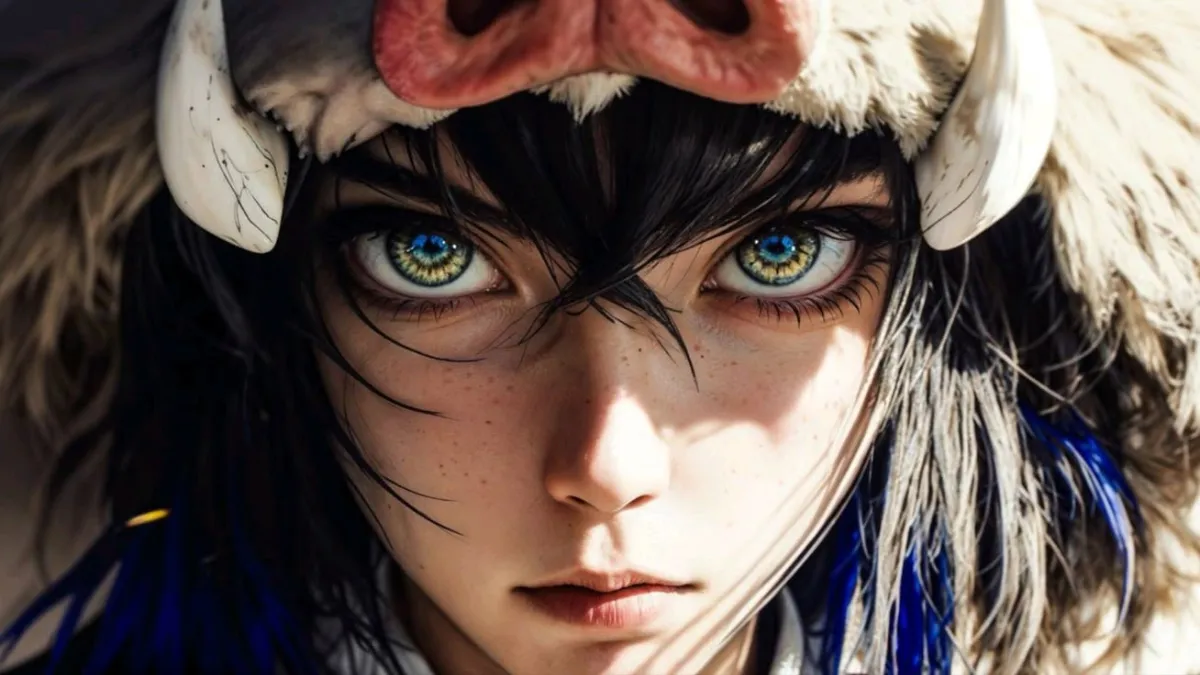
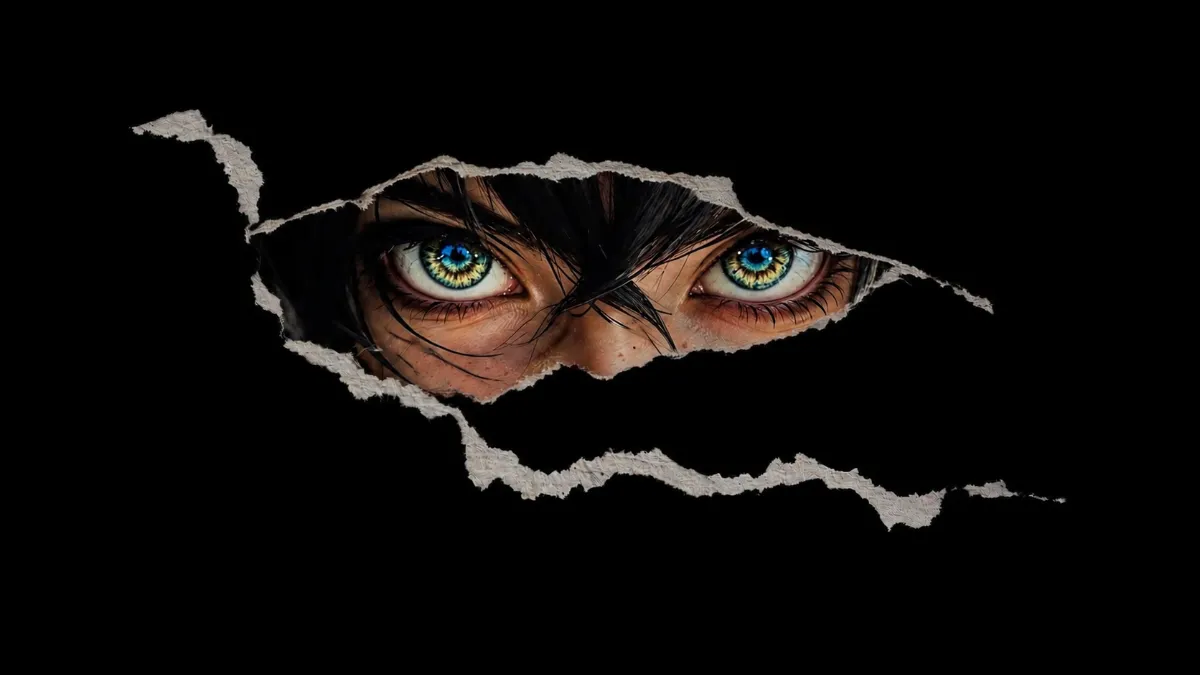
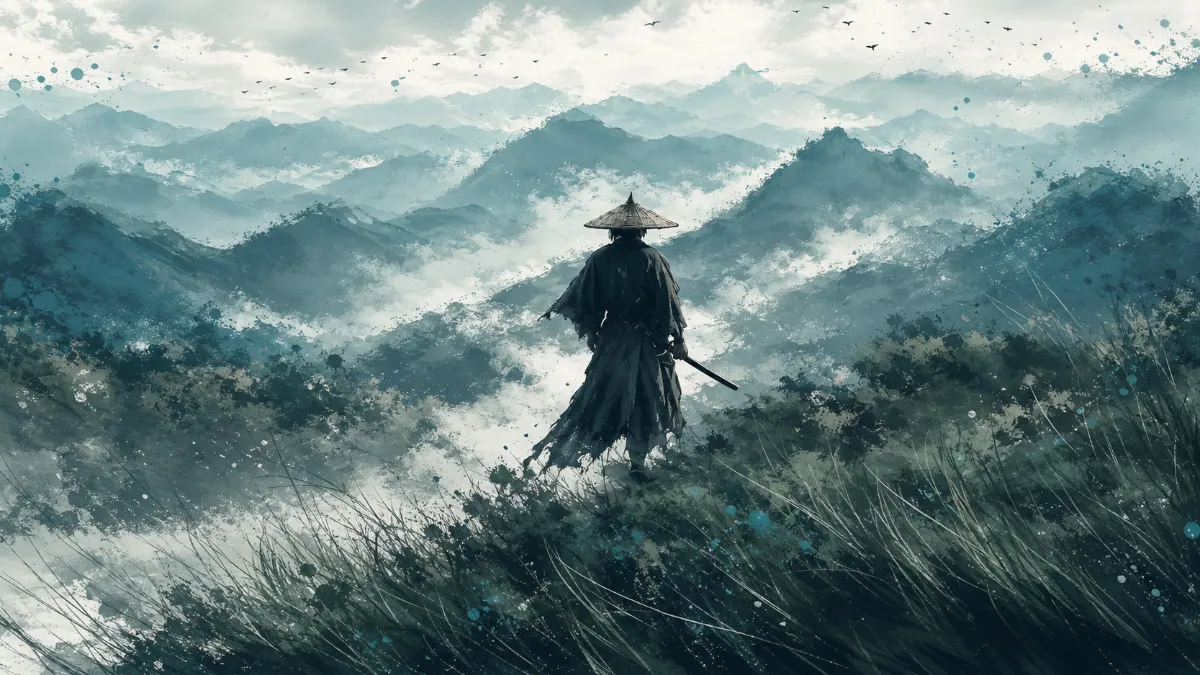
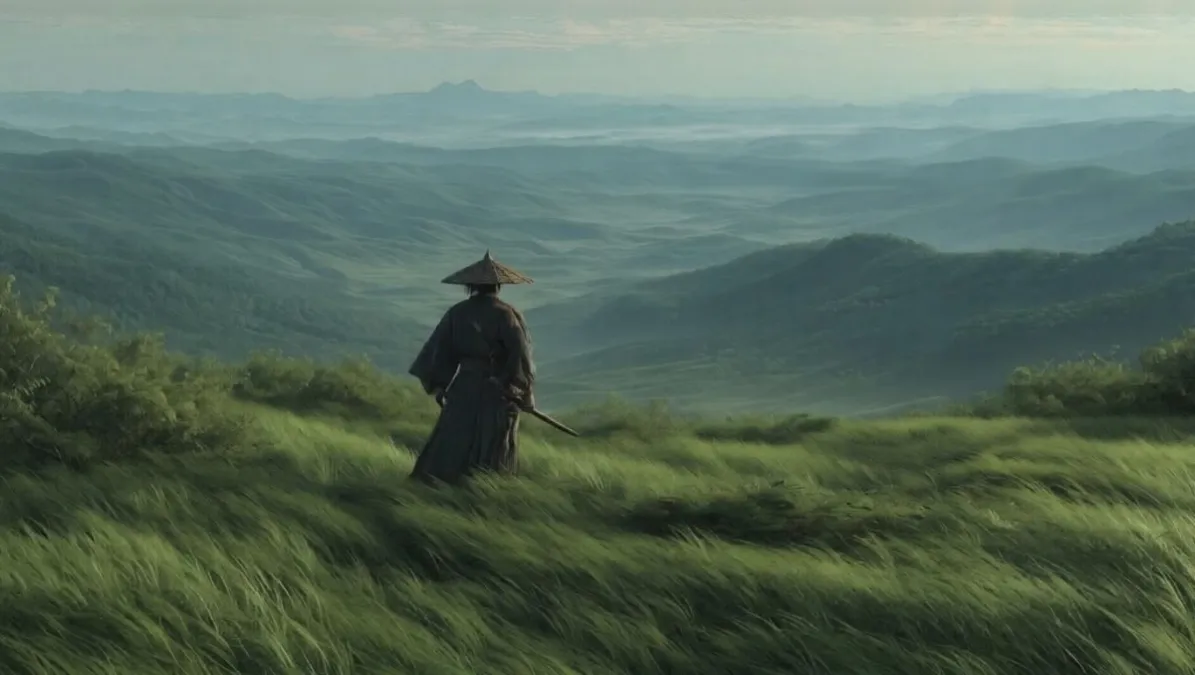


Drag to compare
Upload up to 5 JPG, JPEG, PNG, or WEBP images, with each file up to 24MB, to start editing with EzEditor's AI Image Editor.
Choose your preferred AI model and use a preset prompt template or write custom instructions to edit images and bring your creative ideas to life.
Generate your edited images, adjust your prompts to refine the results, and download your final creations when you're satisfied.
Skip complicated editing steps with an AI image editor with prompt controls. Choose a preset template or describe exactly what you want to change, such as a product background, clothing color, lighting, or visual style, then select an AI model to generate your edit.
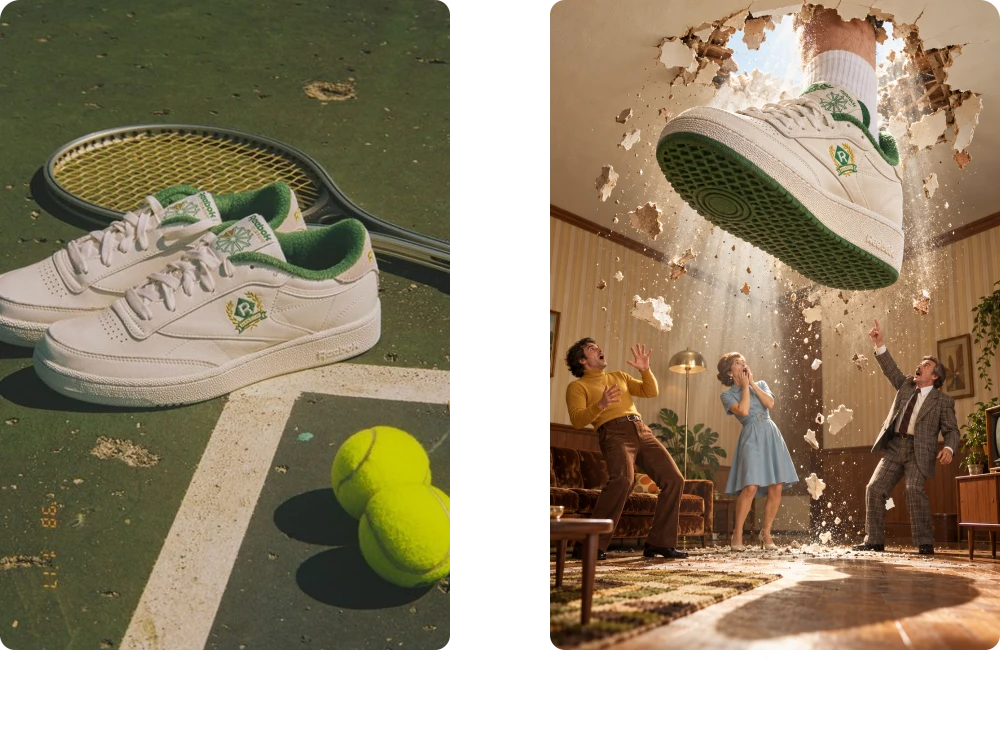
When one image cannot capture the style you want, upload up to five references to guide your creation. EzEditor lets you combine visual inspiration with custom prompts, helping an AI Image Editor interpret your preferred aesthetic, product look, or creative direction more clearly.
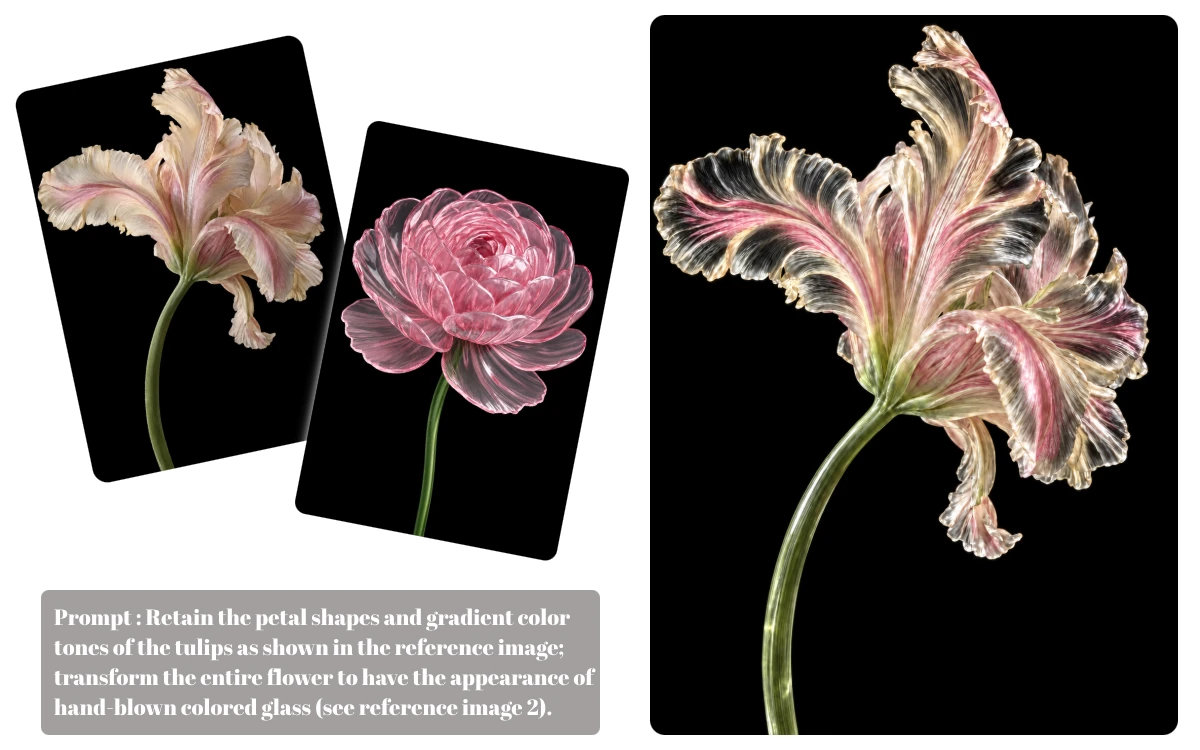
Keep working with the photos you already have instead of recreating every asset. With AI Photo Editor features, upload an existing image and describe changes to its background, objects, or overall style. Choose from multiple AI models to explore different results for your project.
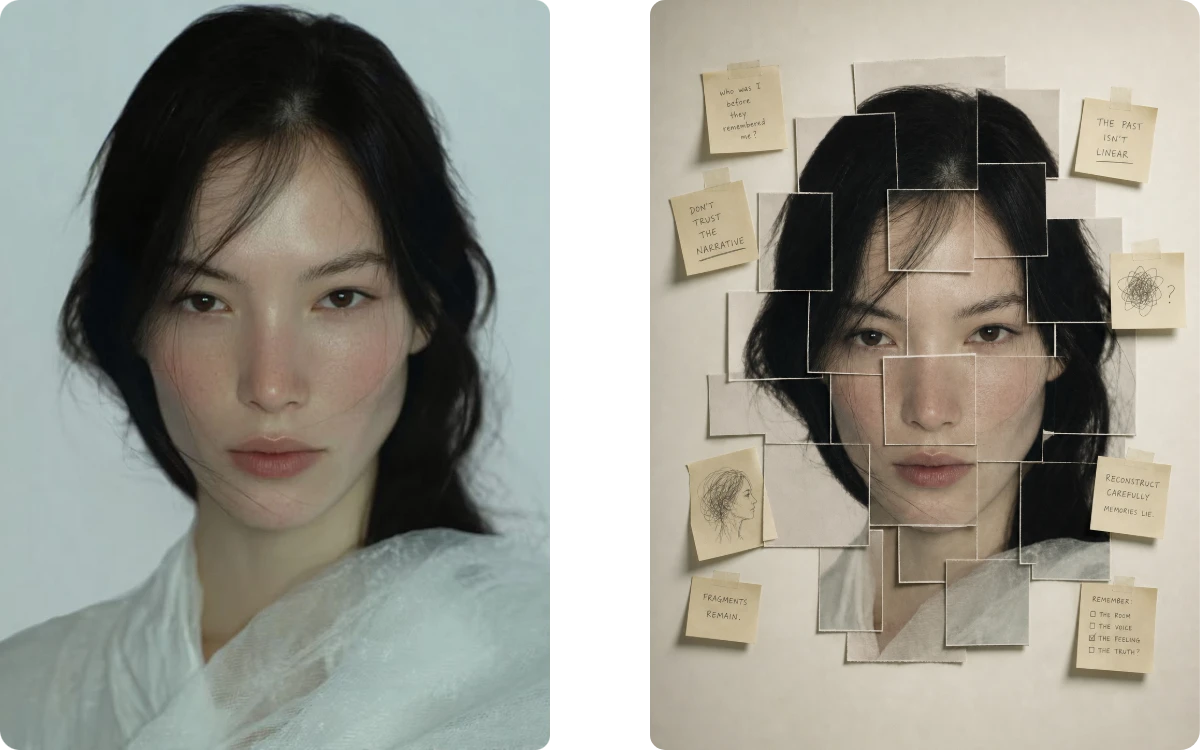
The first result may not match every detail you imagined. Use EzEditor as a free AI image editor online to adjust your prompt, clarify the lighting or style you want, and generate a refined version. Download the result once it fits your needs.
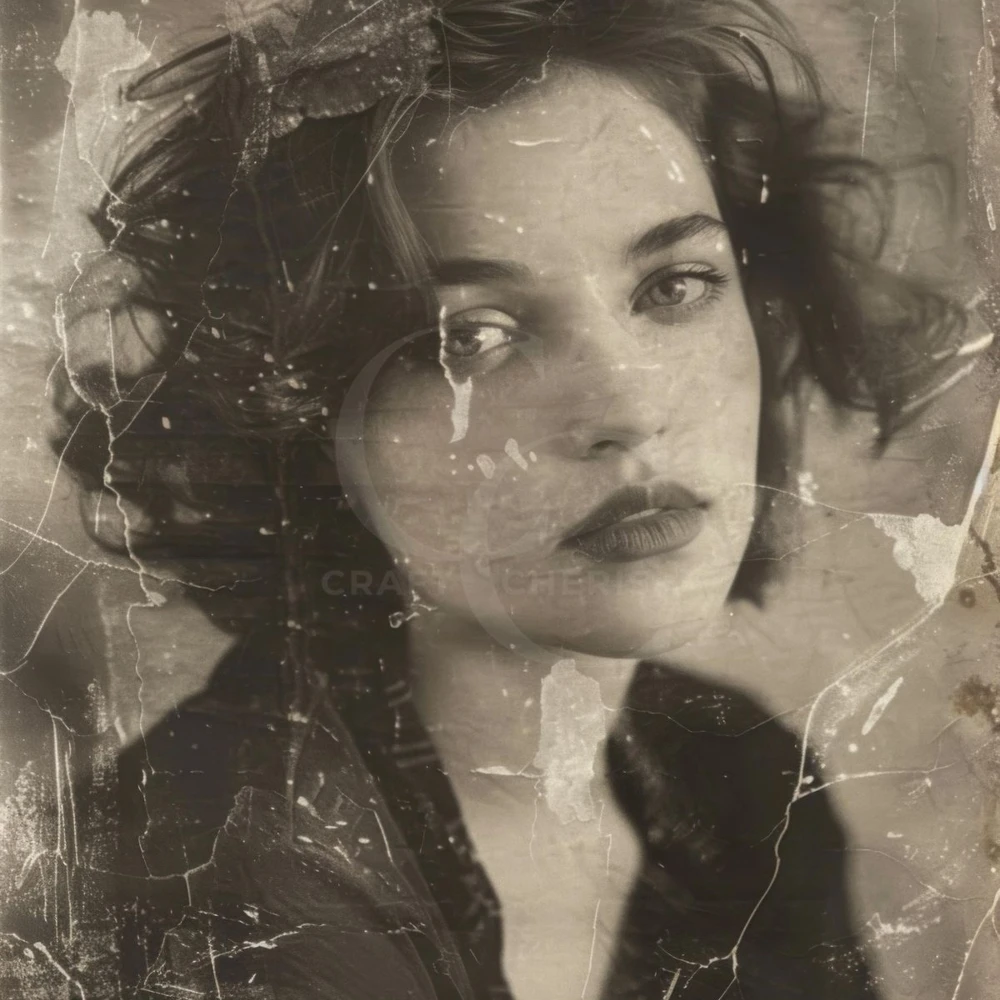
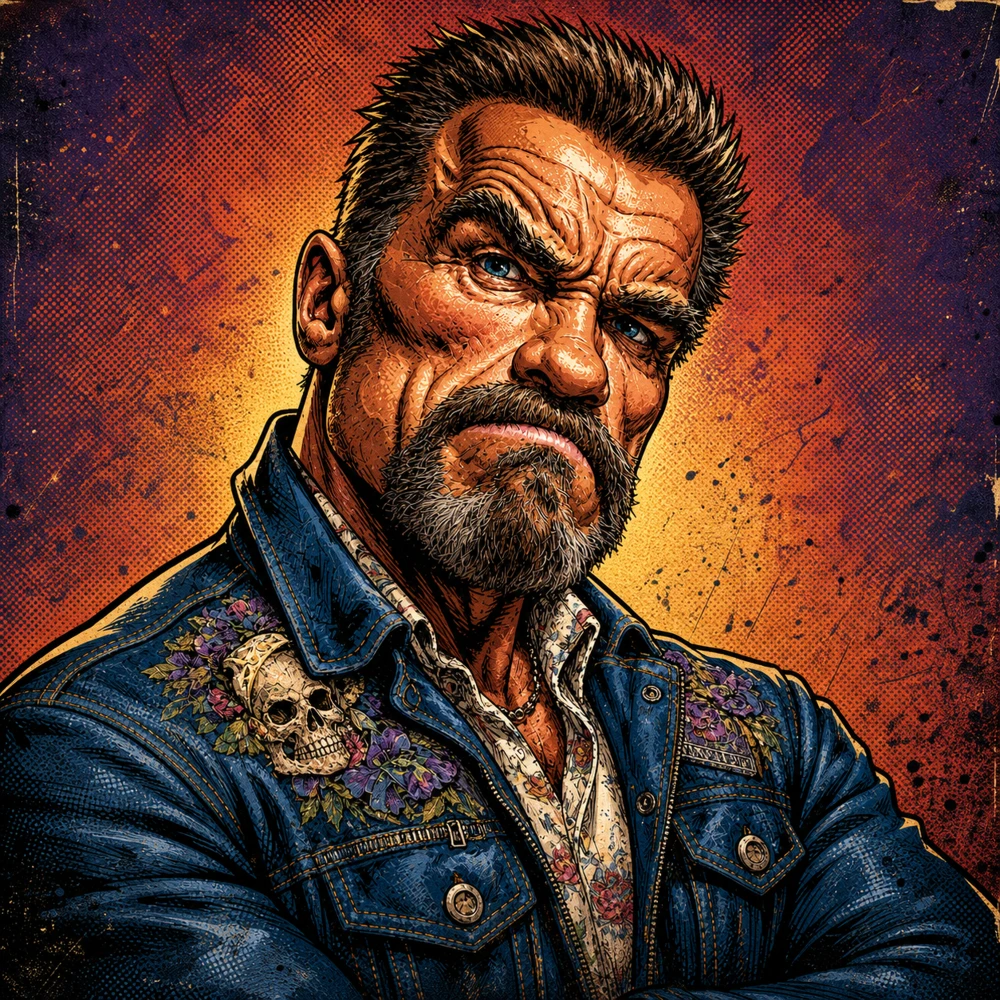
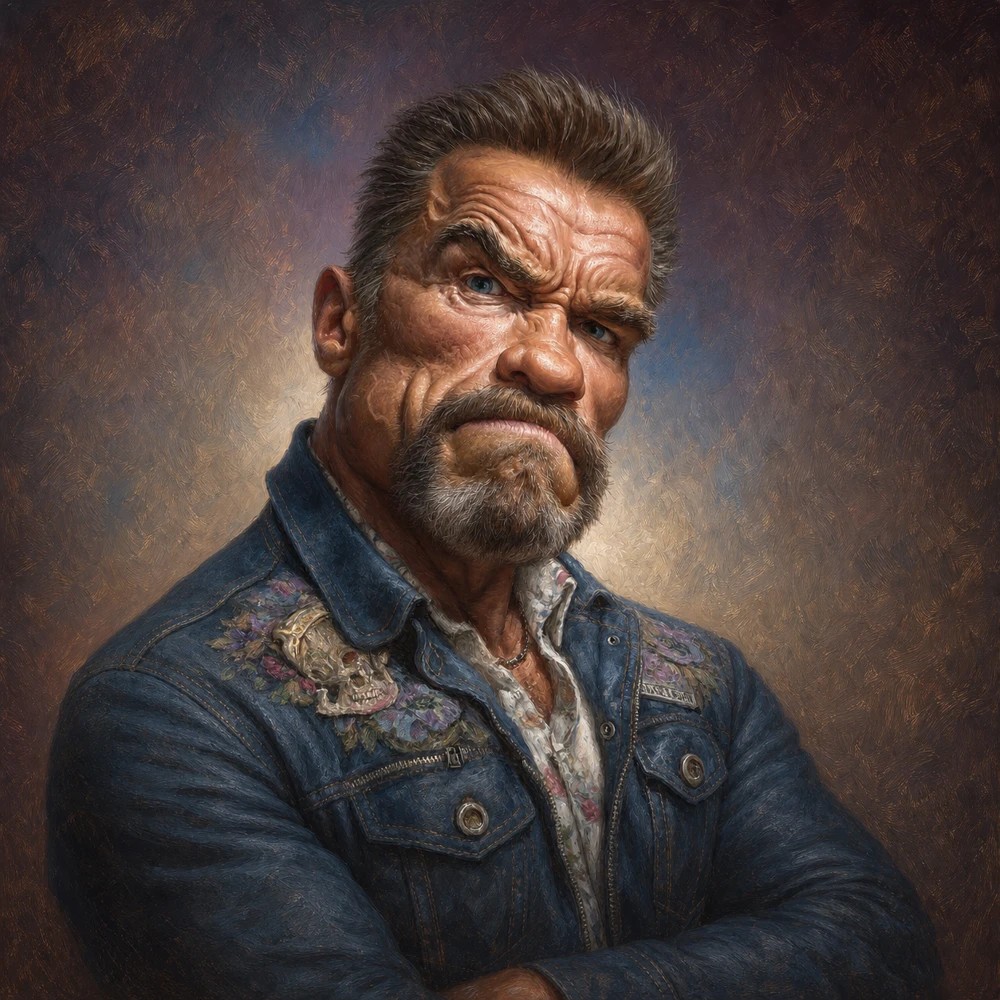


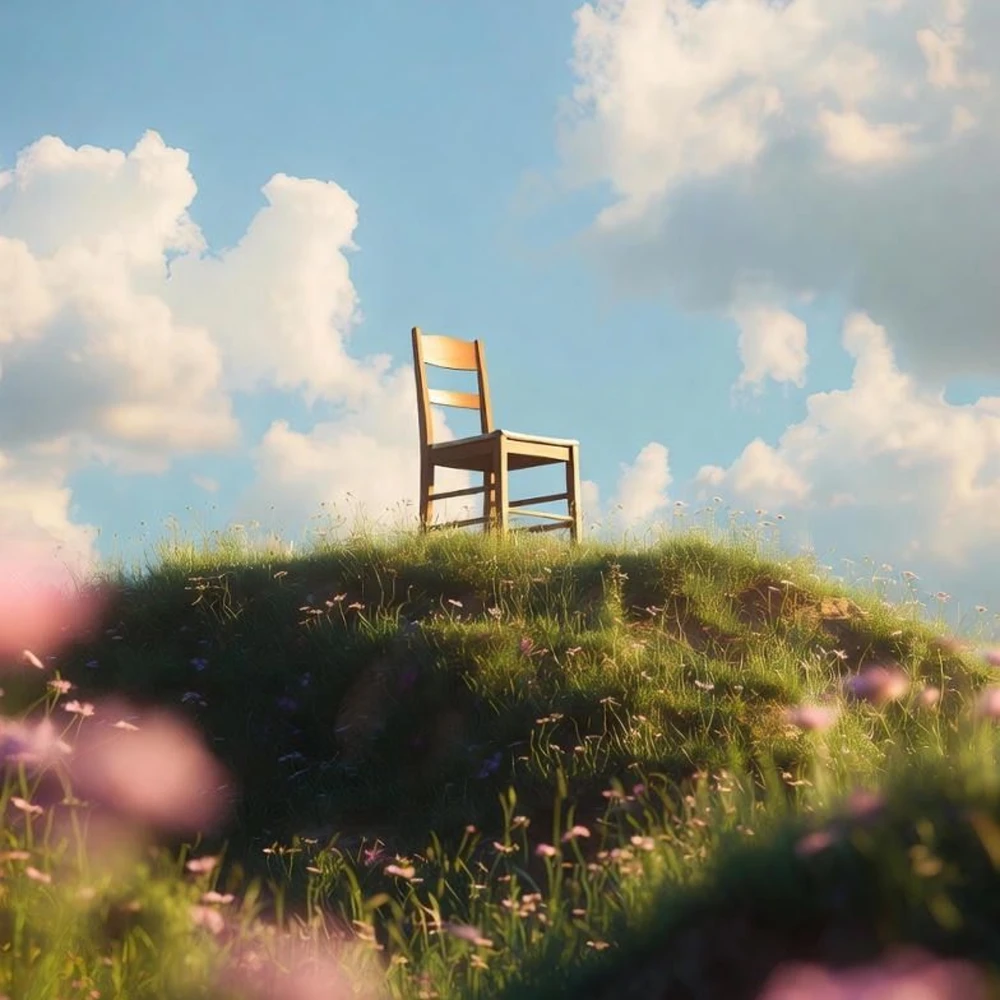




"Before launching my spring collection, I needed cleaner product backgrounds without reshooting every item. The AI Image Editor helped me refine several photos with text prompts, giving my product listings a more consistent look and saving preparation time."
Ecommerce Store Owner
"Our café had a last-minute lunch special, and the only photo I had was cluttered with napkins and random stuff in the background. I tried a free AI image editor online to tidy it up. Not a design masterpiece, but absolutely post-worthy."
Social Media Manager
"I regularly design restaurant menus and posters. EzEditor's high-resolution AI image editing keeps details crisp, and the watermark-free downloads are ready for printing without extra adjustments."
Graphic Designer
"I had one team photo to fix before putting it on our event page. Every extra signup feels like another password I’ll forget. The AI Picture Editor let me try a quick background change without creating an account first. Exactly what I needed."
Small Business Owner
An AI Image Editor is a tool that uses artificial intelligence to edit images based on text prompts or automated recognition. Instead of manually selecting objects or adjusting layers, you simply describe the changes you want, and the AI generates professional-looking edits in seconds.
Traditional editors require manual adjustments, masking, and advanced editing skills. Our AI Photo Editor automates these tasks with intelligent image recognition and text prompts, making complex edits like background replacement, object removal, or style transfer much faster and easier.
Yes. EzEditor is a free AI Photo Editor with no signup required. Every user receives 5 free credits each day, and your credits automatically refresh the next day, so you can continue editing images without paying.
No. EzEditor is a free AI Image Editor with no signup. You can upload an image and start editing instantly without creating an account.
Yes. Your uploaded images are processed securely and are not shared with third parties. We prioritize your privacy throughout the editing process.
EzEditor supports JPG, JPEG, PNG, and WEBP formats, making it easy to edit most commonly used images.
Yes. Batch Processing lets you apply the same editing settings to multiple images, saving time on repetitive tasks.
EzEditor is designed for creators, designers, marketers, ecommerce sellers, photographers, and anyone who wants to edit photos with AI quickly and easily.
Join thousands of creators using EzEditor's AI Photo Editor to transform ideas into stunning visuals. Start your first AI-powered edit in under 30 seconds—no credit card required.